Key Takeaways
- Ditch the Physical Studio: Use AI to generate on-brand backgrounds for jewelry photography without the cost and hassle.
- Master Realism: Elevate image quality with concepts like ambient occlusion, shadow consistency, and depth of field.
- Endless Inspiration: Quickly experiment with at least 10 background styles, from minimalist white to luxurious marble and botanical scenes.
- Preserve Product Integrity: LumaBox.ai’s "Product Photo Shot" respects your original product pixels while optimizing the scene’s spatial awareness.
Choosing the right background for jewelry photography can feel overwhelming. You’re ready to shoot but realize you have no idea what to use for a backdrop, and every option affects how your product feels on the page.
The first step to taking stunning photos of your dazzling pieces is to design the whole scene with lighting, surface, and spatial awareness in mind. A well-chosen background elevates the perceived value of your pieces, while a poor one can make even diamond rings look dull.
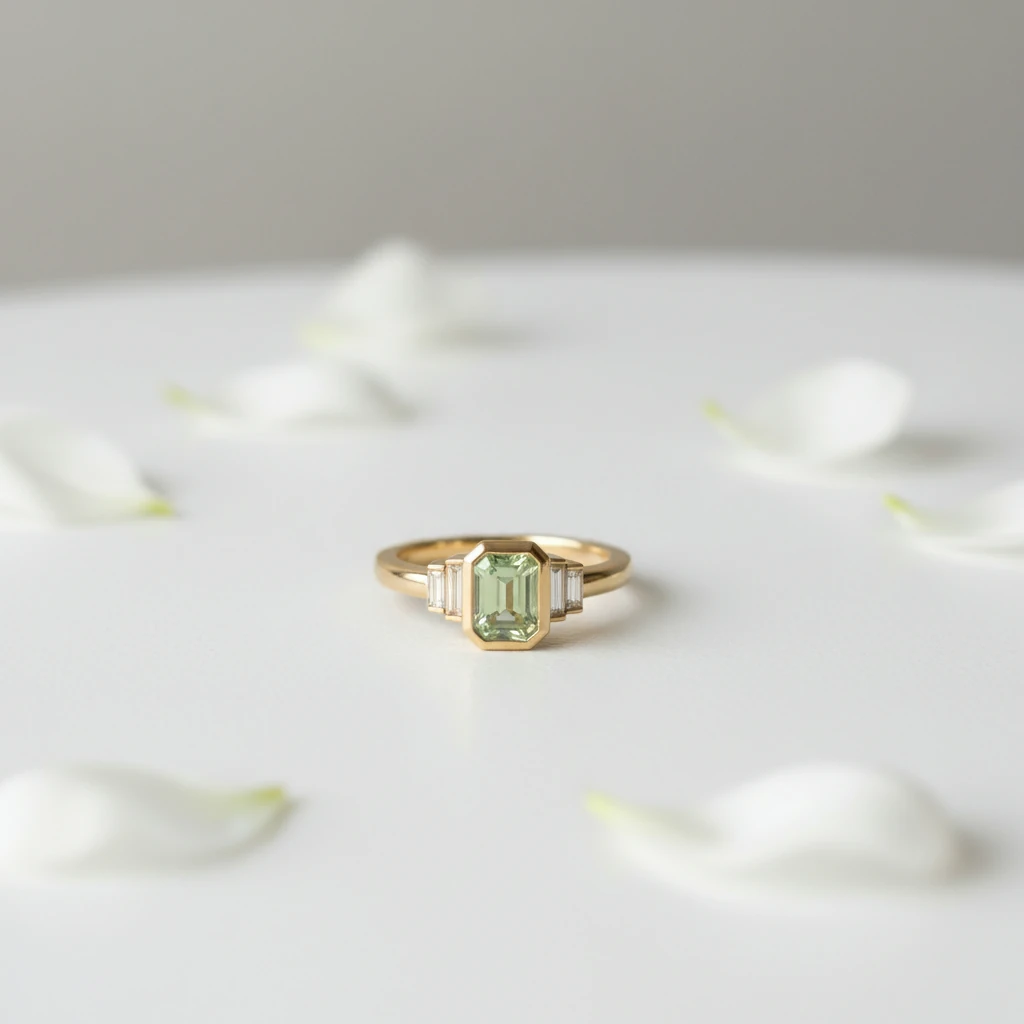
Minimalist AI jewelry photography background with realistic shadows and soft depth of field.
The Challenge: Capturing the Sparkle Without the Studio
Jewelry photography is notoriously difficult. The highly reflective surfaces of gold and silver, combined with the complex light refraction of gemstones, create a minefield of potential issues.
- Unwanted reflections: Your camera, your face, or the room around you often end up reflected in the metal.
- Distracting shadows: Harsh lighting can create shadows that obscure intricate details and break shadow consistency.
- Costly props: Sourcing high-end marble slabs, silk fabrics, or slate tiles for jewelry backgrounds is expensive and requires storage space.
Traditionally, solving these problems meant hiring a professional studio or investing thousands in equipment. Today, AI tools like LumaBox.ai can simulate studio lighting, ambient occlusion, and realistic depth of field entirely in software.
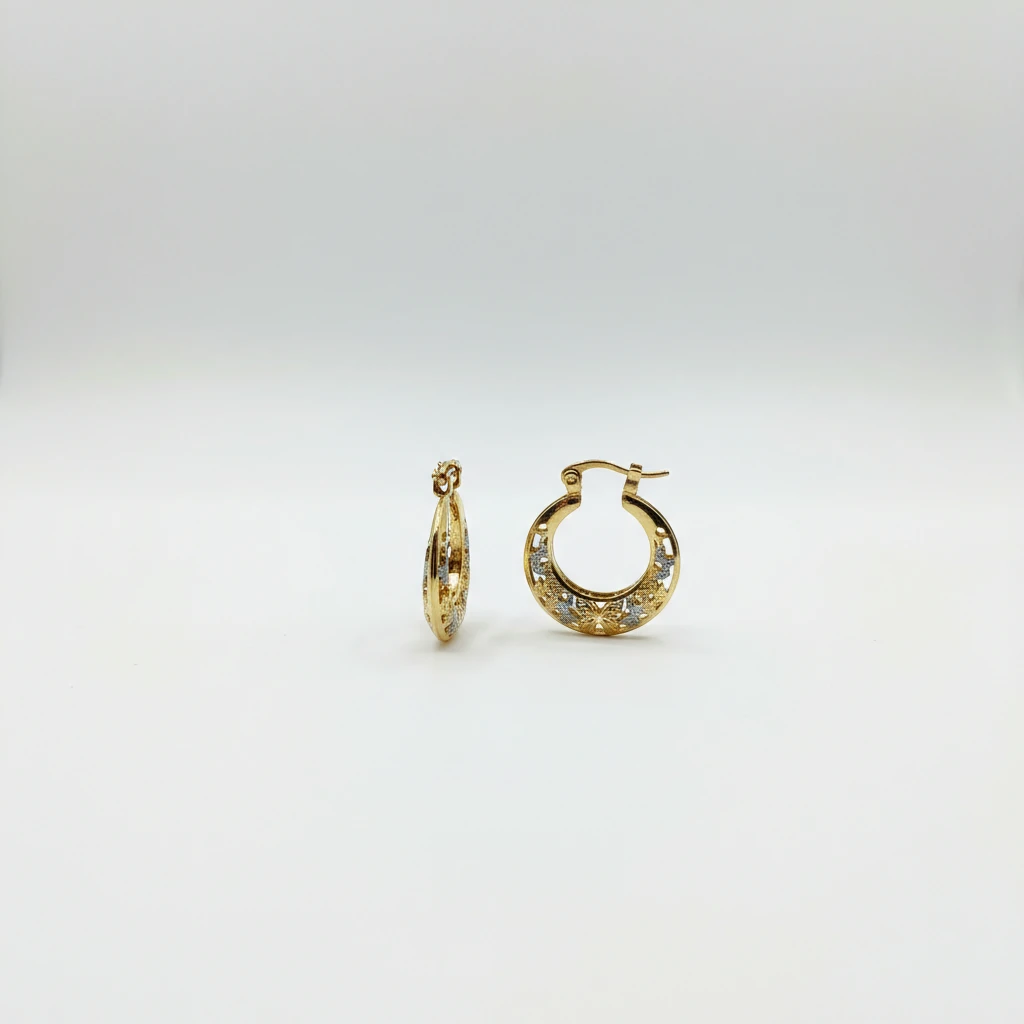
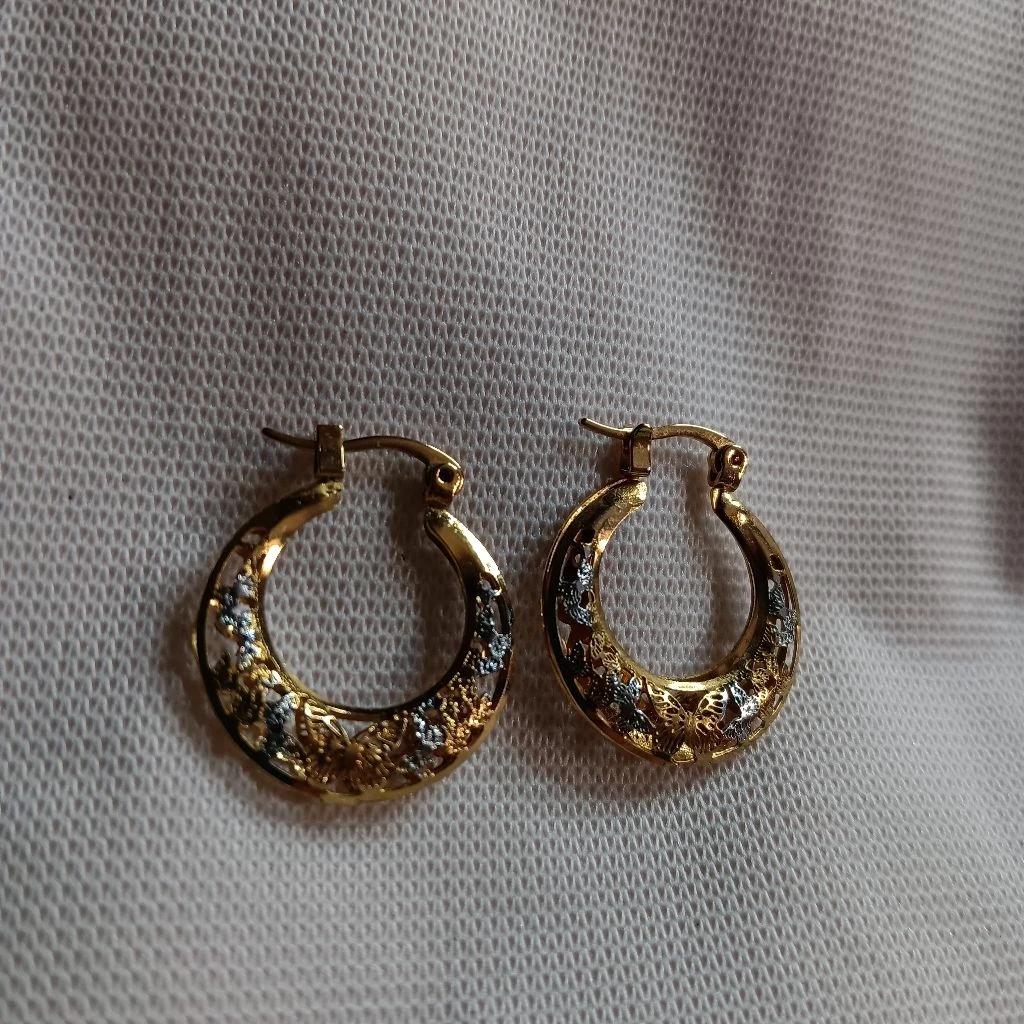
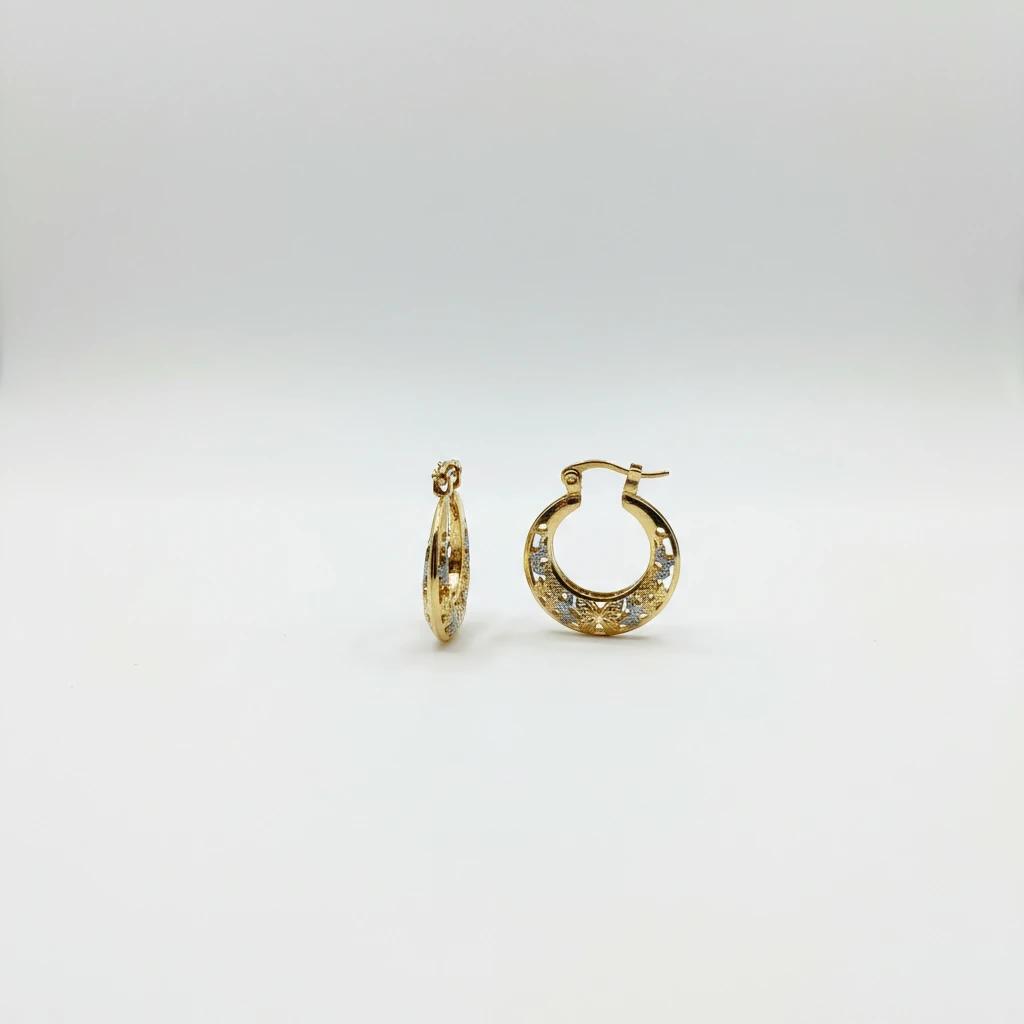
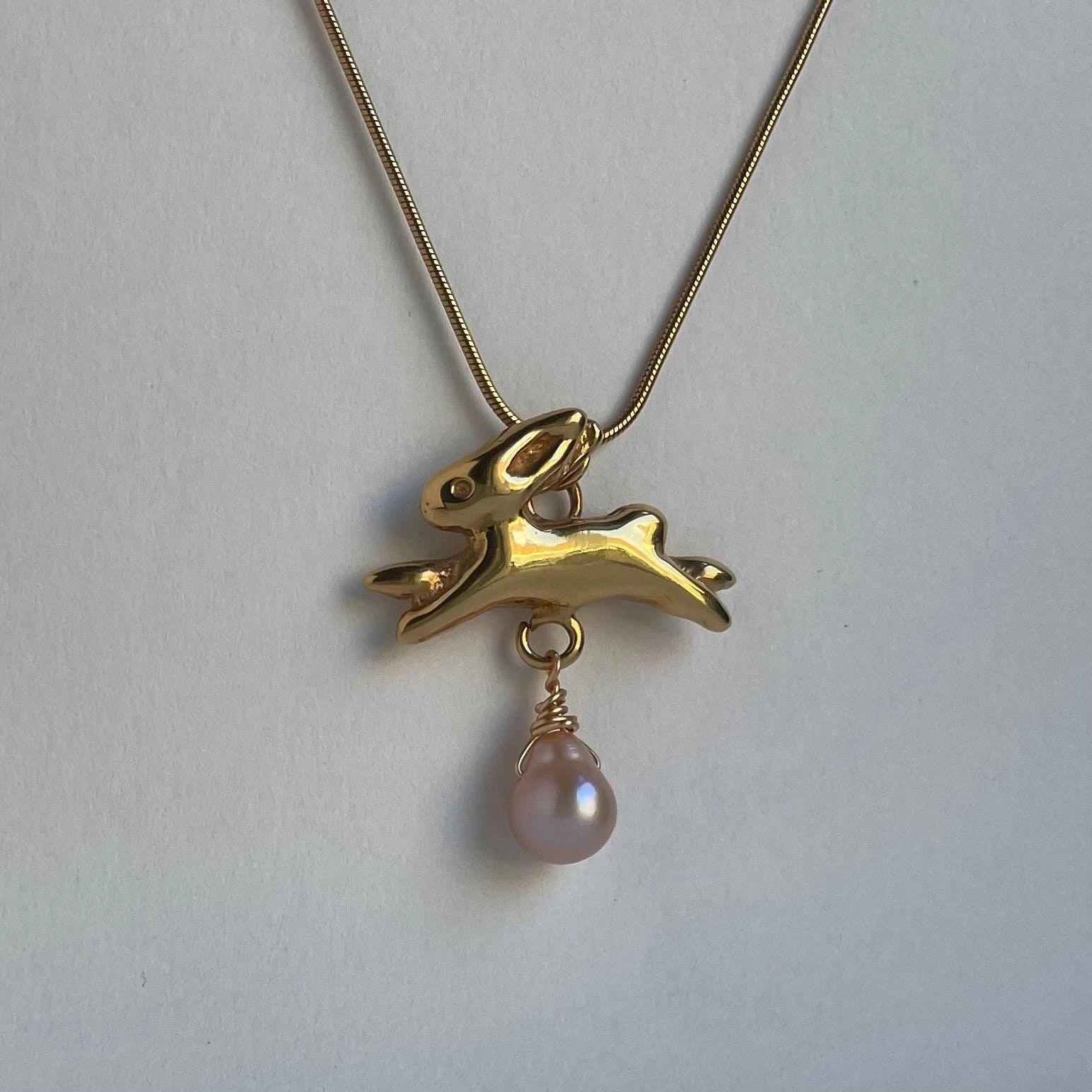
Jewelry photo before and after LumaBox.ai background enhancement showing improved shadow consistency.
The Solution: LumaBox.ai Product Photo Shot
LumaBox.ai offers a powerful way to create professional-grade background images for jewelry without a physical studio. The "Product Photo Shot" feature allows you to upload a simple photo of your jewelry—even from a smartphone—and instantly place it in a stunning, photorealistic environment.
Unlike basic background removers, LumaBox.ai analyzes the geometry and materials of your product. It rebuilds realistic contact shadows with ambient occlusion, enforces shadow consistency, and controls depth of field so your jewelry stays sharp while the background gently blurs.
By using advanced AI, LumaBox.ai understands the scene’s spatial awareness—where the light comes from, how reflections behave, and how your jewelry should sit on a surface. It handles the technical details for you, giving you a result that looks like it was shot by a pro.
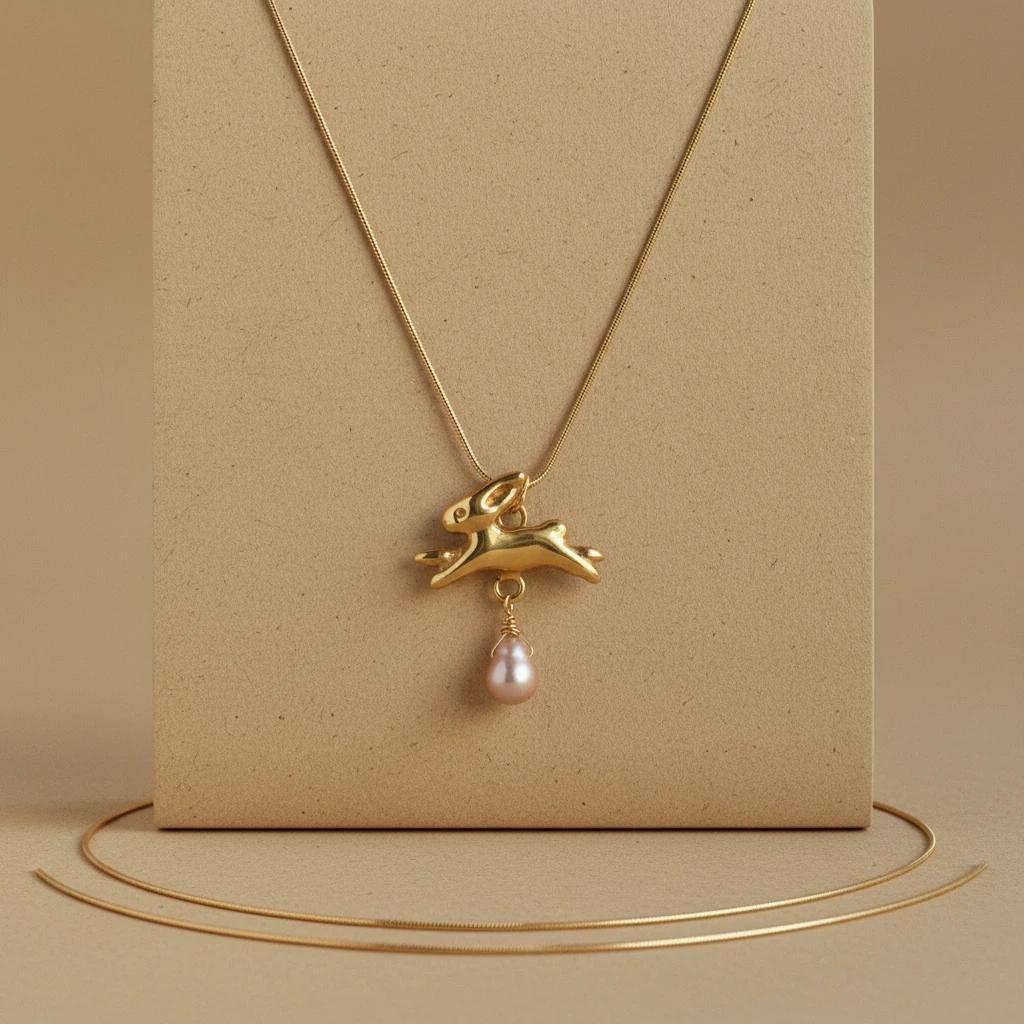
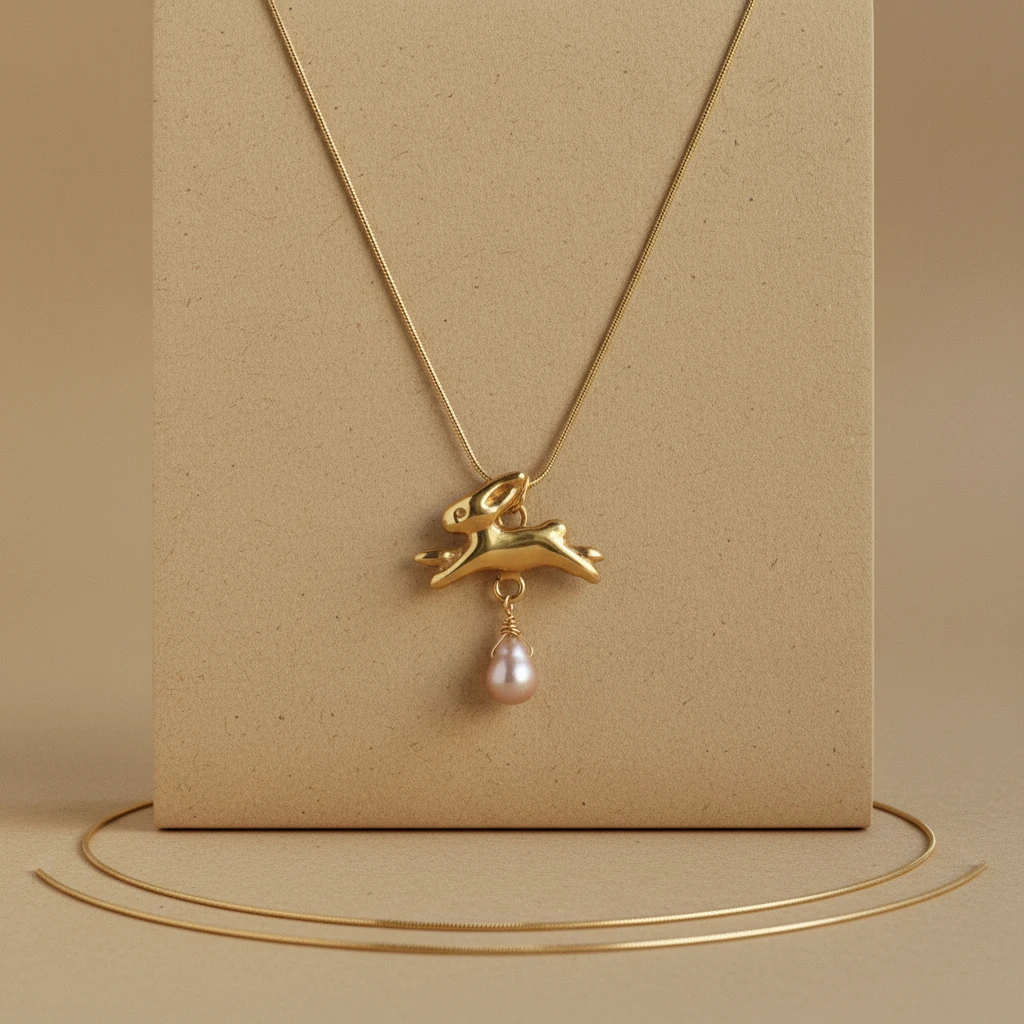
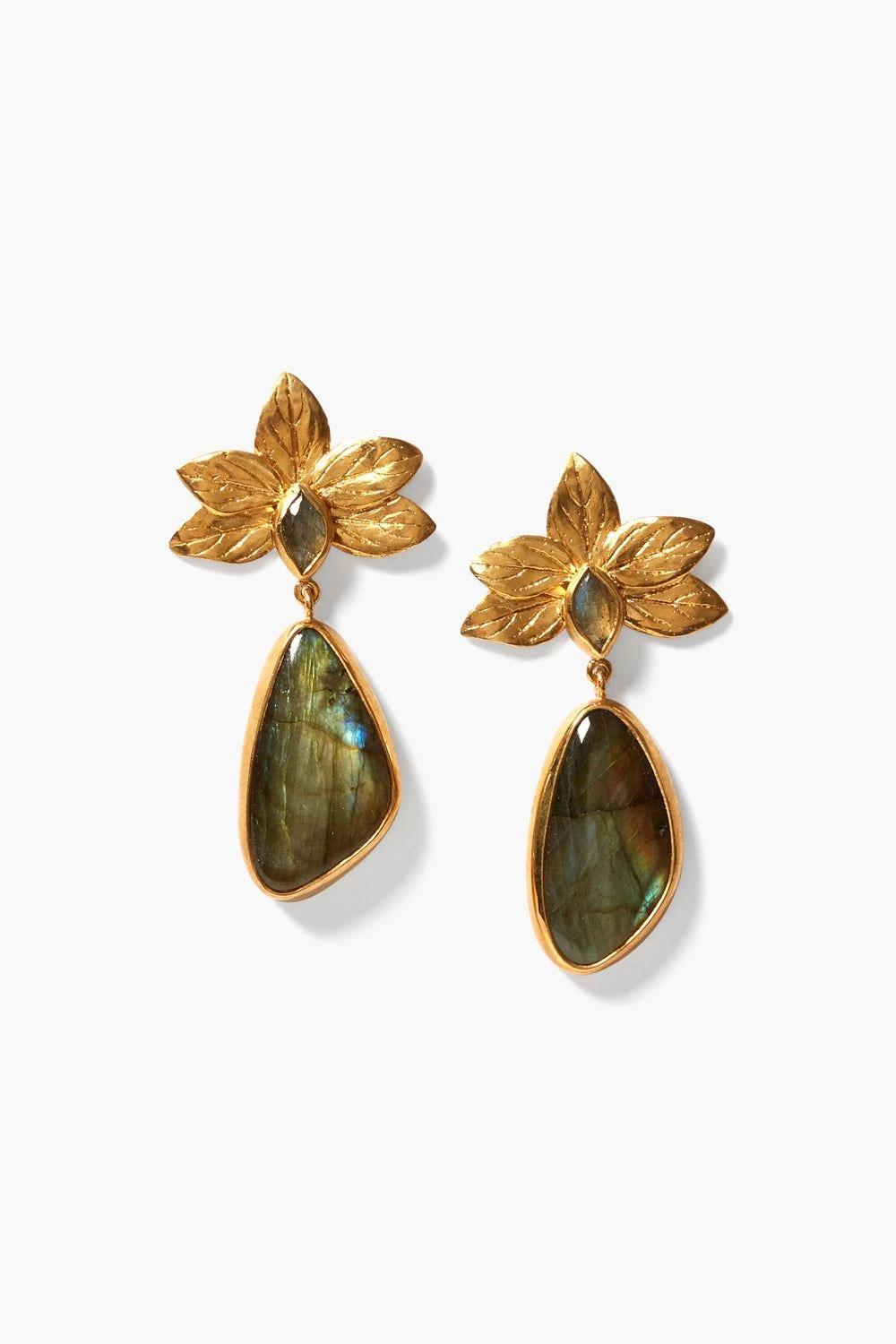
AI-generated jewelry background with paper kraft background and realistic reflections.
Top 10 Background Ideas for Jewelry Photography
Need inspiration? Here are the top 10 background styles that are trending for jewelry photography in 2026. You can easily recreate these using LumaBox.ai prompts.
1. Minimalist White Background
A classic for a reason. Background images for jewellery often rely on pure white to ensure the product is the sole focus and that contact shadows are clean and readable.
- LumaBox Prompt Idea: "Studio lighting, pure white background, soft contact shadows, high key photography, shallow depth of field."
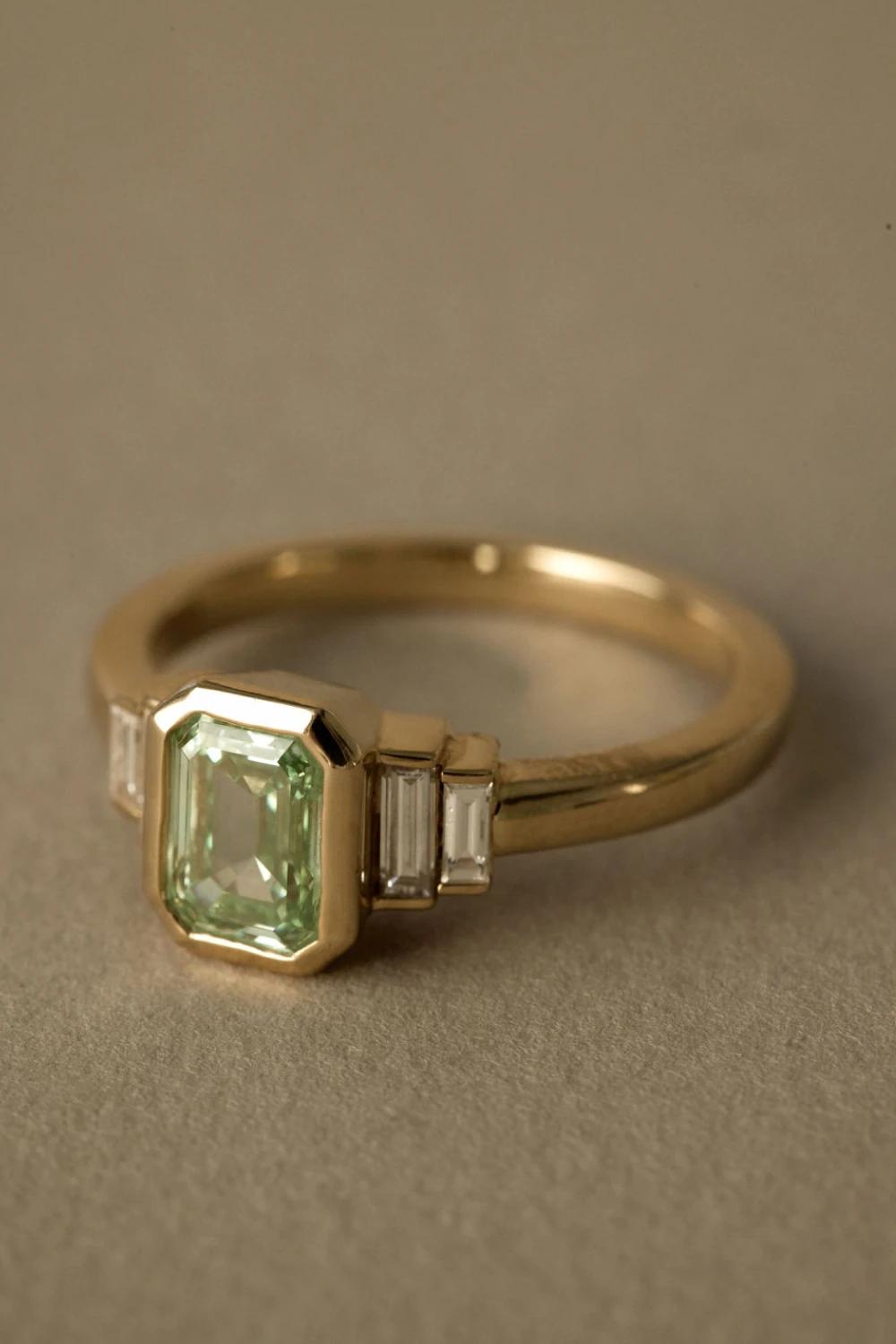
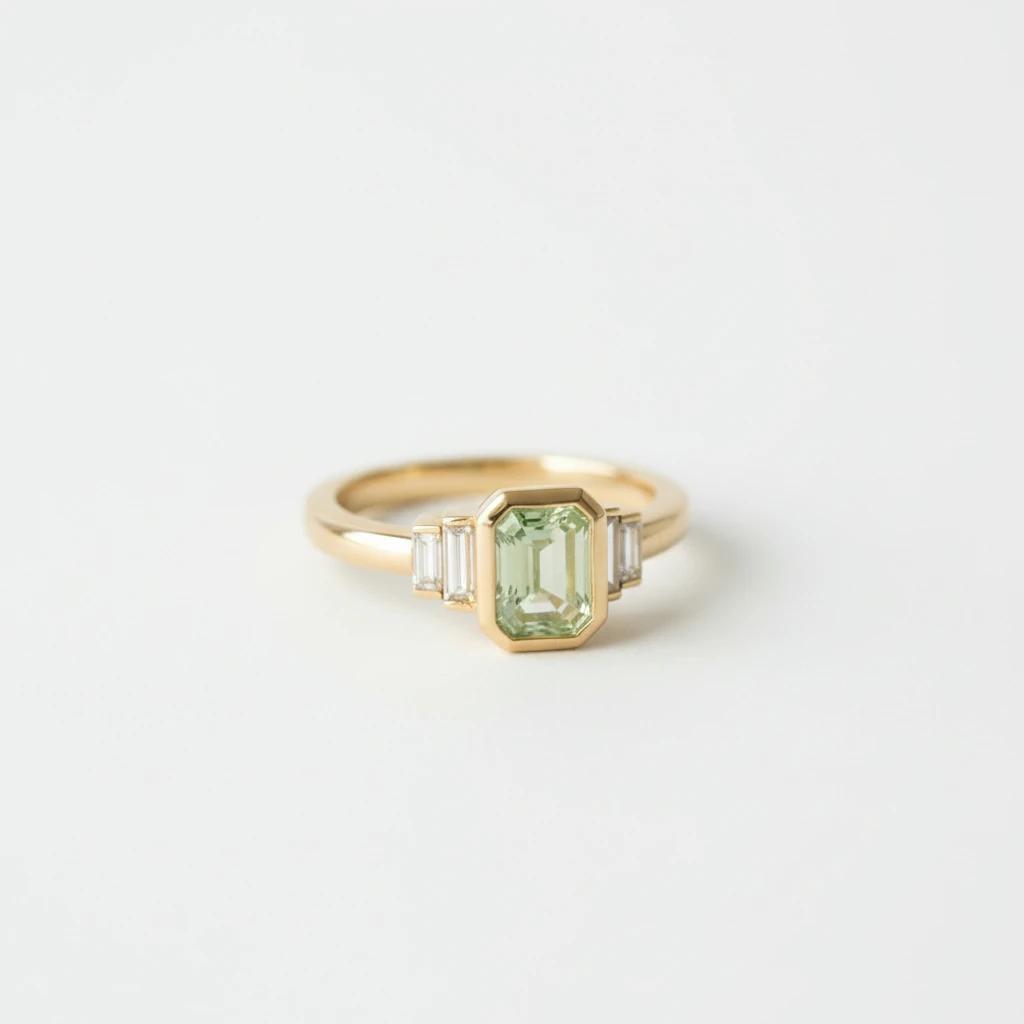
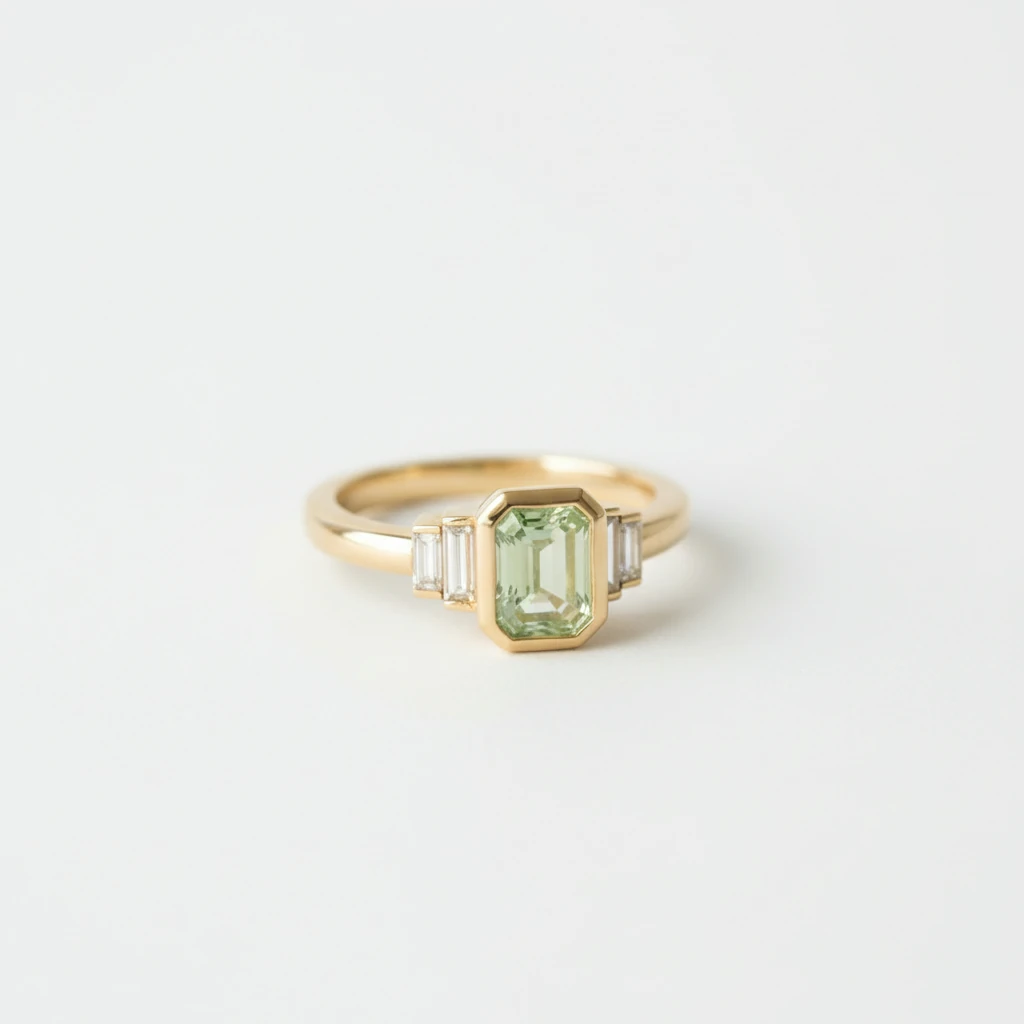
Minimalist white jewelry background with ambient occlusion under the ring
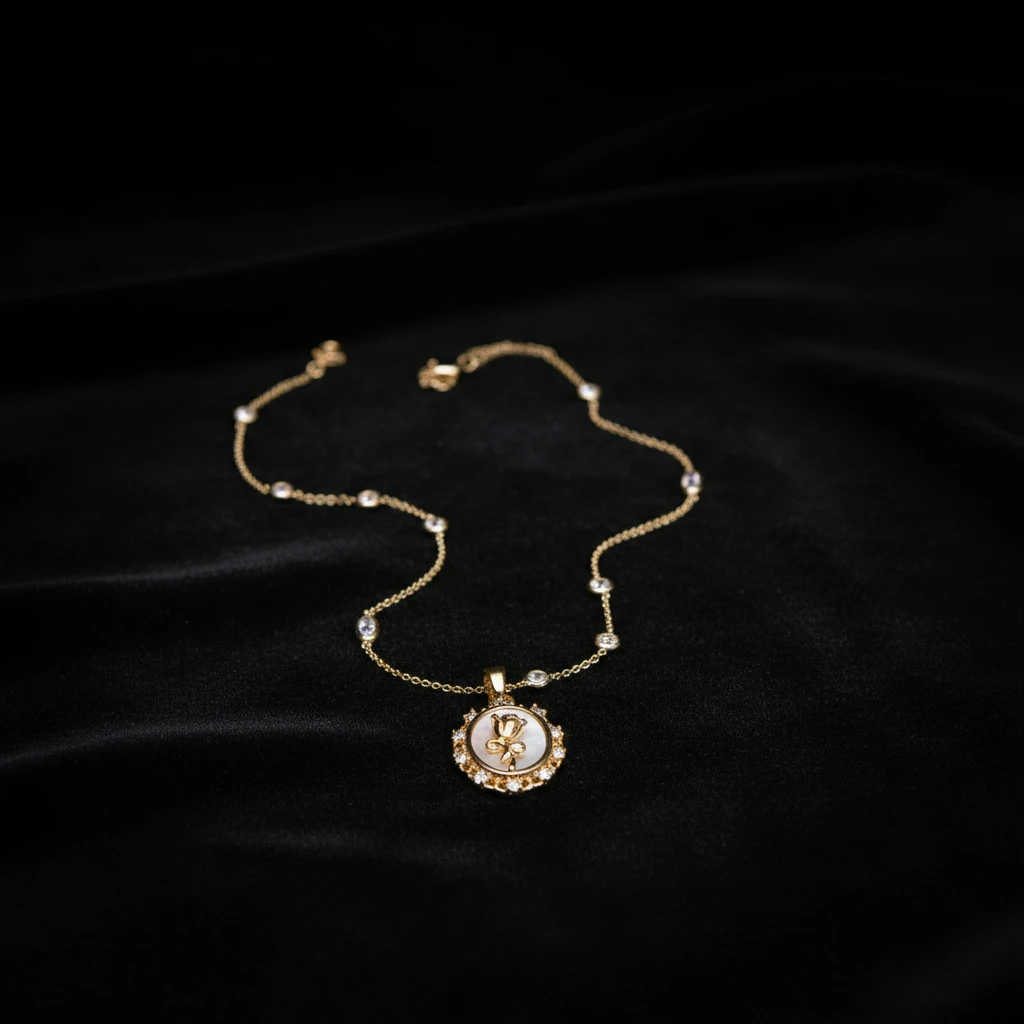
2. Black Background
A black background screams luxury. It absorbs light, creating a deep, rich contrast that makes diamonds and silver pop and highlights specular reflections.
- LumaBox Prompt Idea: "Dark luxury black velvet texture, dramatic side lighting, elegant atmosphere, strong contrast, crisp reflections."
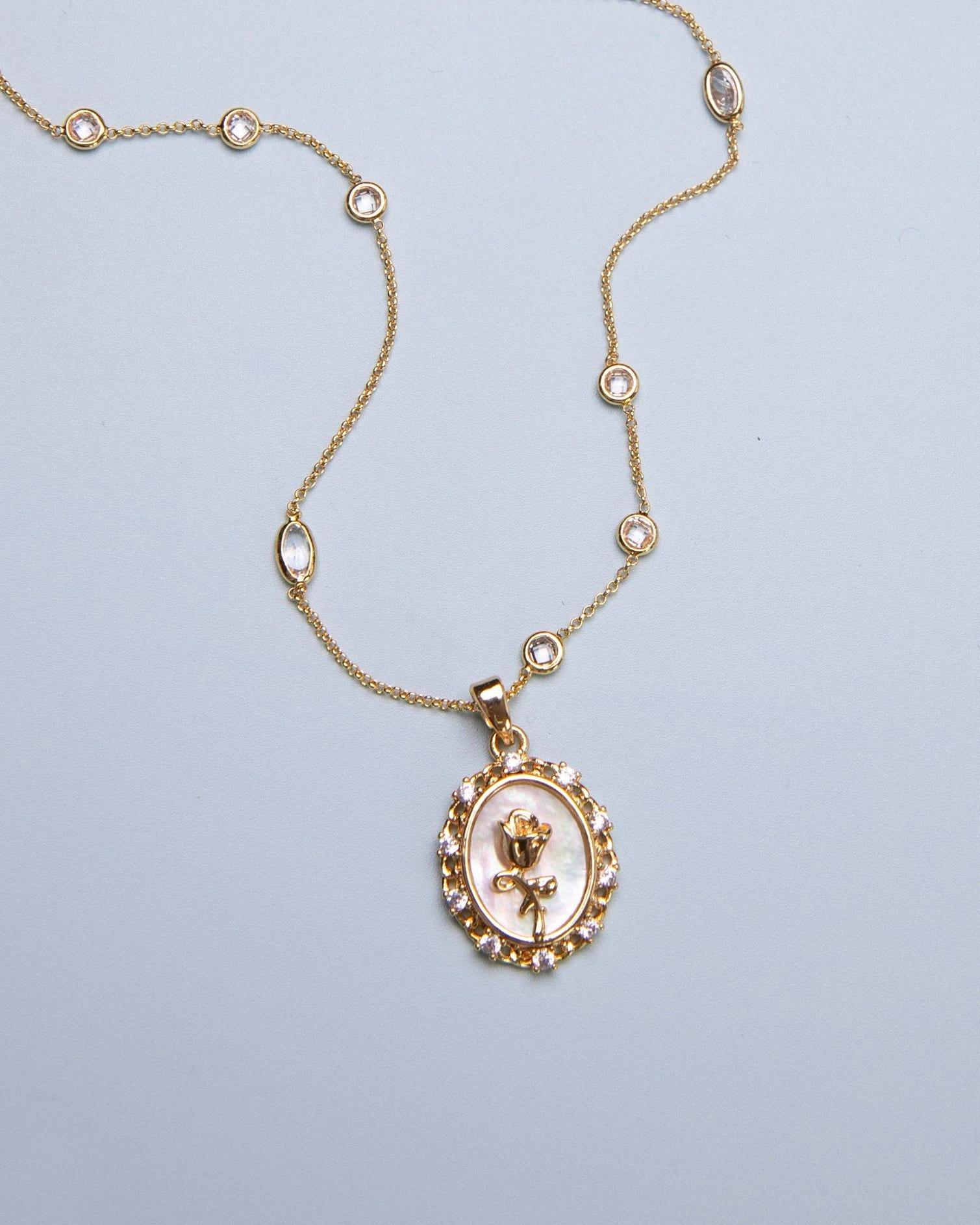
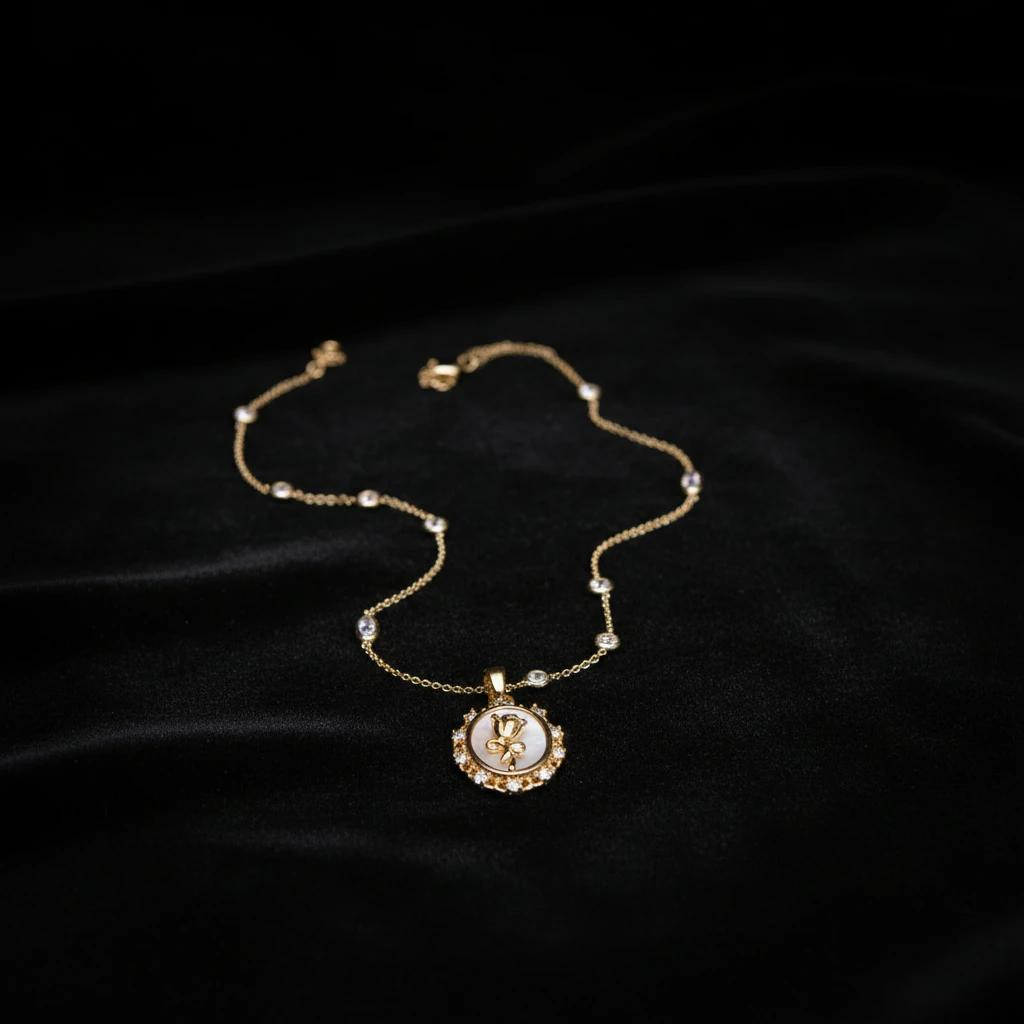
Luxury black AI jewelry background with strong contrast and realistic shadow falloff
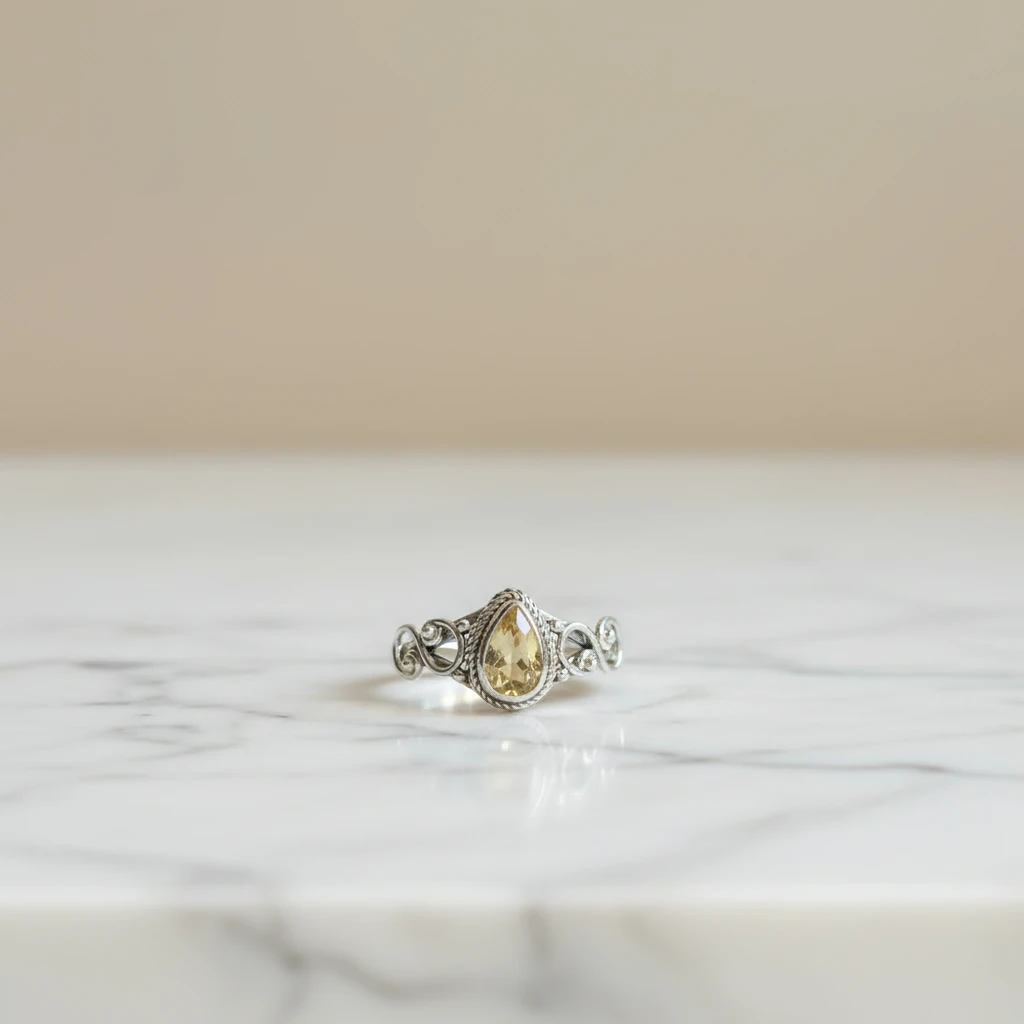
3. Marble Surface
Marble adds a touch of sophistication and elegance. Whether white Carrara or dark Nero Marquina, a marble surface complements gold and gemstones perfectly.
- LumaBox Prompt Idea: "White Carrara marble countertop, soft daylight, luxury interior vibe, subtle ambient occlusion around jewelry base."
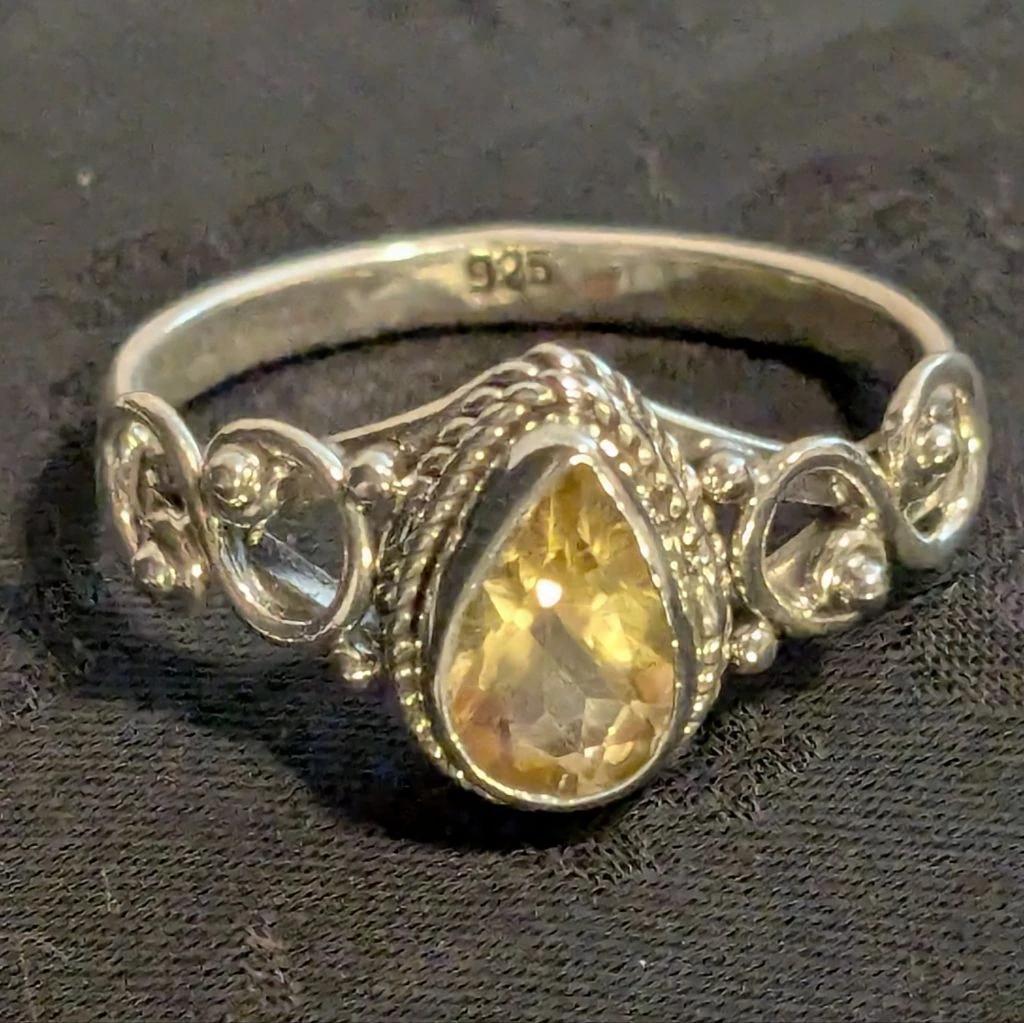
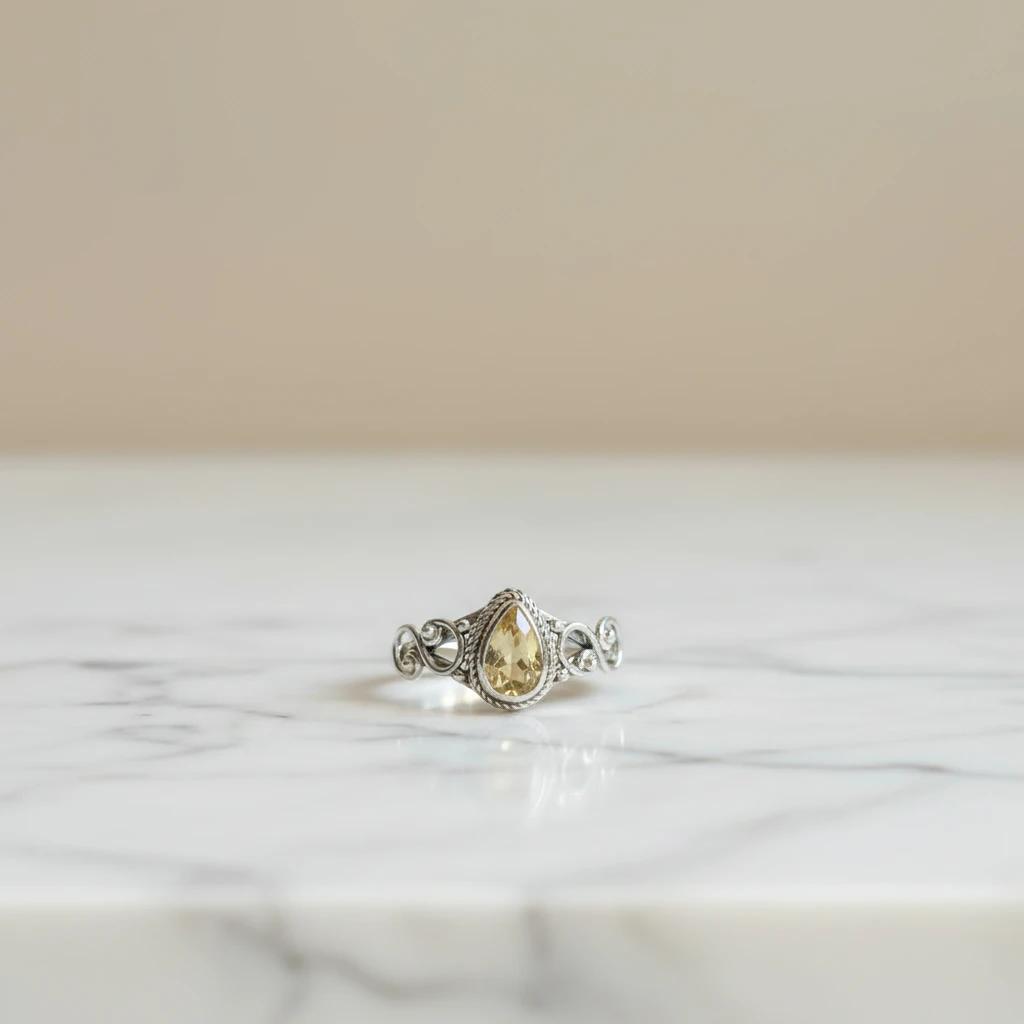
White Carrara marble Luxury black AI jewelry background with soft daylight, luxury interior vibe, subtle ambient occlusion around jewelry base.
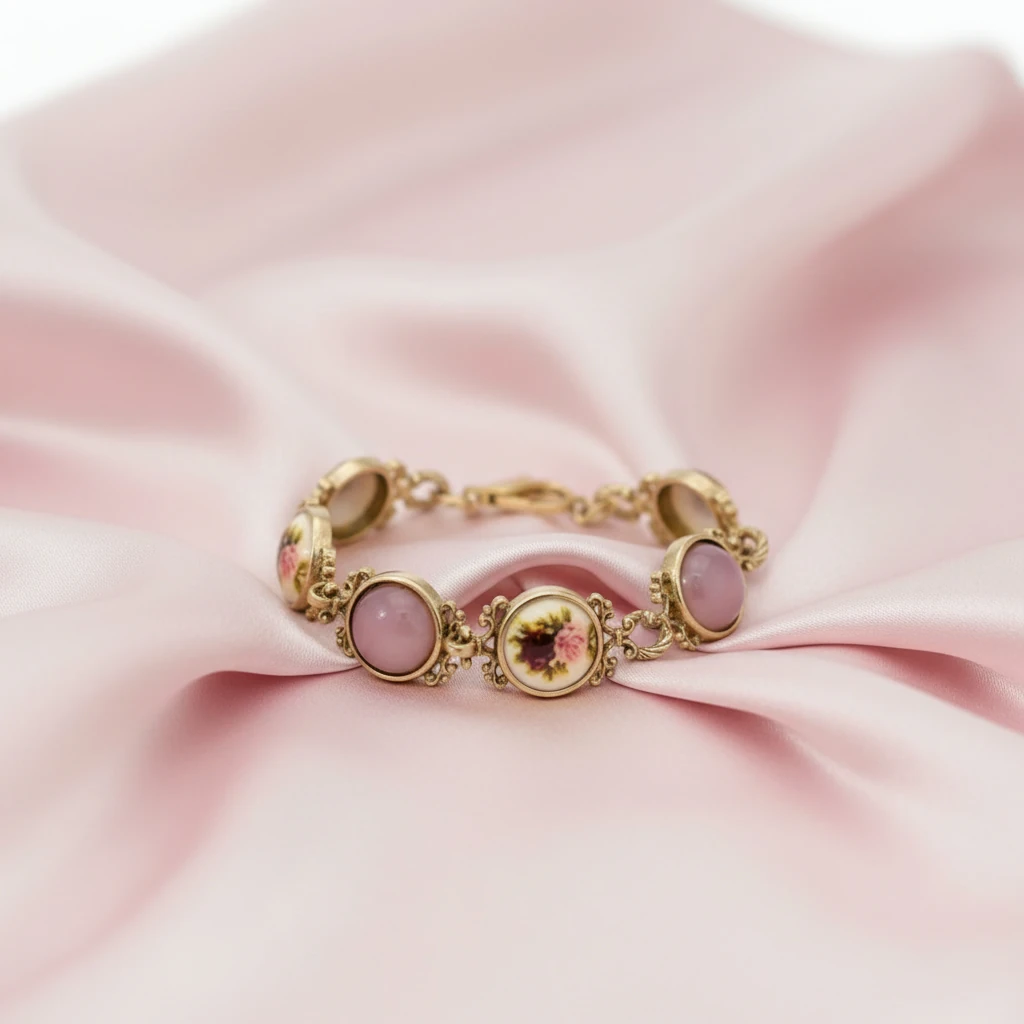
4. Soft Silk or Satin
For a romantic, soft look, nothing beats silk. The gentle folds of fabric create leading lines that draw the eye to the jewelry while the texture adds visual interest without distraction.
- LumaBox Prompt Idea: "Soft pink silk fabric folds, elegant drapery, soft focus background, shallow depth of field."
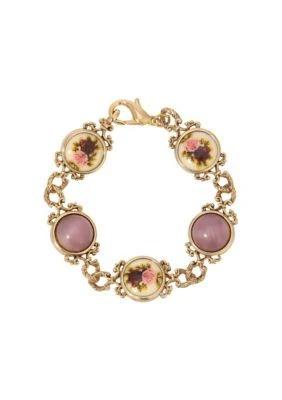
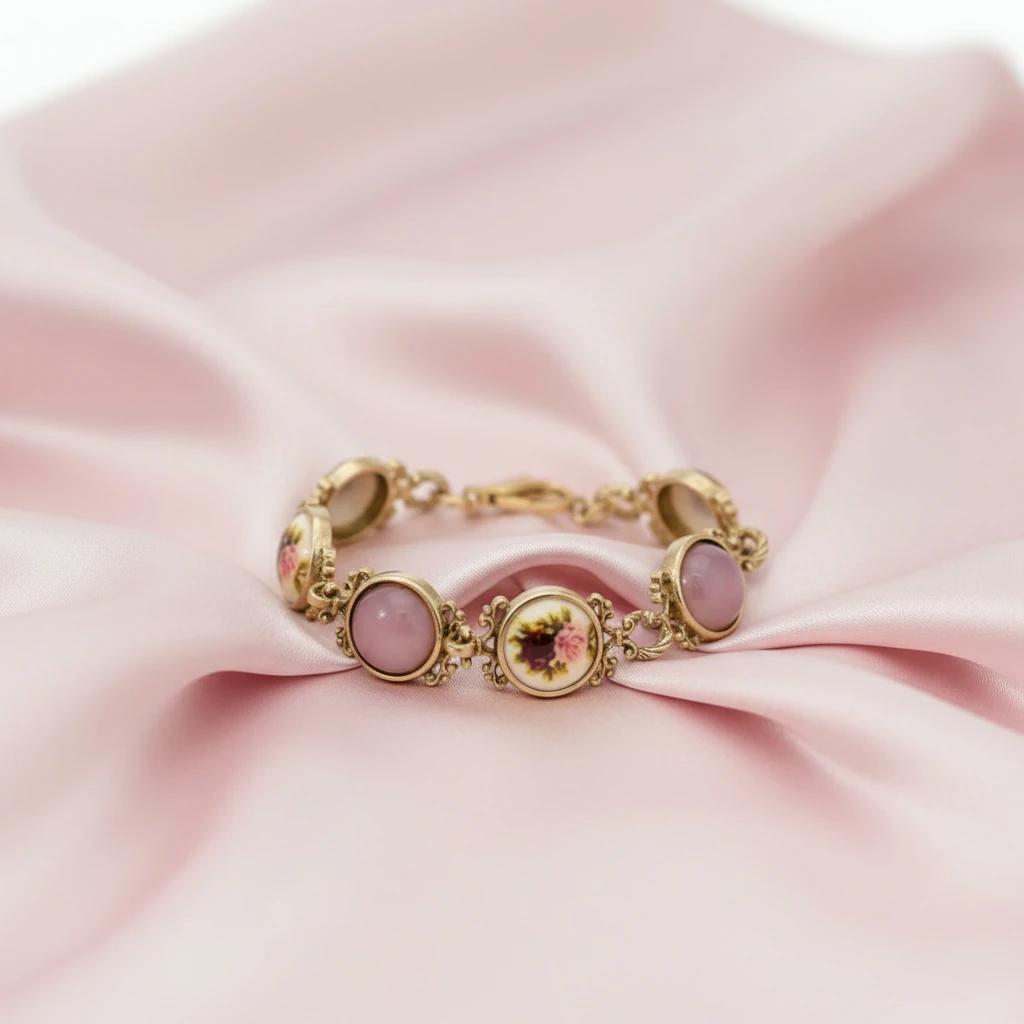
Romantic silk jewelry background with soft shadows and depth of field
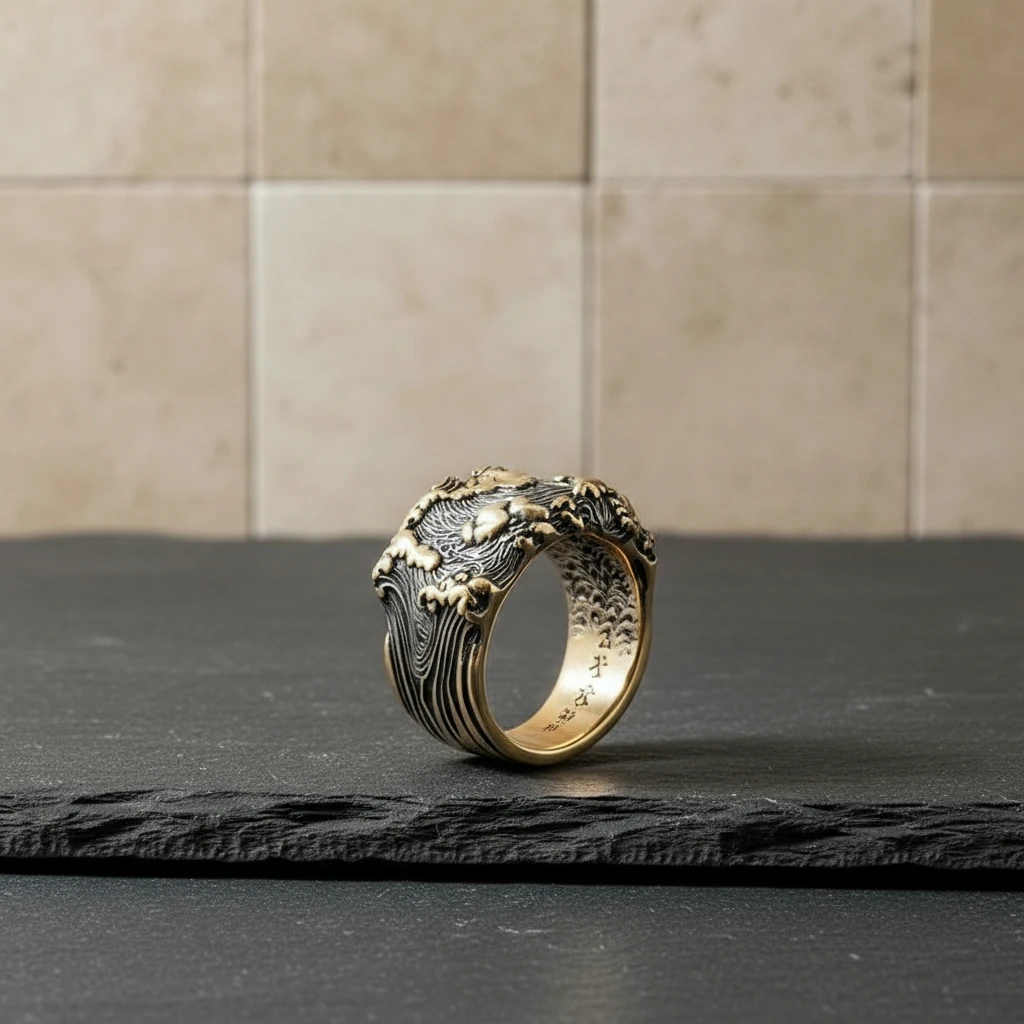
5. Natural Stone and Slate
Textured stone backgrounds, like slate or sandstone, provide a rugged contrast to delicate jewelry pieces. This works exceptionally well for men’s jewelry or artisan designs.
- LumaBox Prompt Idea: "Dark grey slate texture, natural stone surface, soft directional light, realistic contact shadow under jewelry."
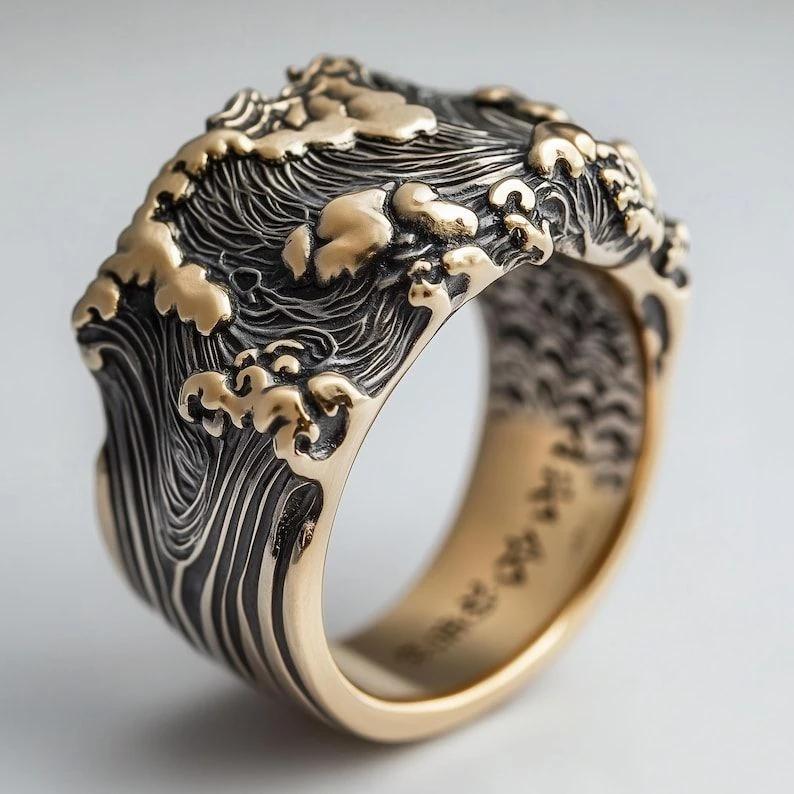
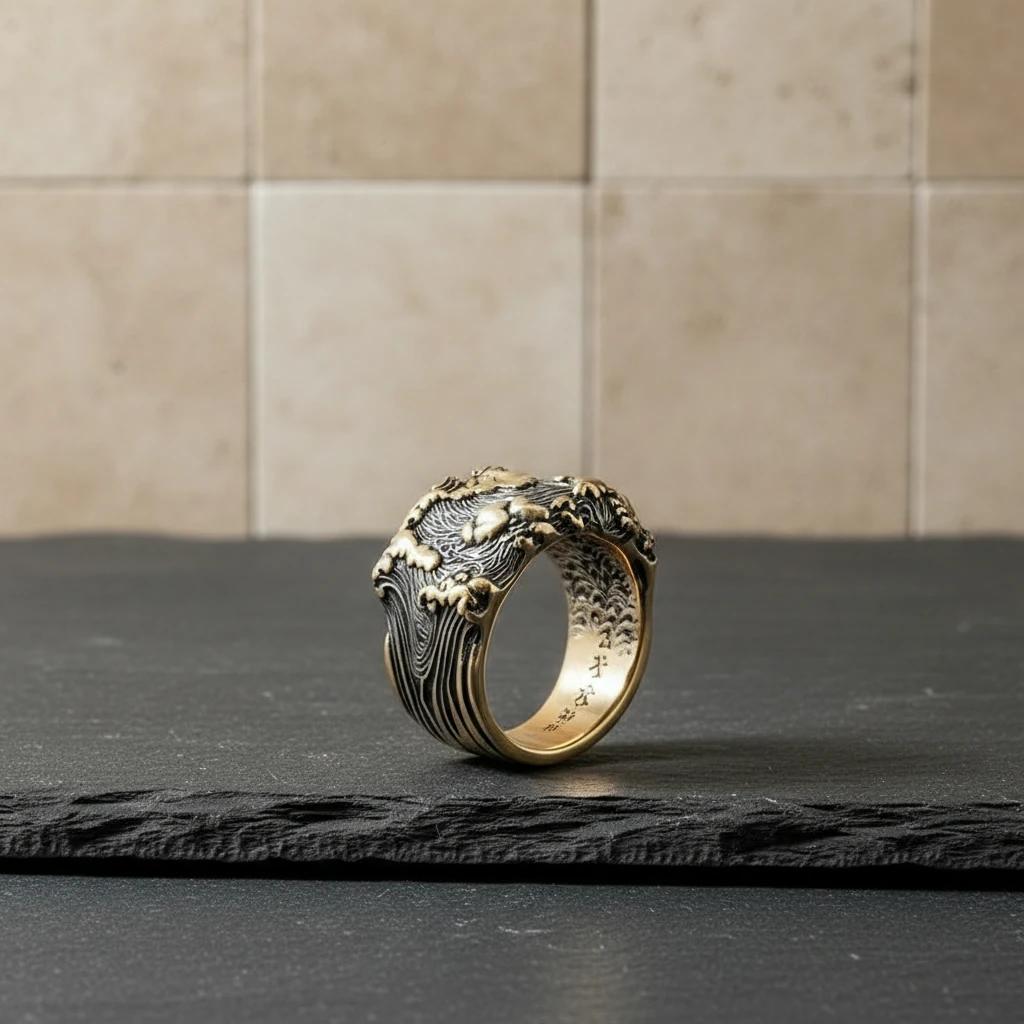
Textured stone jewelry background with dark grey slake texture and depth of field
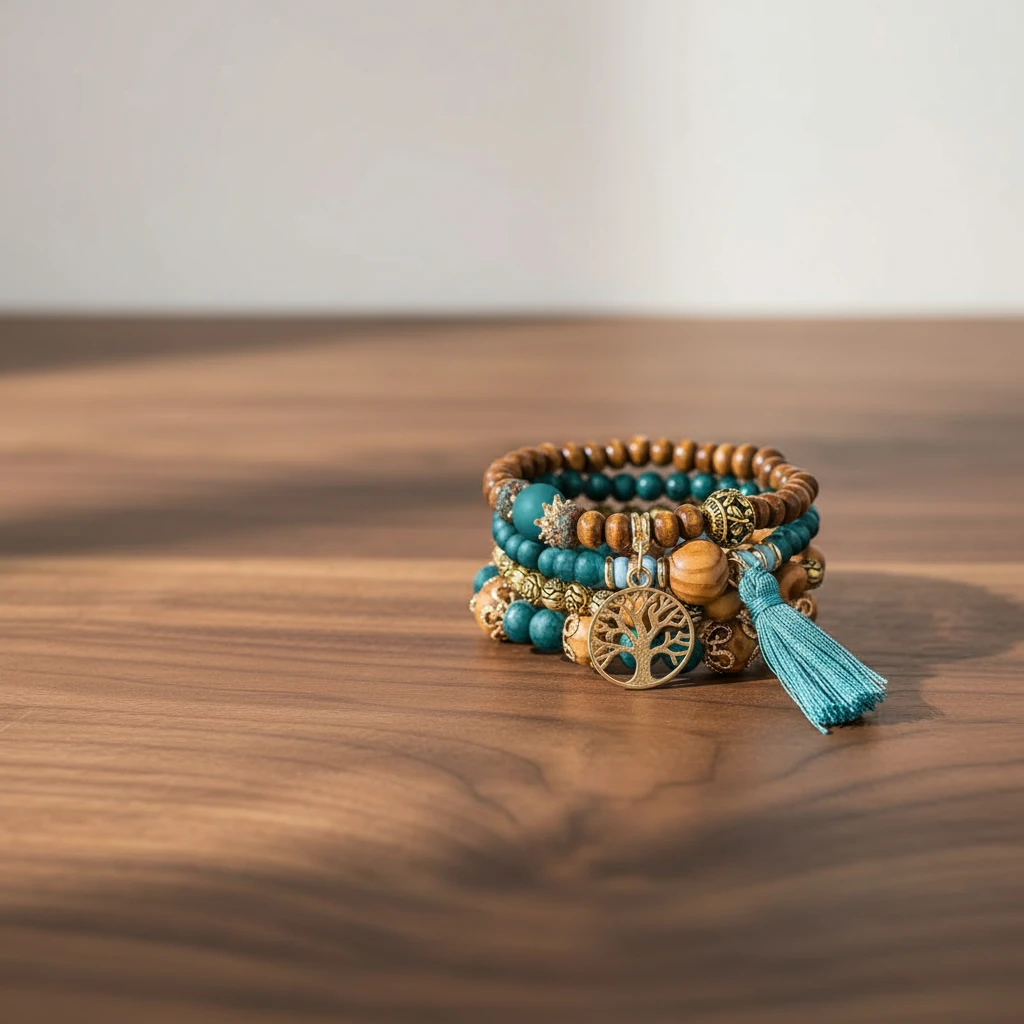
6. Wooden Textures
Wood adds warmth and a rustic charm. It’s perfect for boho-style jewelry or pieces with natural gemstones that connect to earthier aesthetics.
- LumaBox Prompt Idea: "Polished mahogany wood table, warm lighting, vintage feel, controlled reflections."
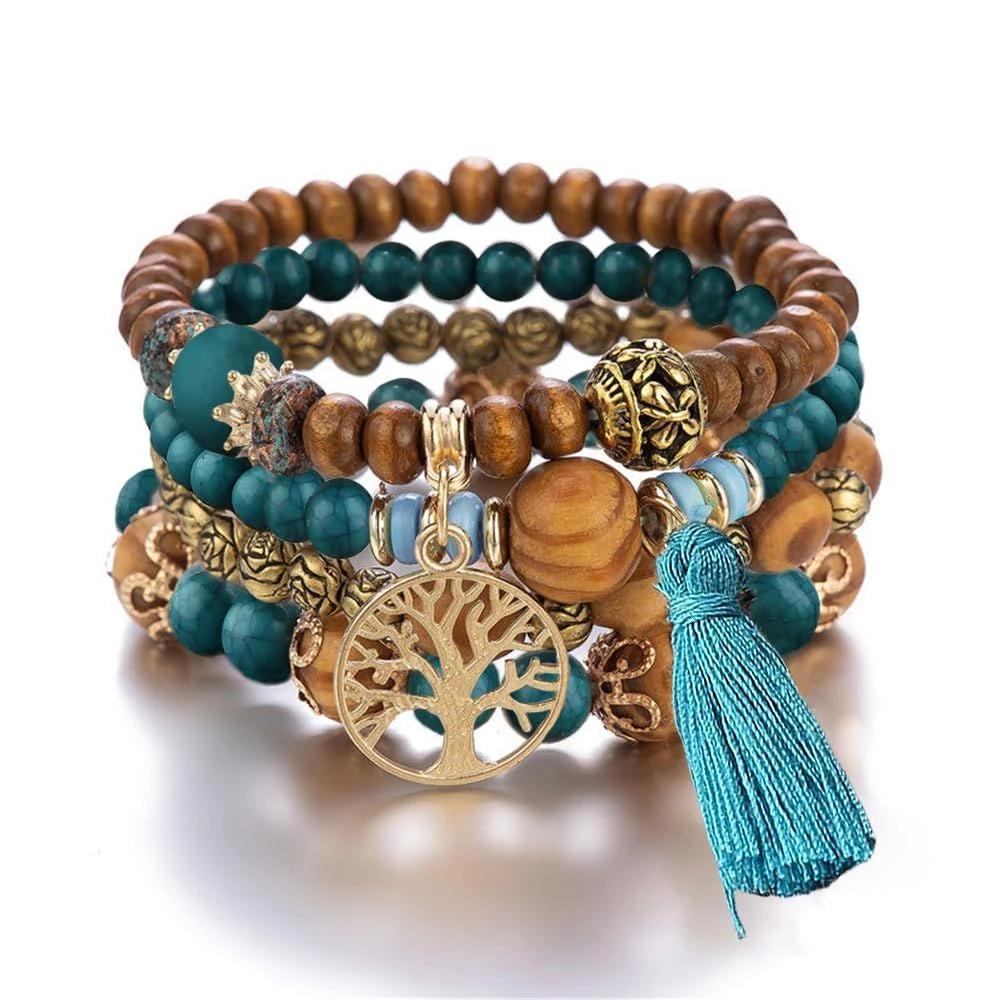
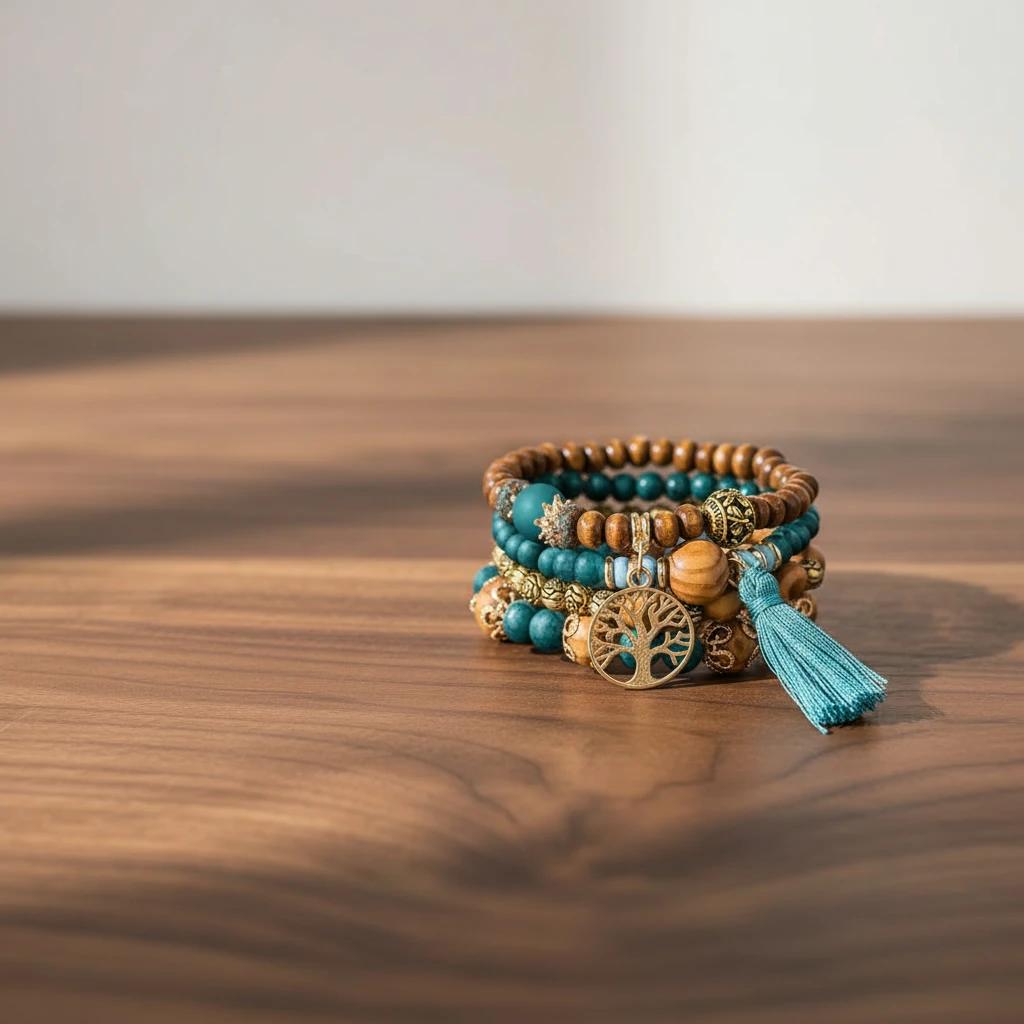
Boho jewelry on wooden background generated by AI with consistent lighting
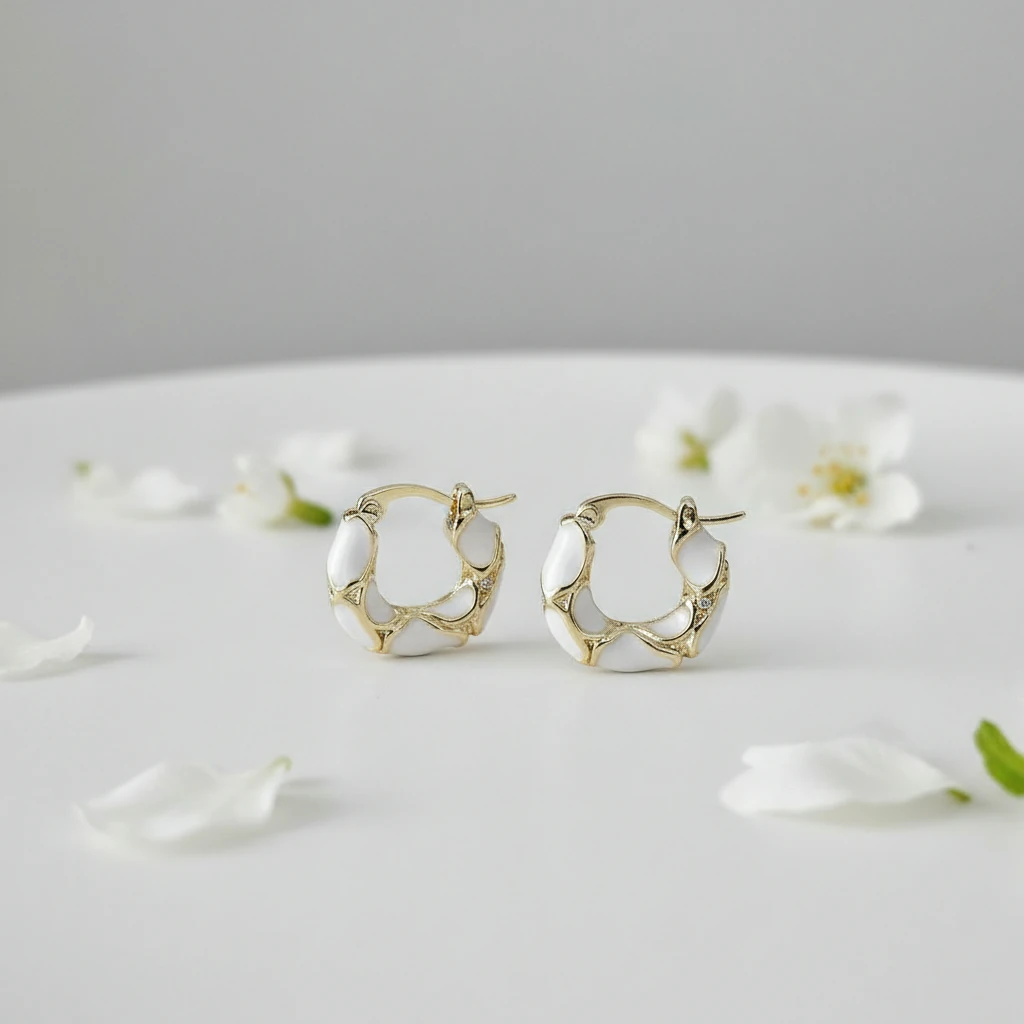
7. Botanical and Floral
Incorporating nature with leaves or flowers adds life to your shots. It’s a great jewelry picture idea for seasonal collections and lifestyle campaigns.
- LumaBox Prompt Idea: "Soft blurred green leaves in background, garden setting, natural sunlight, shallow depth of field."
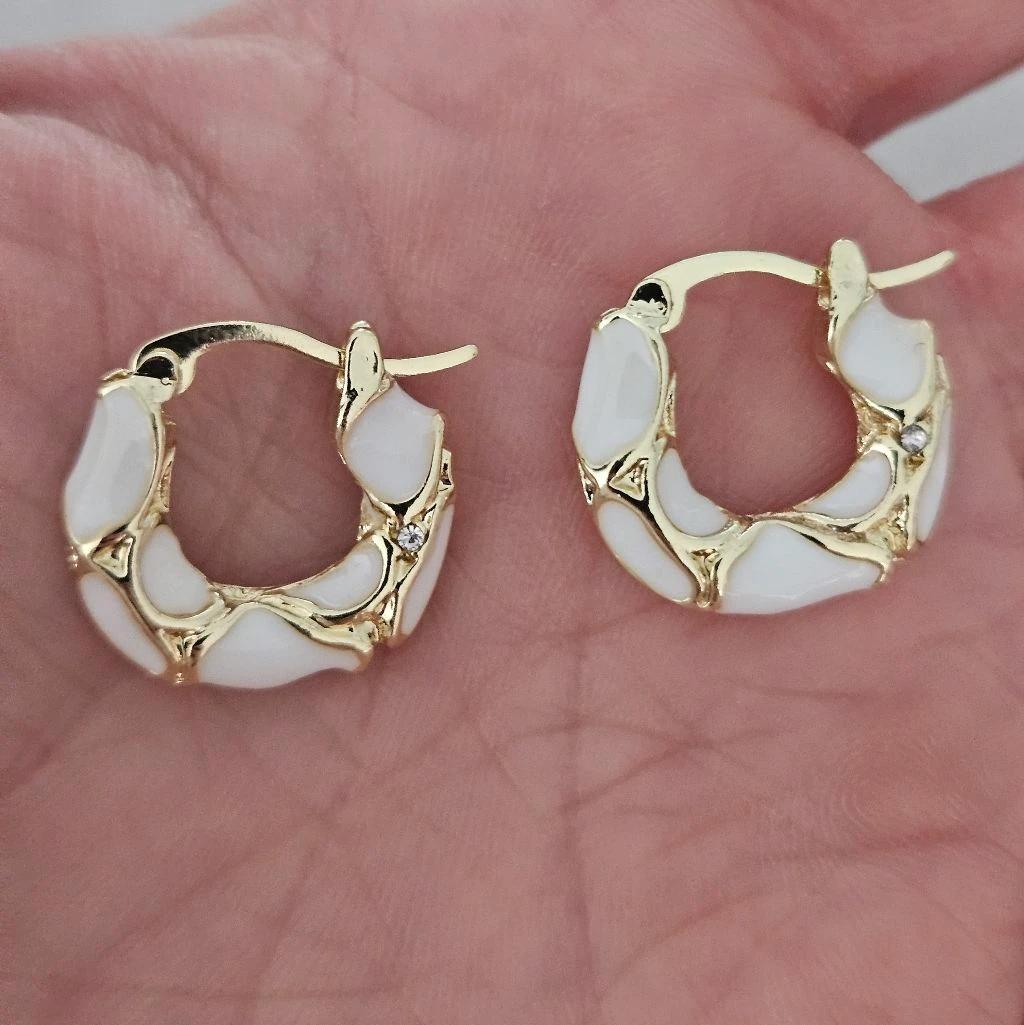
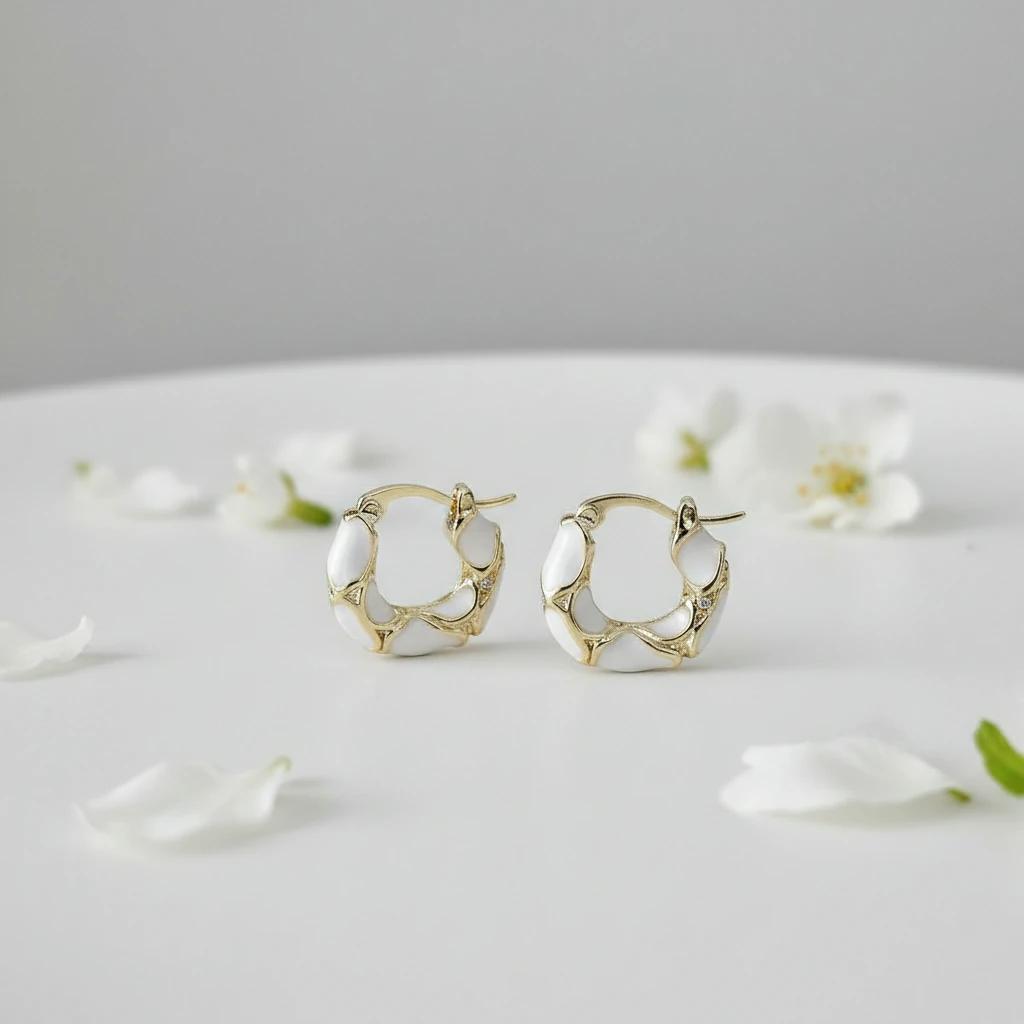
Seasonal jewelry background with soft shadows and depth of field
8. Water Ripples and Reflections
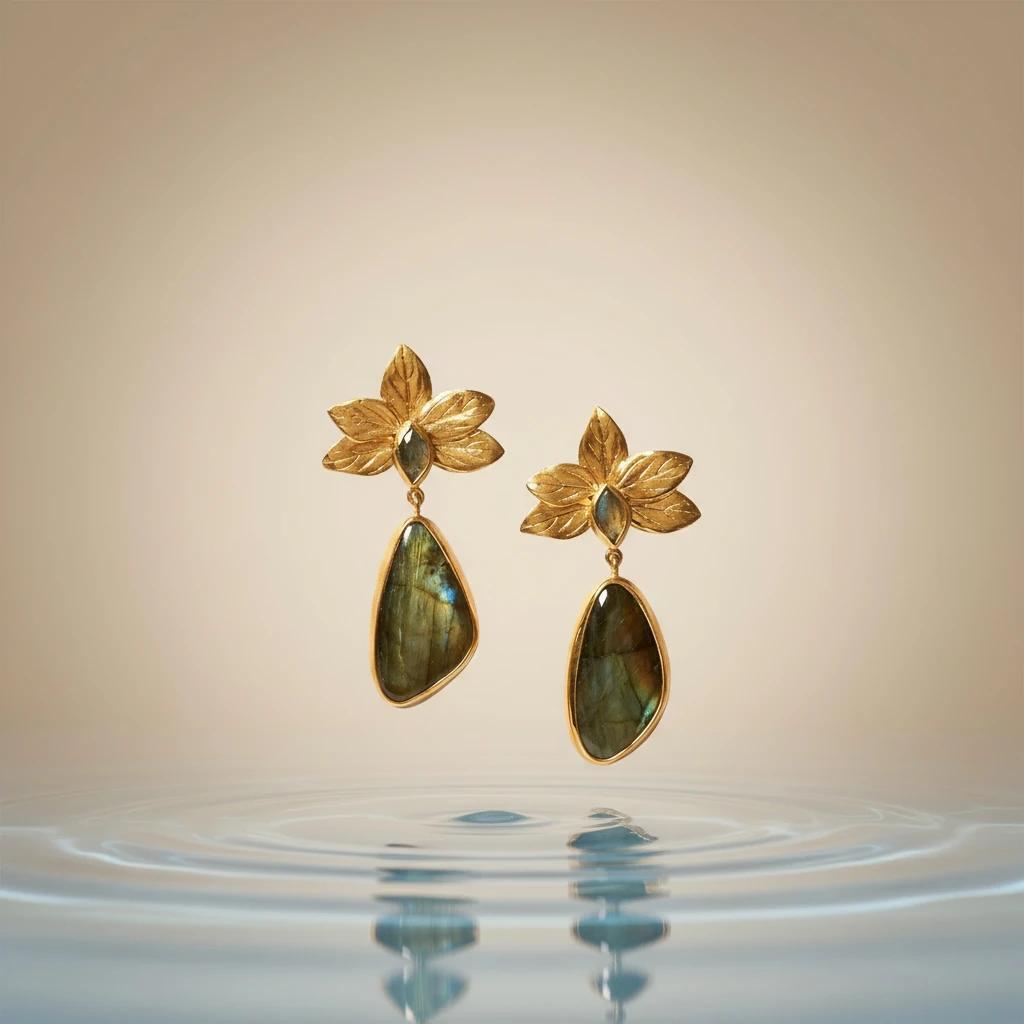
Water adds a dynamic, fresh element. A background that mimics water ripples can make pearls and silver look serene and pure while still grounded by ambient occlusion where the jewelry meets the surface.
- LumaBox Prompt Idea: "Calm water surface with gentle ripples, clear blue tint, refreshing look, realistic reflections."
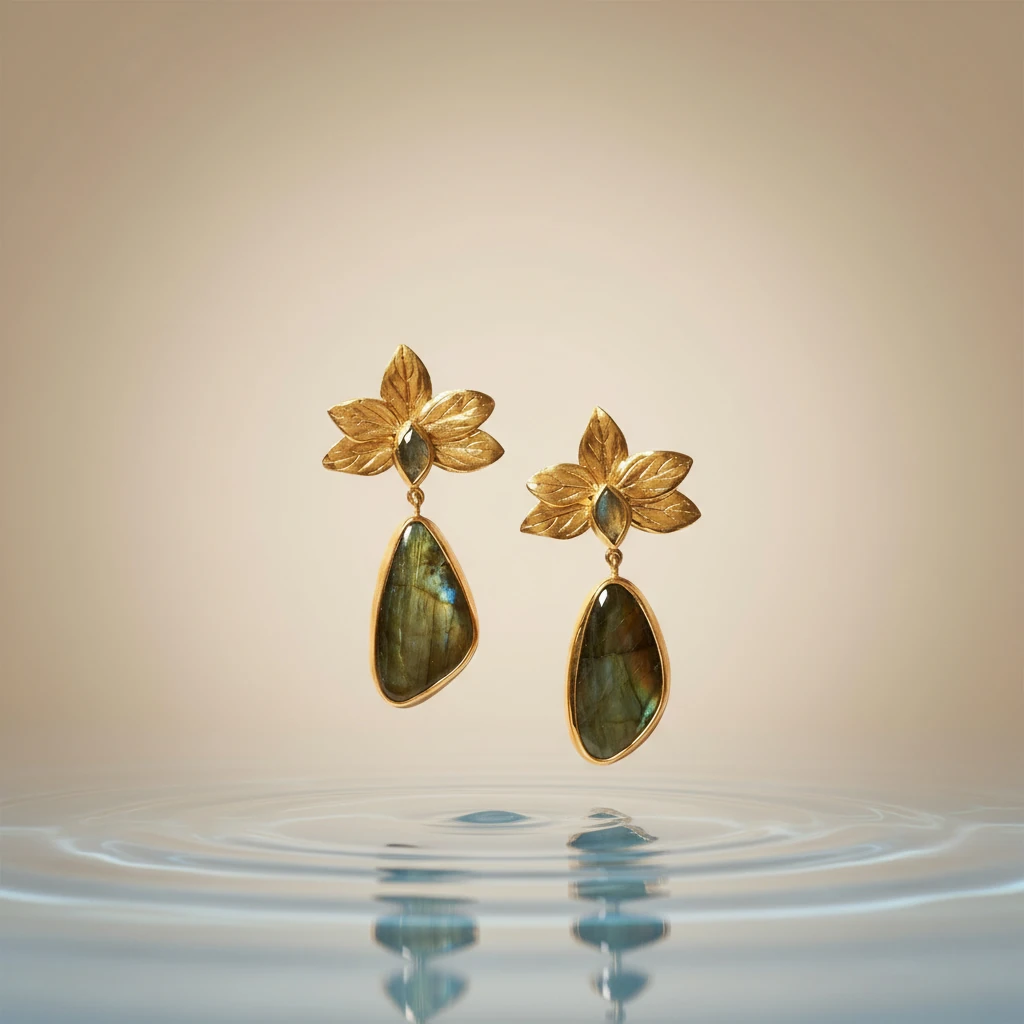
Water ripples jewelry background with soft shadows and depth of field
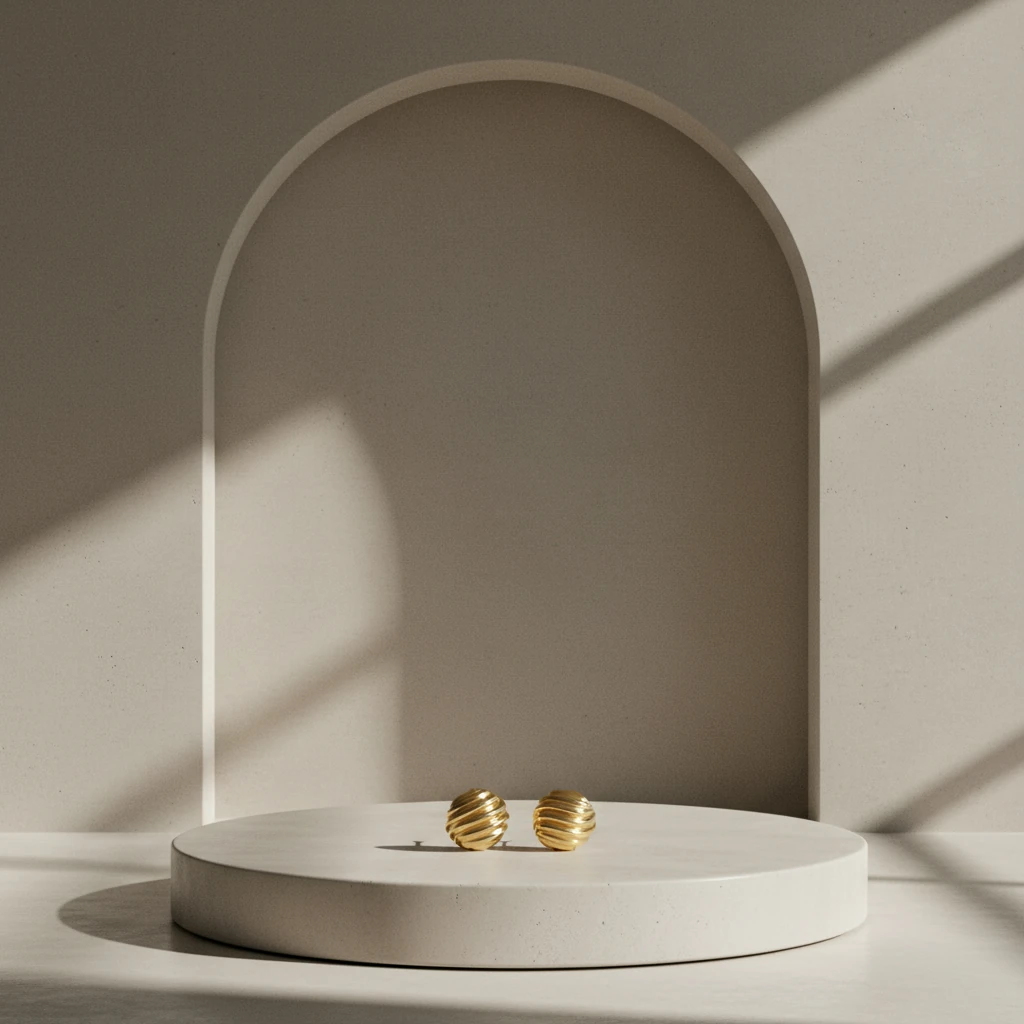
9. Architectural Concrete
For a modern, industrial edge, concrete is a fantastic choice. It’s neutral but textured, making it a great wallpaper for jewellery photography that needs a contemporary feel.
- LumaBox Prompt Idea: "Smooth concrete surface, modern architecture style, hard shadows, strong spatial awareness of light direction."
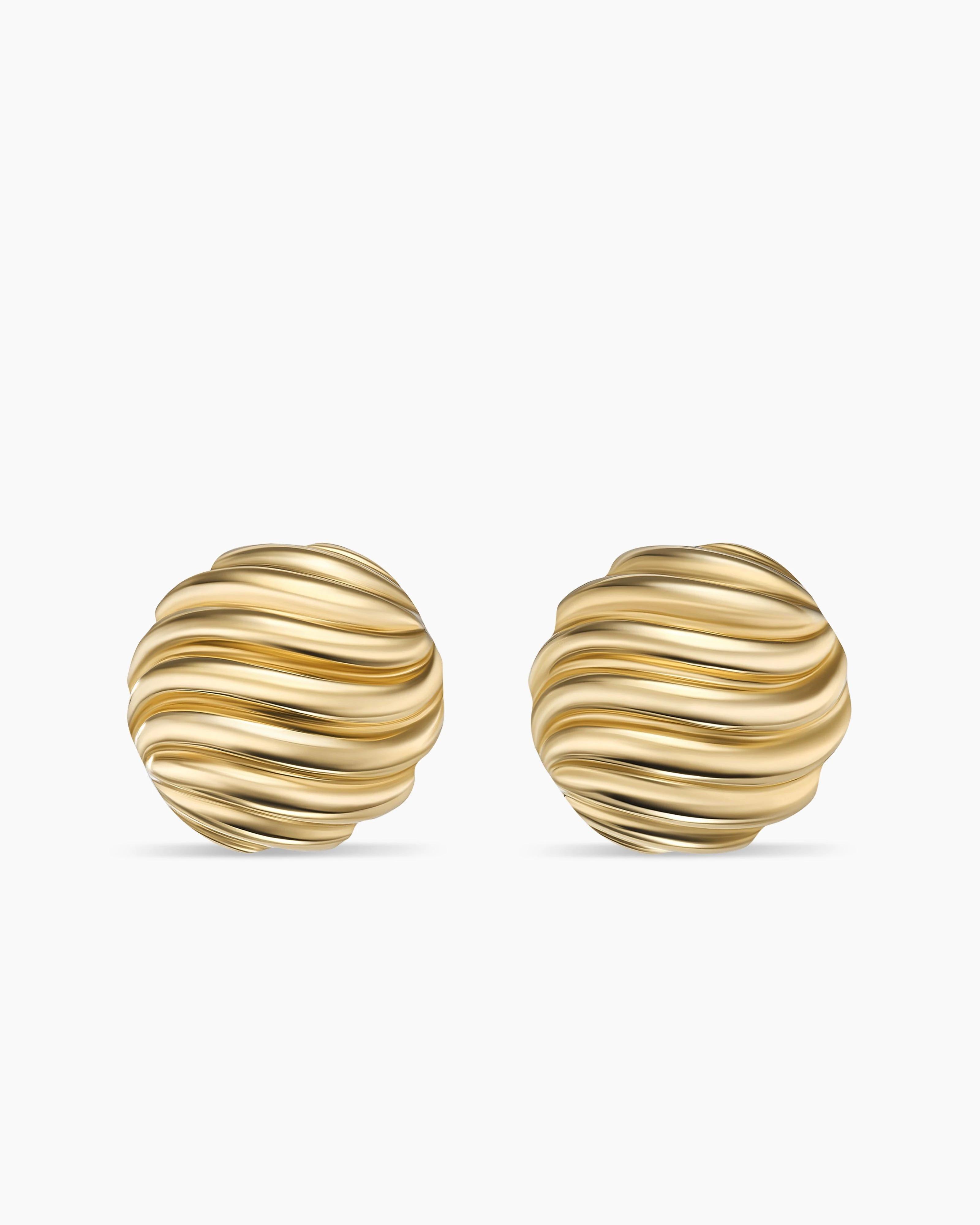
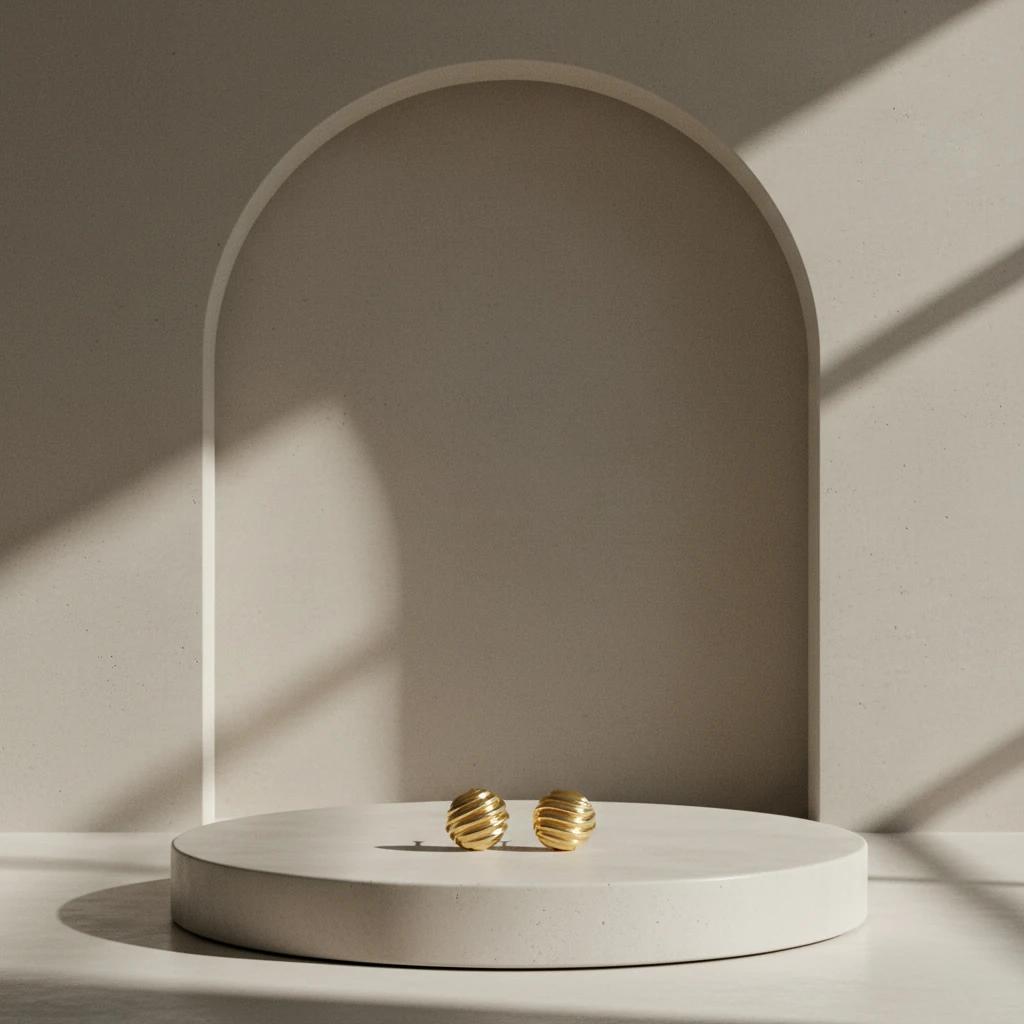
Architectural jewelry background with soft shadows and depth of field
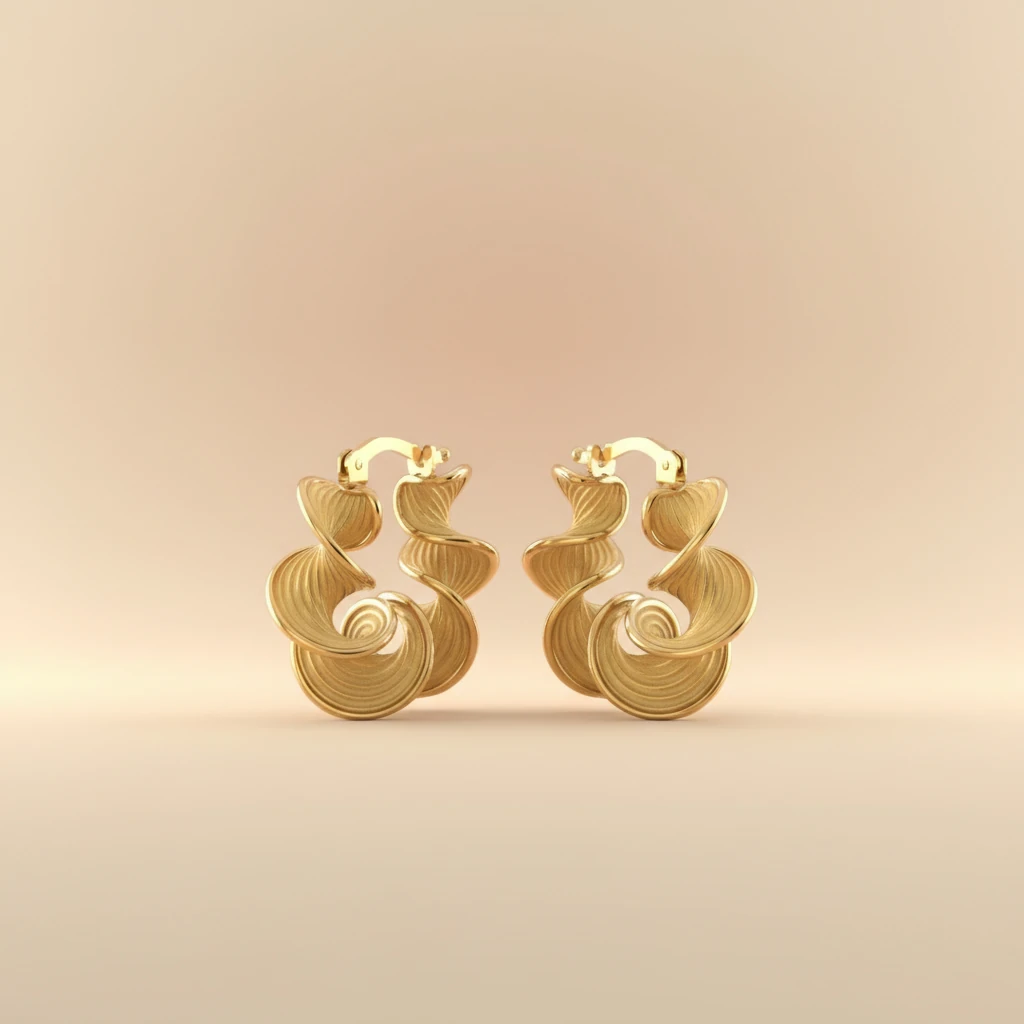
10. Gradient Colors
Simple color gradients can match your brand identity. They offer a clean look that is more interesting than plain white but not distracting.
- LumaBox Prompt Idea: "Soft pastel gradient background, peach to cream, studio lighting, soft depth of field."
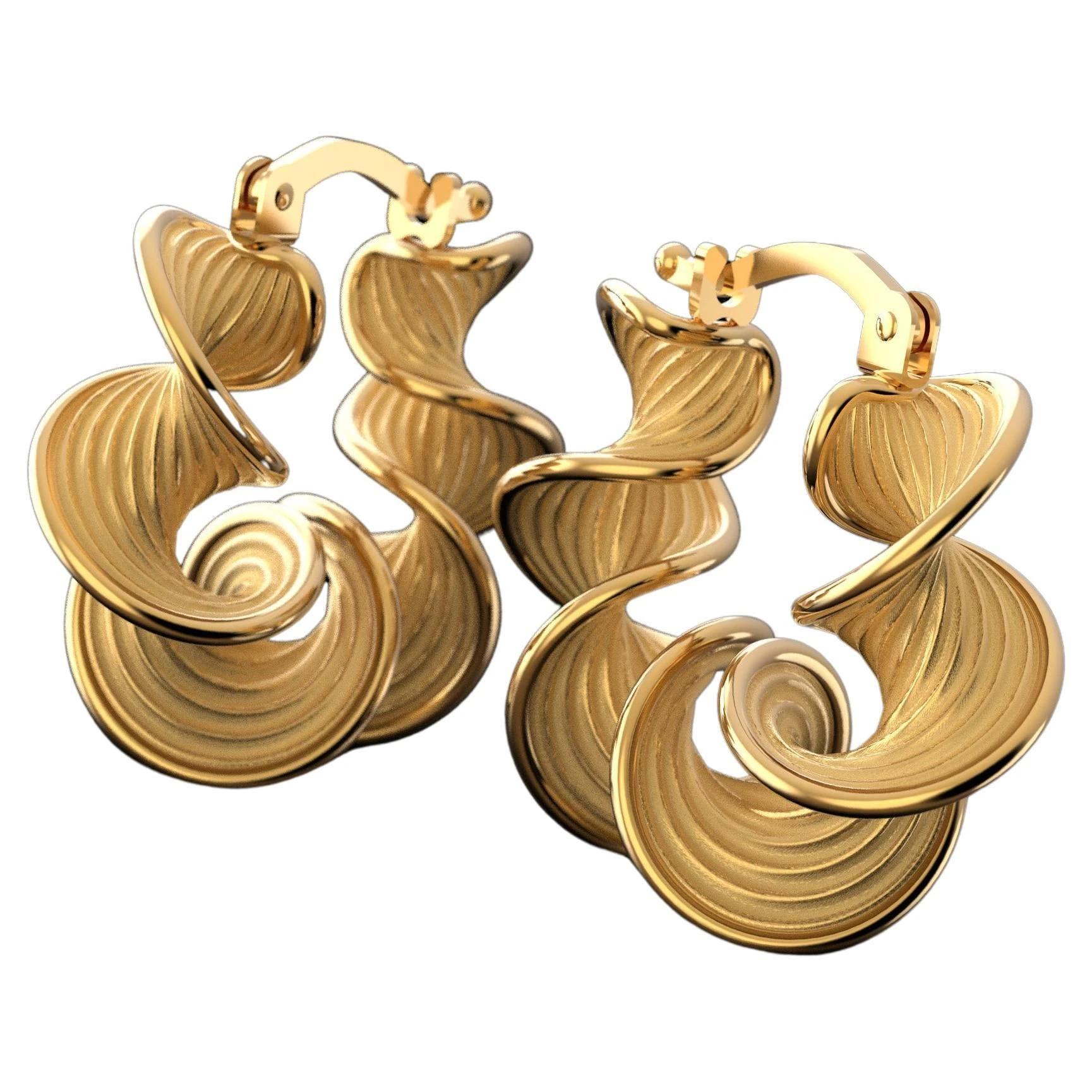
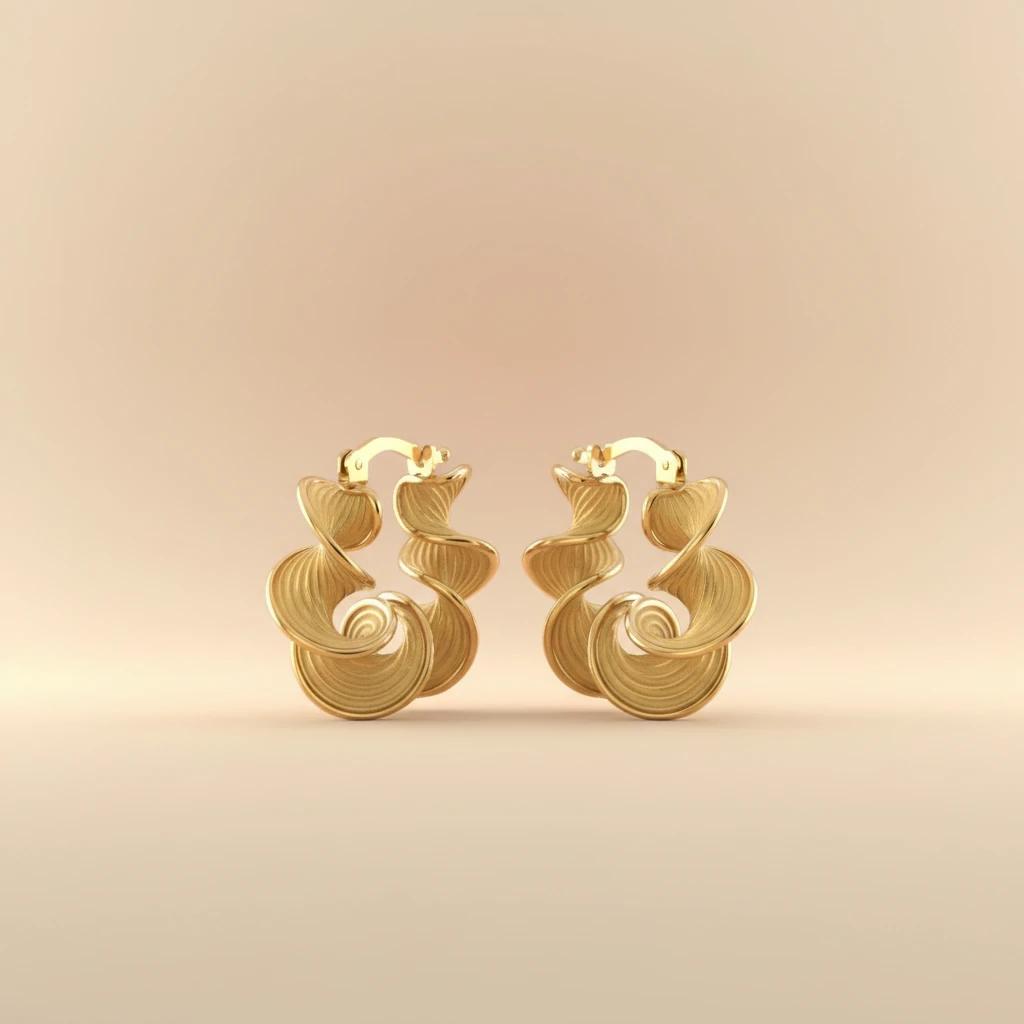
Pastel gradient jewelry background with centered ear rings and soft bokeh
Step-by-Step: Using LumaBox.ai for Your Jewelry Shoot
Ready to transform your jewelry background pictures? Follow this simple guide using LumaBox.ai.
1. Select "Product Photo Shot"
Choose "Product Photo Shot" to tell the AI you are focusing on product photography. This mode is optimized to preserve your jewelry details while adjusting lighting, shadows, and depth of field in the scene.
2. Upload Your Image
Start by uploading a clear photo of your jewelry piece to LumaBox.ai. Ensure the product is in focus and centered so the AI can accurately understand its geometry and spatial awareness.
3. Select Your Template
You can select from pre-made templates by scrolling down or searching with keywords like "marble," "silk," or "botanical." Each template is tuned for consistent shadow behavior and realistic surfaces.
4. Add Your Specific Requirements
Be specific. Instead of just "wood," try "polished dark walnut wood table with morning sunlight, subtle ambient occlusion under the ring." This helps the AI fine-tune lighting, reflections, and shadow consistency.
5. Choose a Resolution
You can choose from resolutions for marketplaces and social media platforms with one click. This ensures your background for jewelry pictures looks crisp everywhere it appears.
6. Generate and Review
Hit the generate button and watch as LumaBox.ai composes your new image. Check that the ambient occlusion, reflections, and depth of field feel natural and aligned with your brand style.
7. Download and Publish
Download your high-resolution image, ready for your website, ads, or social media campaigns.
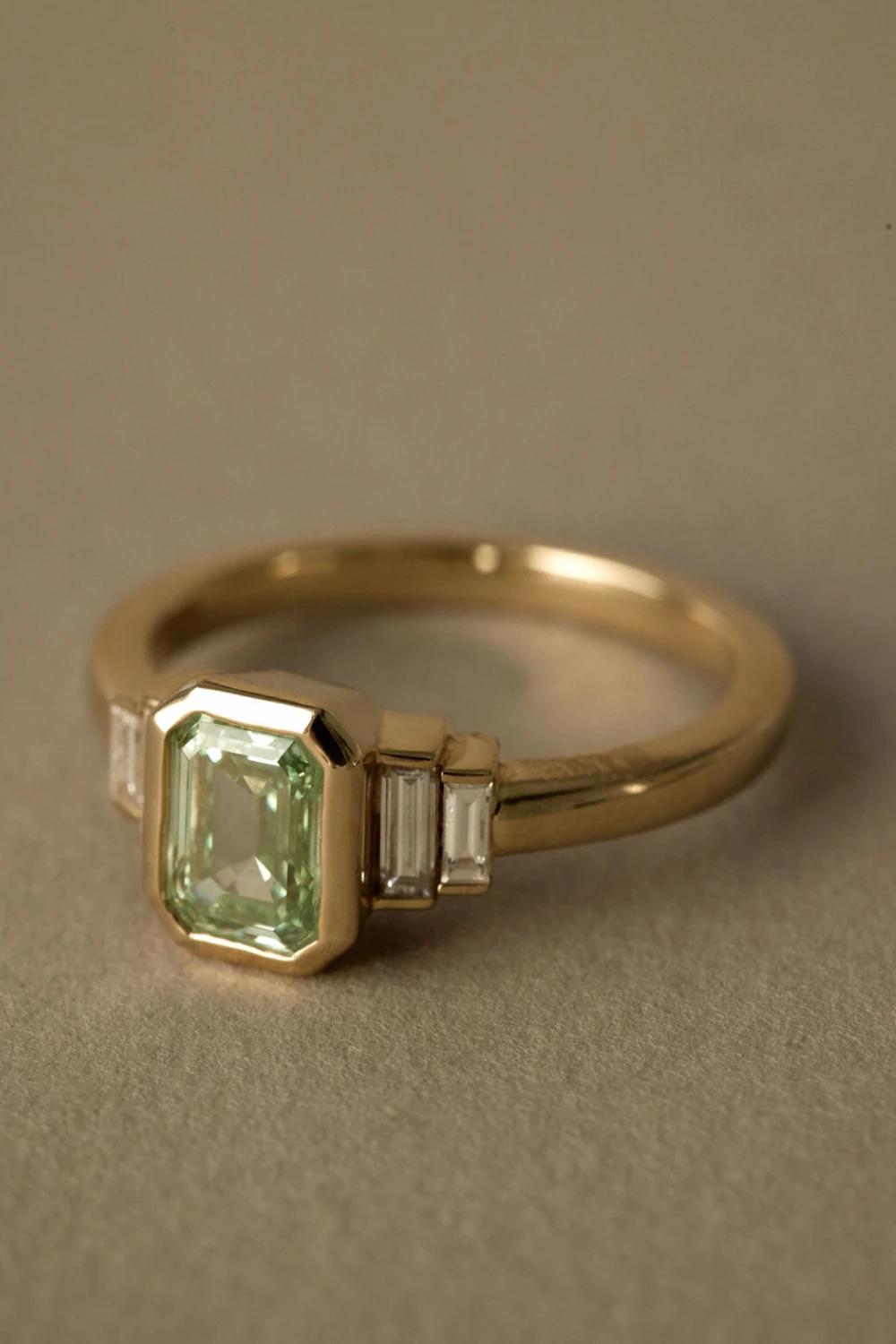
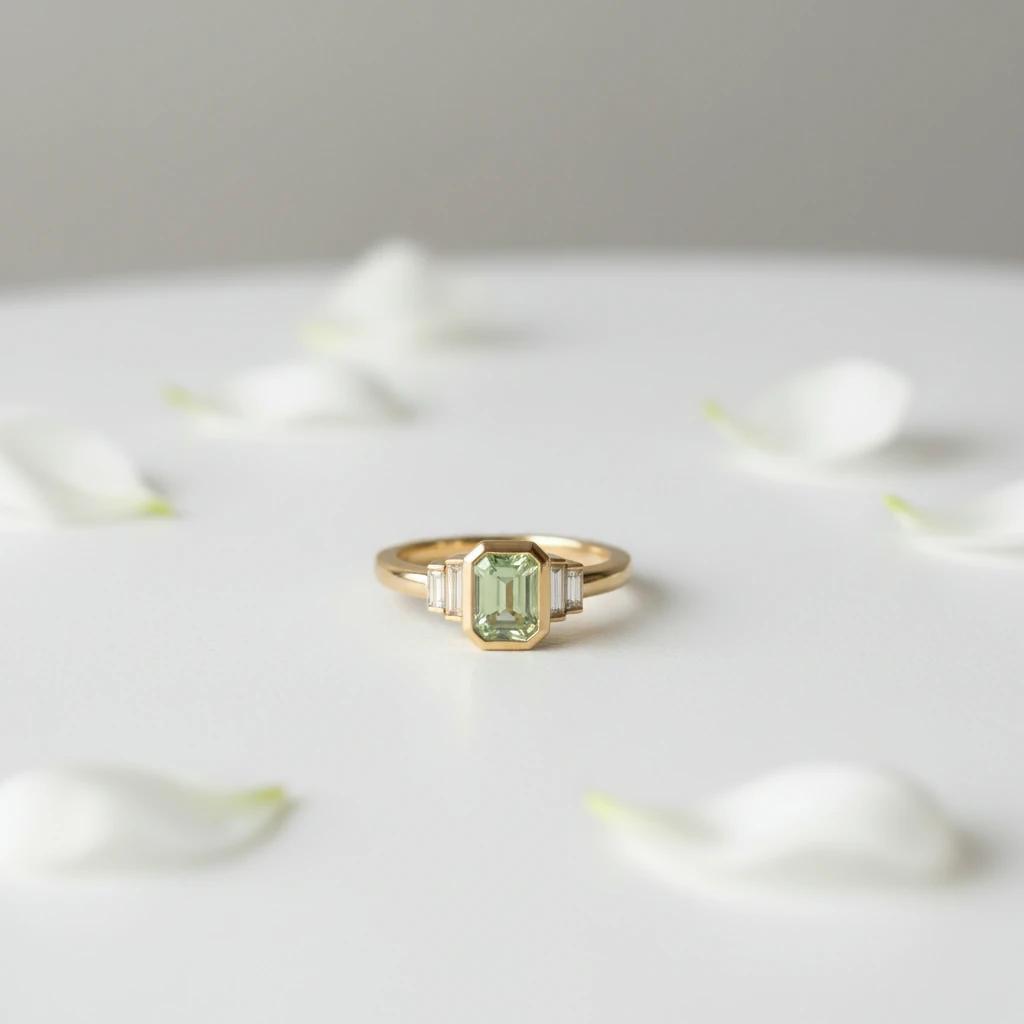
Screenshot of LumaBox.ai Product Photo Shot result for jewelry photography
FAQ: Jewelry Photography Backgrounds with LumaBox.ai
Do I need a professional camera to use LumaBox.ai?
No. As long as your jewelry photo is reasonably sharp and well lit, even a smartphone shot works. LumaBox.ai enhances the scene’s lighting, shadows, and depth of field around your product.
How does LumaBox.ai keep the image realistic?
LumaBox.ai uses ambient occlusion to create natural contact shadows where your jewelry touches the surface. It also enforces shadow consistency and correct spatial awareness so the light direction and reflections feel physically accurate.
Will the AI change the design or color of my jewelry?
No. The "Product Photo Shot" feature is designed to preserve the original pixels of your jewelry. It focuses on generating and re-lighting the environment, not altering the shape, color, or material of your product.
Can I reuse the same style across multiple SKUs?
Yes. You can save prompts and reuse templates to maintain a consistent background for jewelry photography across your whole catalog. This creates a unified brand look and saves time.
Elevate Your Brand with LumaBox.ai
Your jewelry deserves to shine. Don’t let lackluster backgrounds hold your sales back. With LumaBox.ai, you have a professional photo studio at your fingertips, complete with entity-aware control over shadows, depth of field, and spatial awareness.
Whether you need a sleek background for jewelry pictures or a creative lifestyle setting, LumaBox.ai makes it easy, fast, and affordable.
Try LumaBox.ai today and see the difference in your jewelry photography.