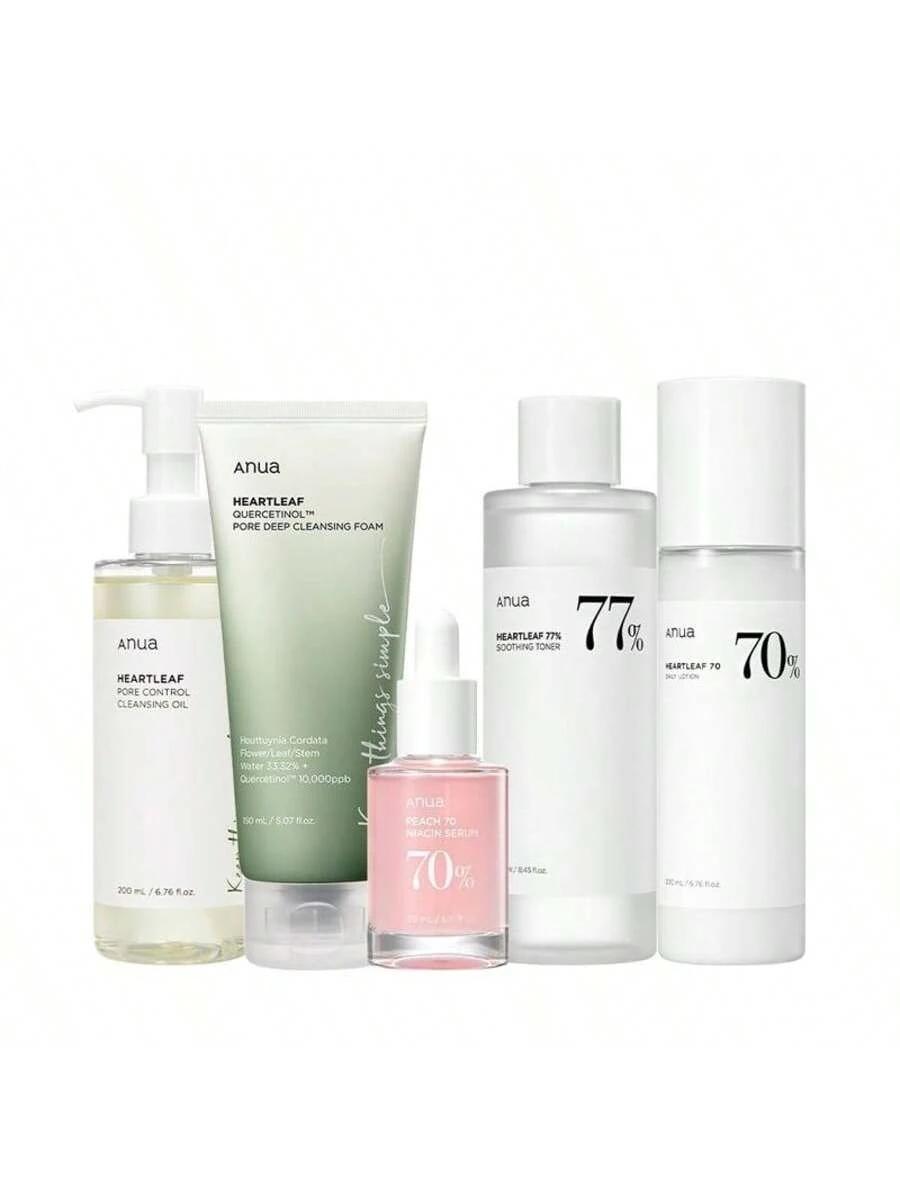
Key Takeaways
- Texture is King: High-quality skincare product photography must convey the sensation of the product—whether it's a rich cream or a lightweight serum.
- Lighting Sets the Mood: Use soft, diffused lighting to minimize glare on glass bottles and create a premium, "clean" aesthetic.
- AI Efficiency: Tools like Lumabox.ai can generate complex scenes (like skincare area or marble podiums) in seconds, replacing expensive physical photoshoots.
- Visual Trust: Crisp, professional images build the credibility necessary to sell skincare products online where customers cannot touch or smell the item.
- Consistent Branding: AI helps maintain a unified visual style across your entire product line, from main listing photos to social media content.
In the world of skincare ecommerce, visuals are everything. Your customers cannot touch the texture of a lotion or smell the fragrance of a serum through their screens. Therefore, skincare product photography serves as the only bridge to build trust.
A mediocre photo can make a luxury product look cheap, while an image that captures radiance, hydration, and purity can instantly drive a purchase. This guide explores the core elements of a professional skincare photoshoot and reveals how to leverage AI tools like Lumabox.ai to transform expensive commercial shoots into an efficient digital workflow.
Why Visual Trust is the Lifeline of Skincare Brands
For skincare brands, images do more than just display a product; they convey a "promise."
- Transparency Promise: Clearly showing labels and ingredients.
- Efficacy Promise: Implying results through visual cues like hydration and glow.
- Experience Promise: Allowing users to "feel" the product through detailed texture shots (swatches).
The 3 Pillars of a High-End Skincare Photoshoot
To achieve a premium look in your skin care photoshoot, whether using a traditional camera or AI generation tools, you must master these three critical dimensions.
1. Showcasing Texture & Consistency
The soul of skincare lies in its texture. Is it lightweight like water, or rich like a cream?
- Swatches: Use artistic smears to demonstrate the richness of creams.
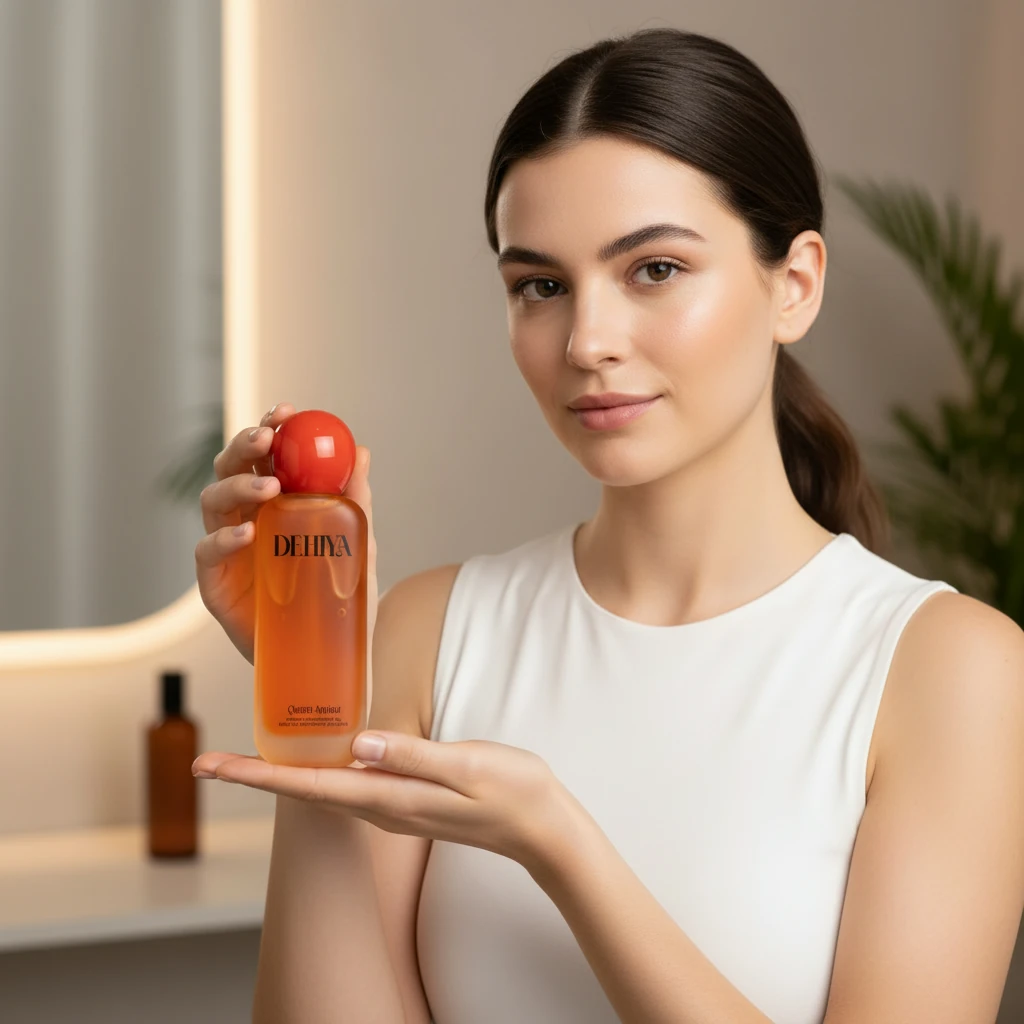
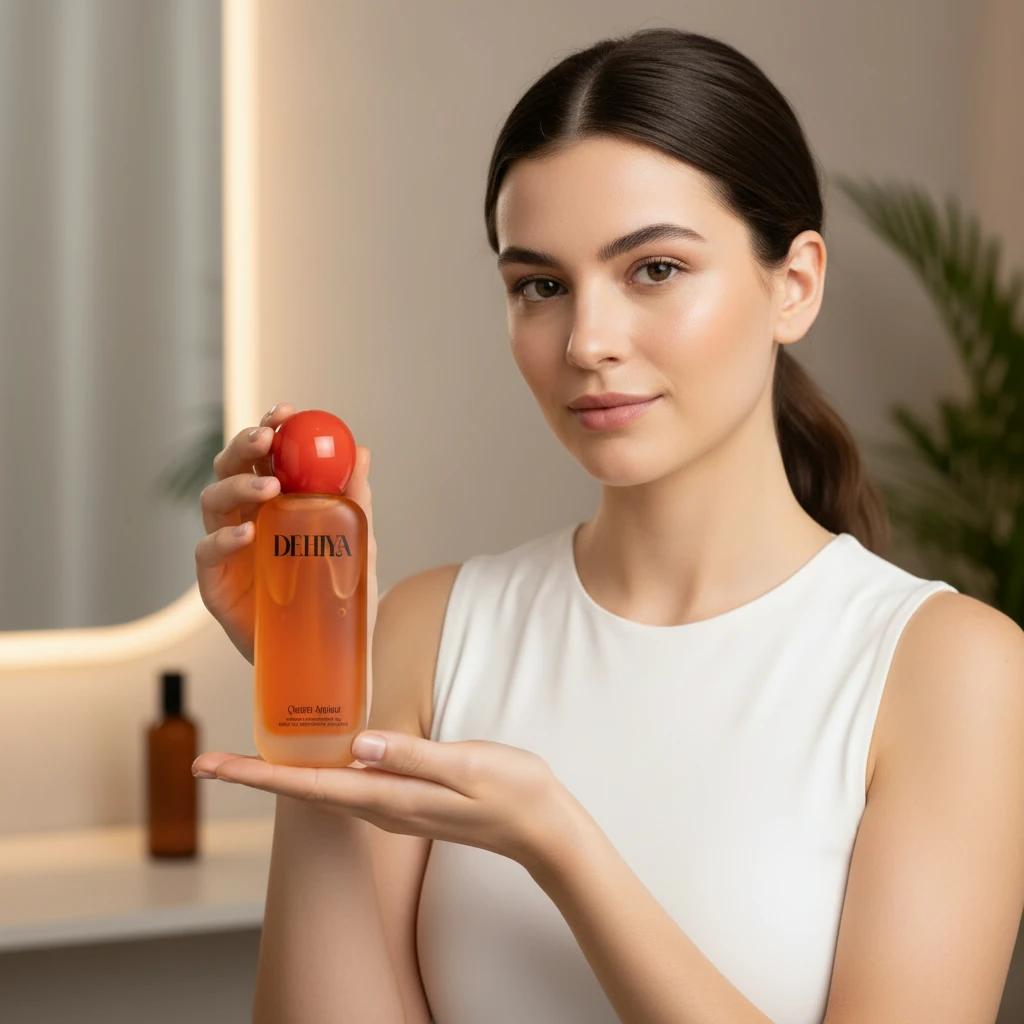
- Human Touch: Showing a human model holding the bottle or applying the product adds a relatable, human element and helps demonstrate scale.
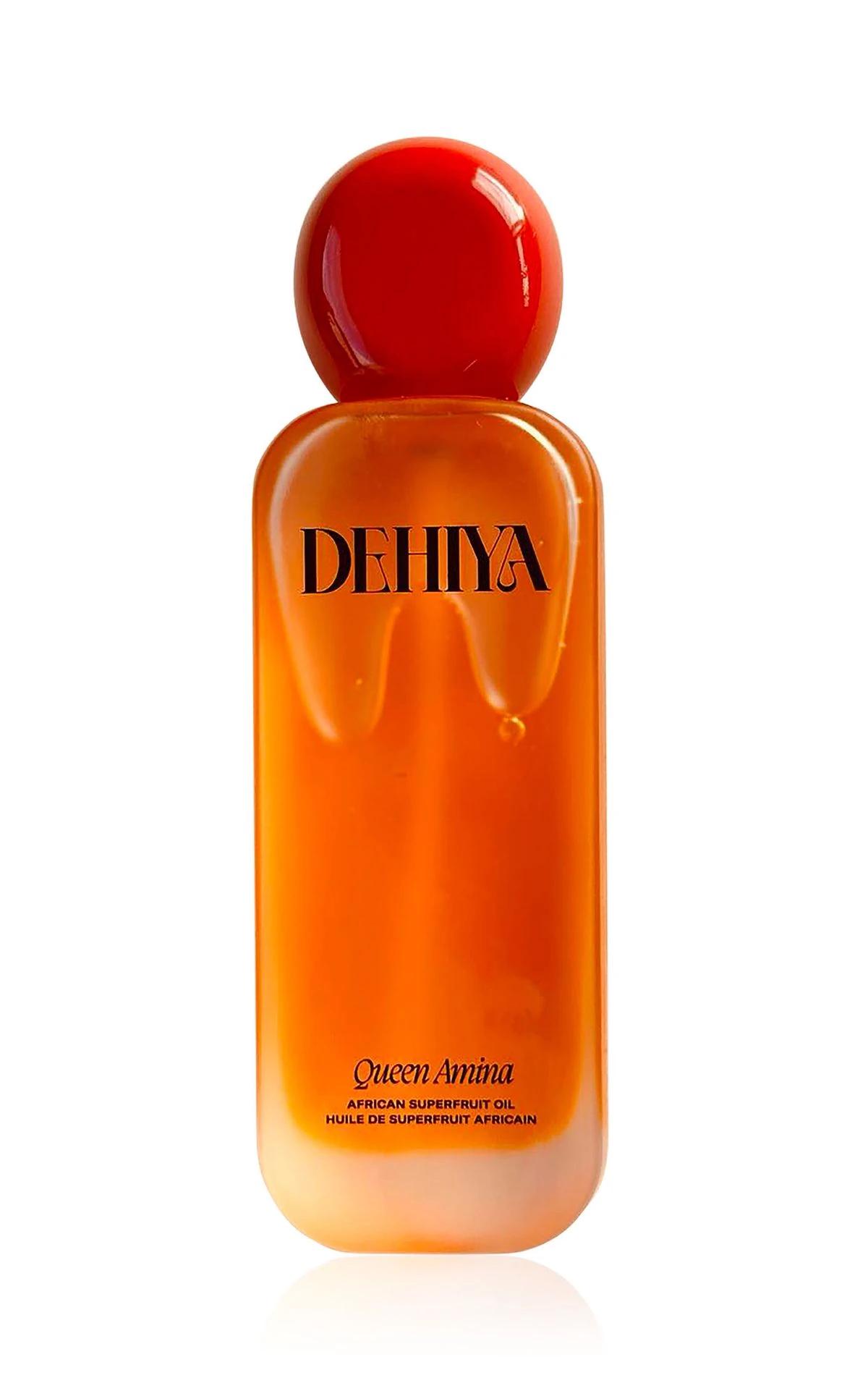
- Container Gloss: Skincare packaging often uses glass or acrylic; managing high-gloss reflections conveys luxury.
2. Mastery of Lighting
Lighting dictates the "mood" of your skincare products.
- Soft Lighting: The gold standard for skincare. It reduces harsh glare on glass bottles and creates a gentle, moisturizing feel.
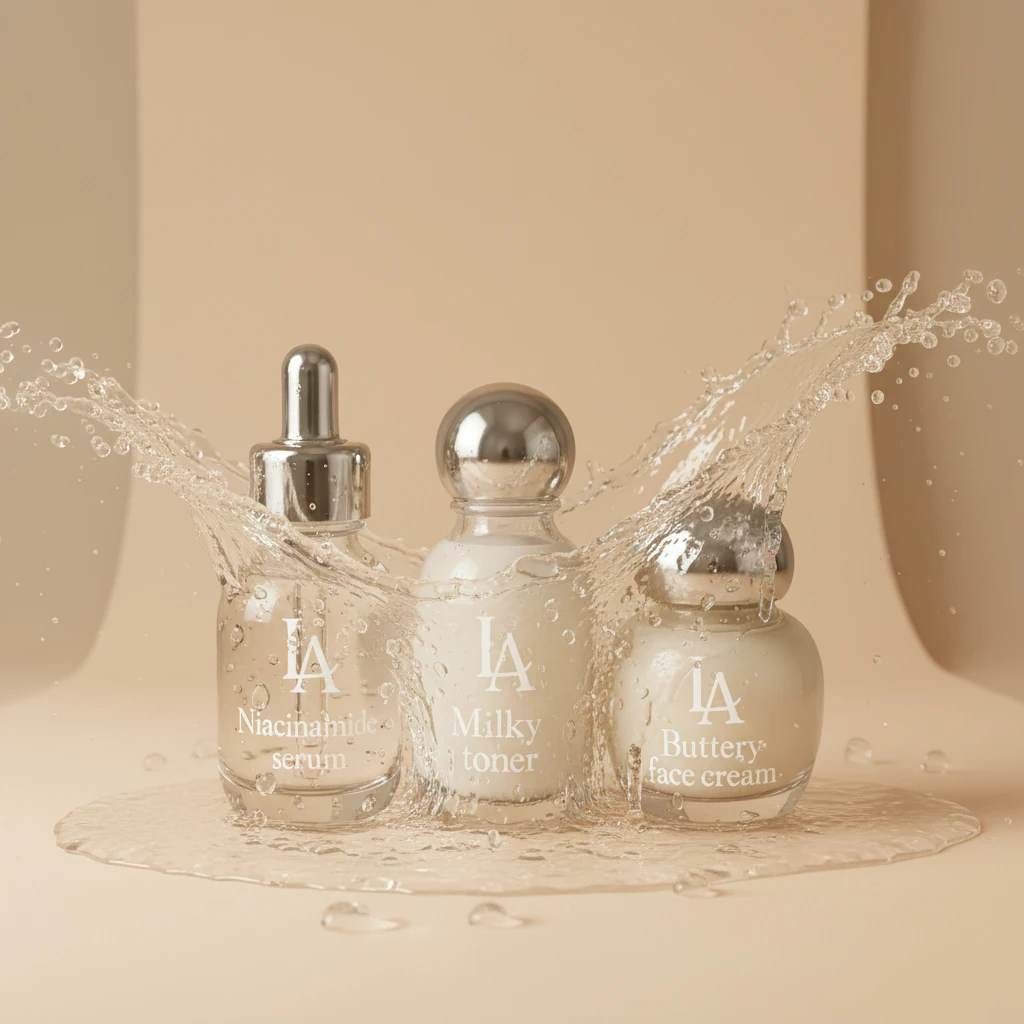
- Backlighting: A killer technique for translucent bottles (like serums), making the liquid appear crystal clear and glowing.
- Natural Light Simulation: Mimics morning sun or window light to communicate "natural" and "organic" brand values.
If your original photos suffer from poor lighting, don't worry. Check out our guide on how to fix bad lighting in product photos with AI to turn rejected shots into assets.
3. Composition & Props
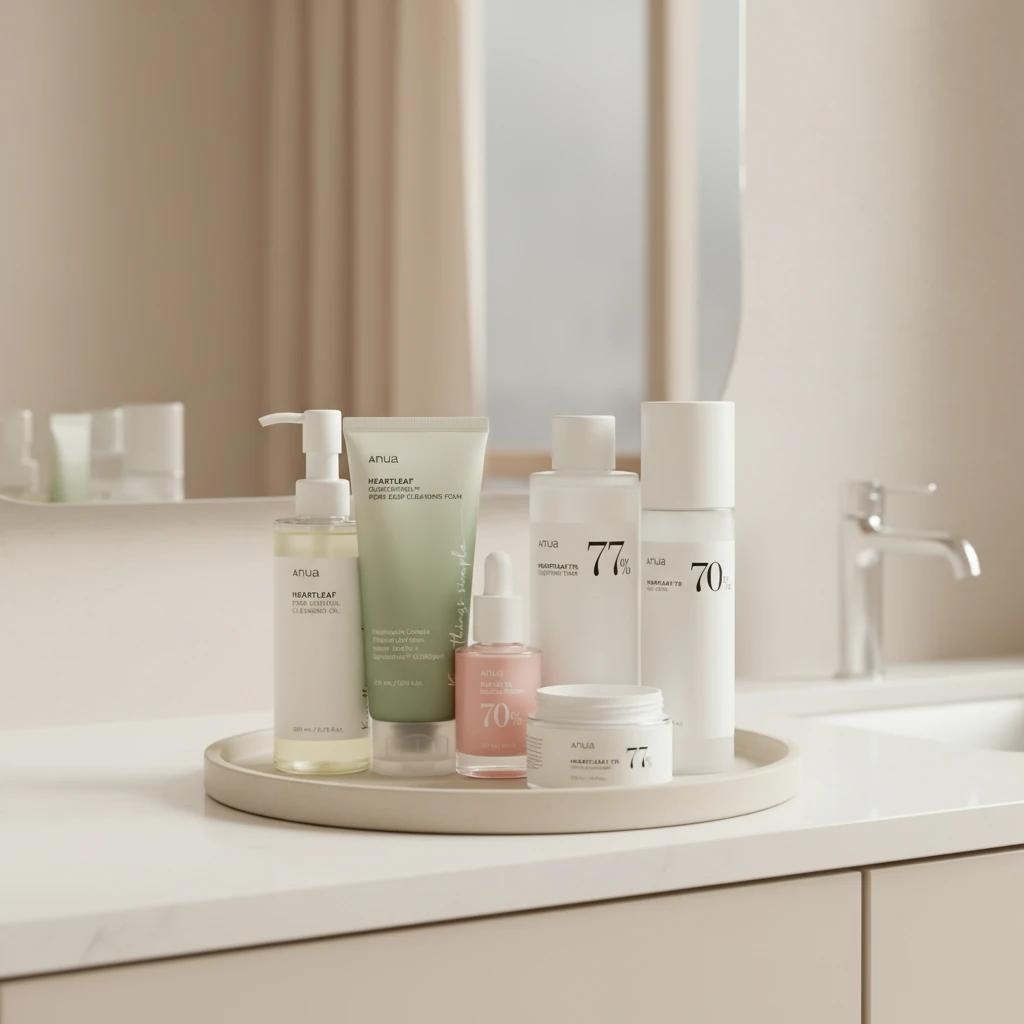
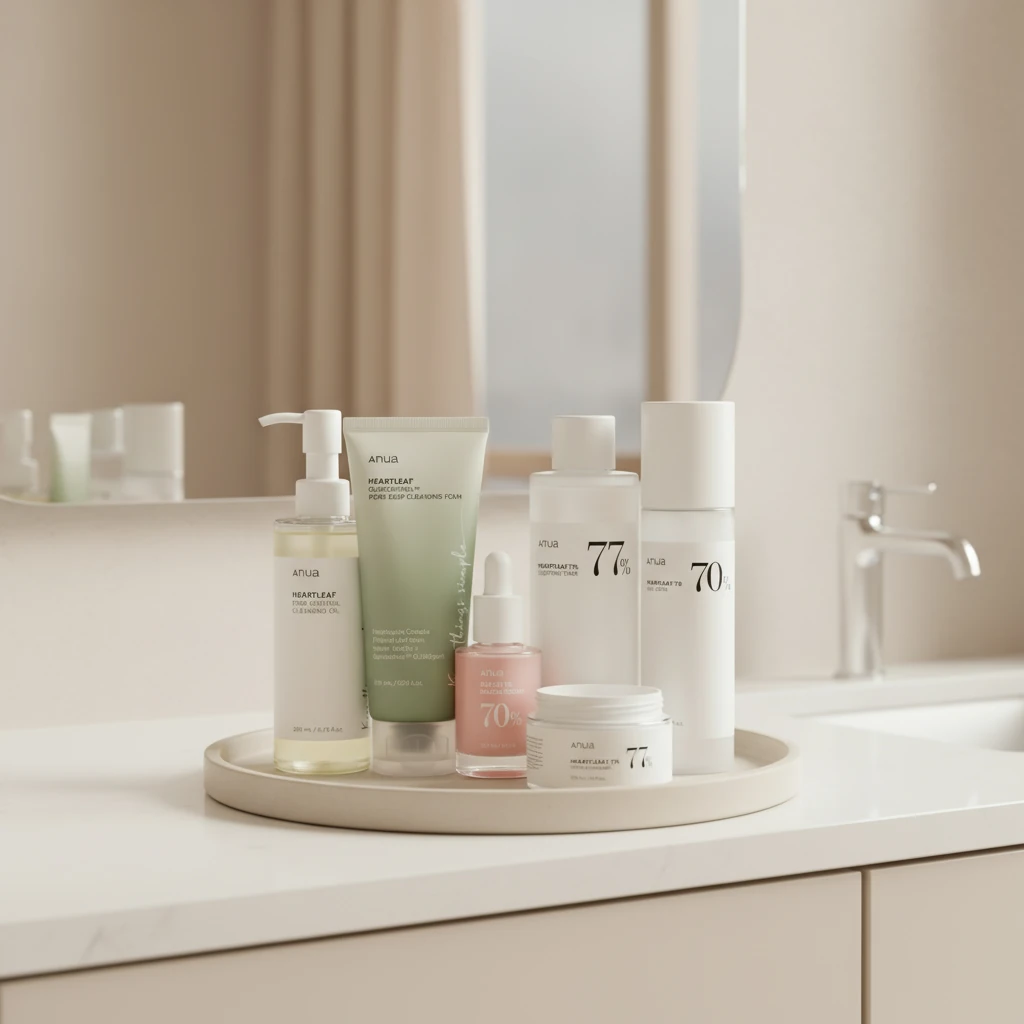
- Minimalism: White space is a sign of luxury in skincare product photography.
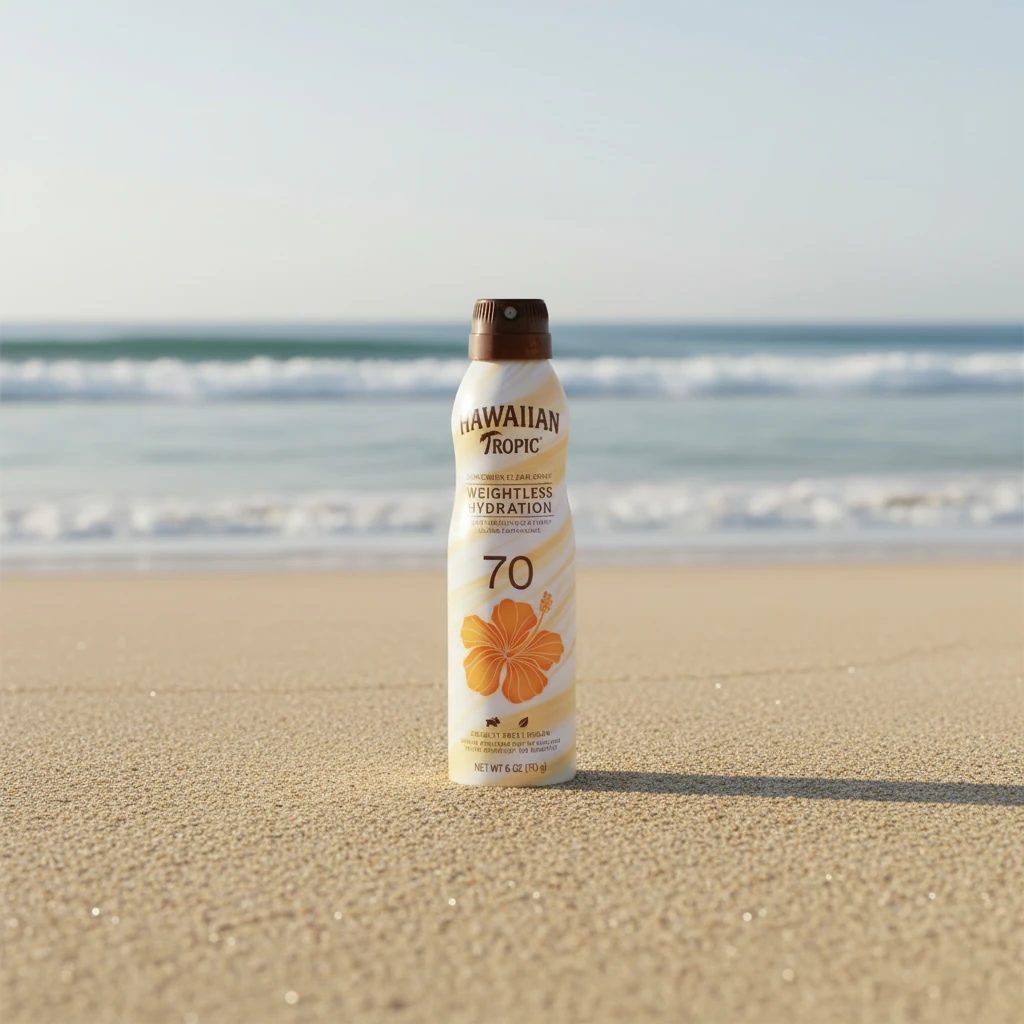
- Ingredient/seasonal/scene Echo: Incorporate aloe vera, water droplets, or flower petals to visually communicate key ingredients, or seasonal or scenes to use it.
- Reflections & Podiums: Use mirrored surfaces or stone podiums to add depth and stability to the composition.
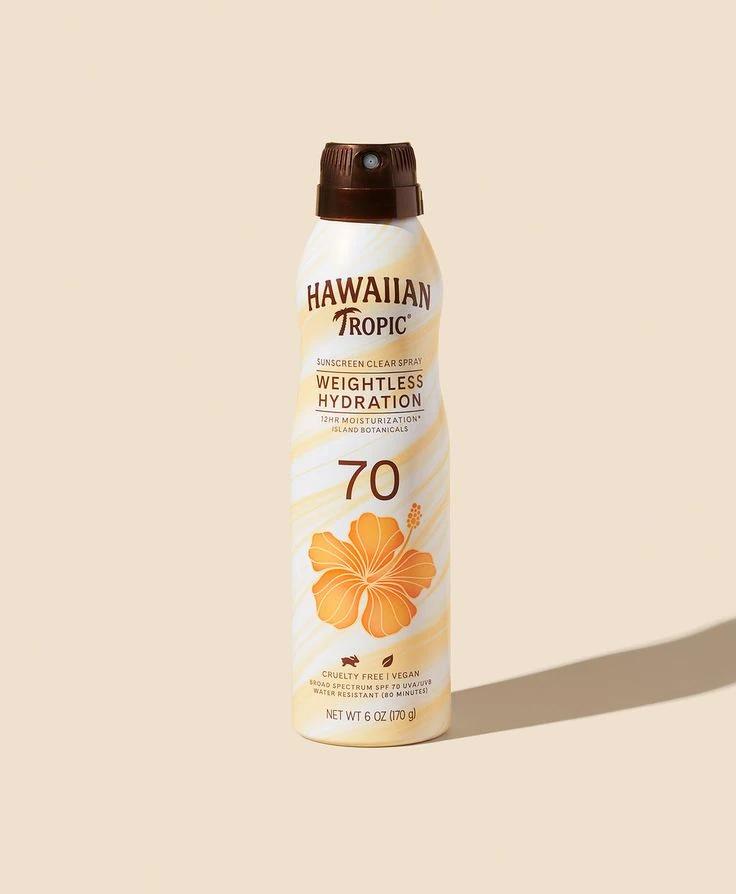
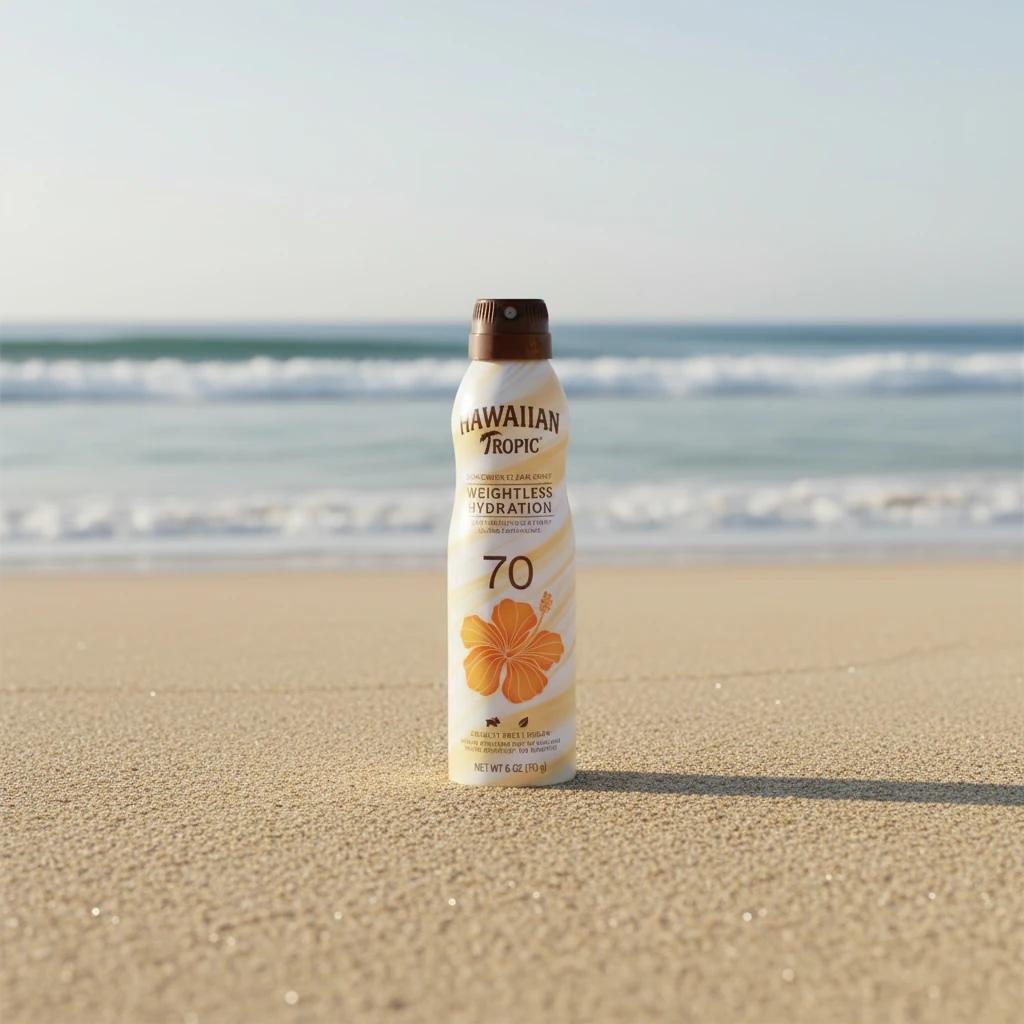
Revolutionizing Your Workflow with Lumabox.ai
Traditional commercial photography requires renting studios, buying expensive props, and spending hours on lighting setups. Lumabox.ai simplifies this entire process into a few clicks.
Here is a step-by-step workflow to create professional skincare images using AI:
Step 1: Upload Your Base Product Image
Start with a clear photo of your product on a white background or a simple snapshot. The AI will automatically identify the subject and remove cluttered backgrounds.
Step 2: Select and/or Describe Your Scene
Lumabox.ai offers a scene library specifically designed for skincare.
- Want a fresh, hydrating look? Select a background color in Studio & Packshot and describe the scene like "Water Splash, fresh, & hydrating look".
- Want a high-end anti-aging vibe? Input prompts for "Black gold marble with silk background."
Step 3: AI Smart Lighting Fusion
This is the most critical step. Lumabox.ai doesn't just swap backgrounds; it recalculates light and reflections on your product based on the new environment. For deeper insights on refining these details, read our guide on how to capture and enhance professional ecommerce product photos.
Step 4: Final Polishing
Once generated, use built-in tools like Smart Image Editing to adjust tones and ensure accurate brand colors with prompts. For perfectionists, our professional product photo editing guide offers advanced post-production strategies.
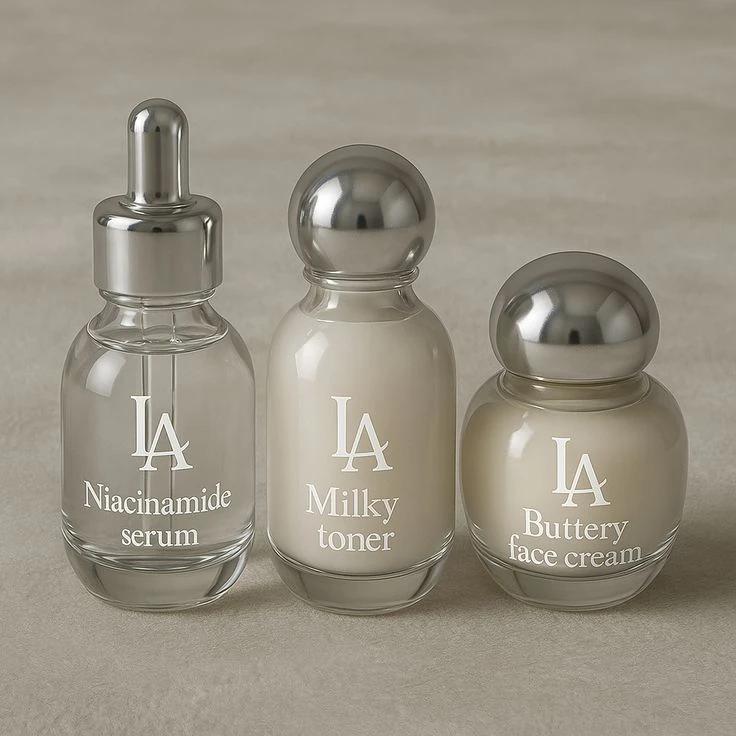
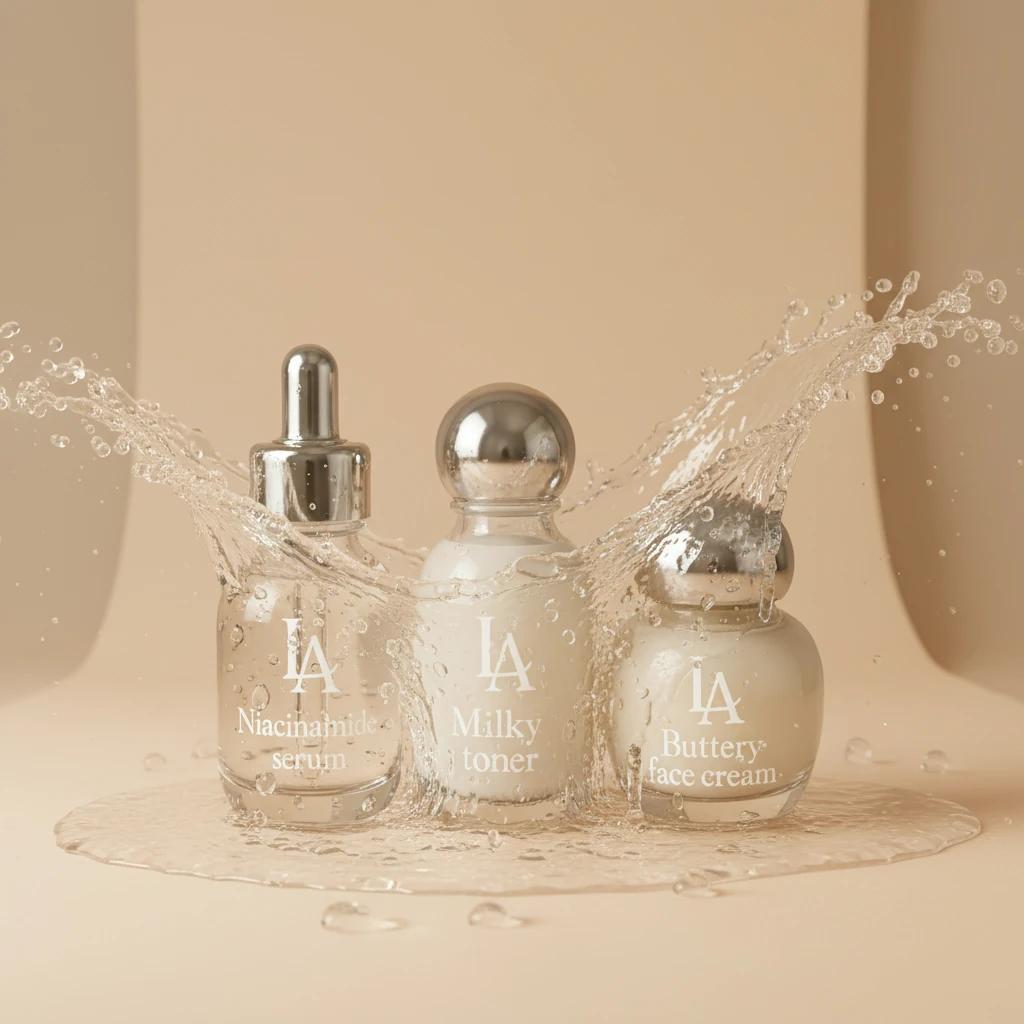
Traditional Photography vs. AI-Driven Efficiency
To help you visualize the difference, we’ve compared traditional skincare product photography with an AI-driven workflow:
| Dimension | Traditional Commercial Photography | AI-Driven Photography (Lumabox.ai) |
|---|---|---|
| Cost | High (Studio, photographer, props) | Low (Subscription based) |
| Time | Days to Weeks (Planning, shooting, editing) | Hundreds of images in minutes |
| Flexibility | Limited by physical props and location | Infinite scenes (underwater, space, nature) |
| Consistency | Hard to match style across different shoots | AI models lock in style for brand consistency |
Conclusion: Empowering Brand Aesthetics with AI
In an era where "looks matter," the quality of your skincare images directly impacts click-through and conversion rates. You no longer need to invest thousands of dollars to achieve the perfect skin care photoshoot result.
By understanding the principles of light and texture, and combining them with the generative power of Lumabox.ai, you can produce heart-stopping, high-end visual content at unprecedented speed and cost.
Ready to upgrade your skincare visuals? Try Lumabox.ai today and make your products stand out on the digital shelf.