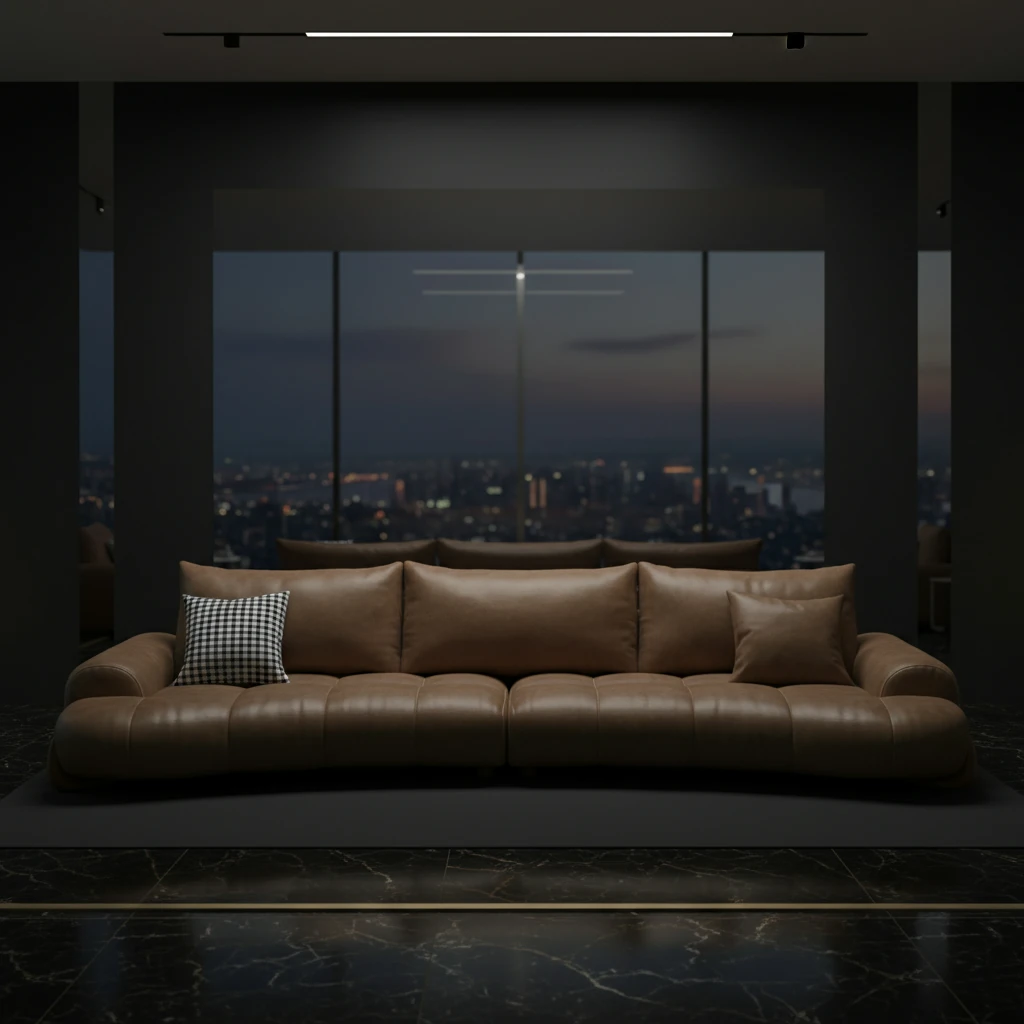
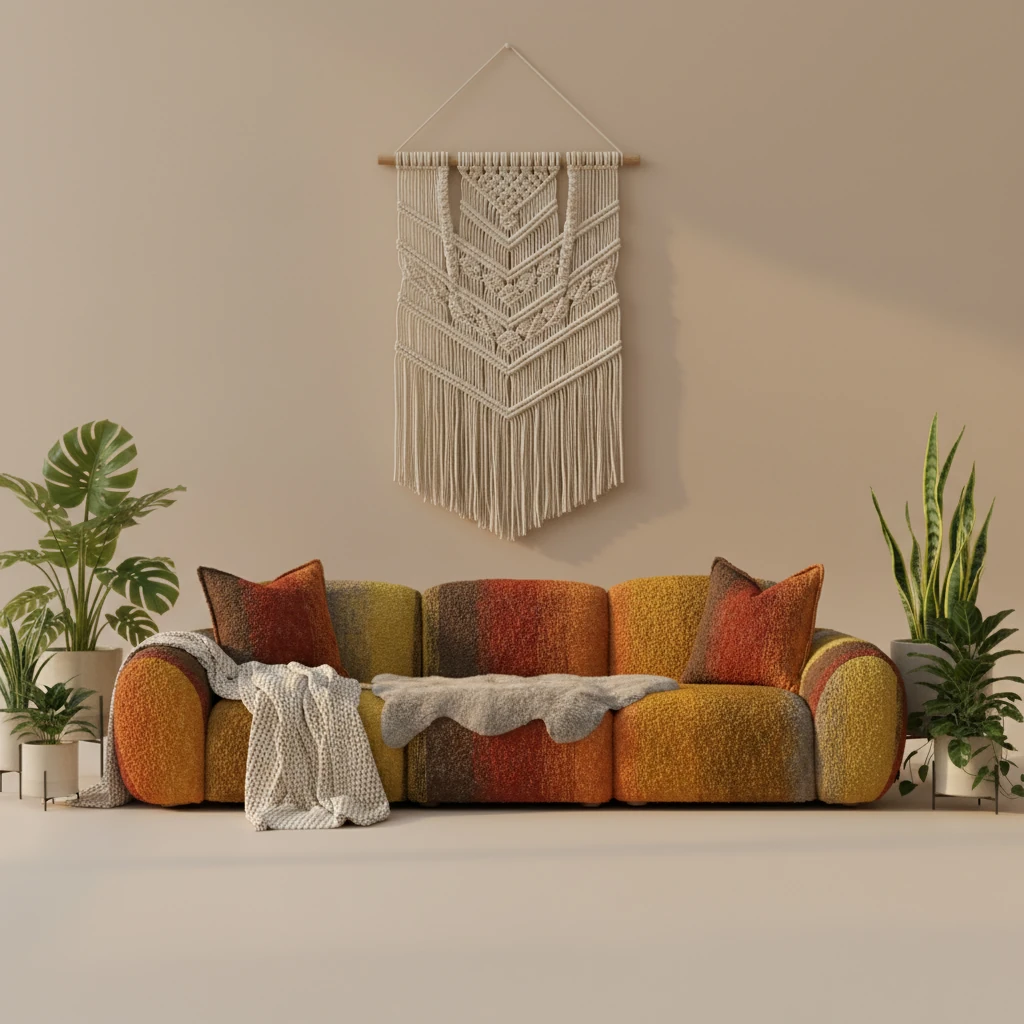
Key Takeaways
- Eliminate the high logistical costs of renting studios and moving heavy furniture.
- Generate realistic furniture backgrounds with consistent lighting and shadows using AI.
- Create diverse lifestyle contexts—from Japandi to Sun-drenched Patios—in minutes.
- LumaBox.ai's "Product Photo Shot" preserves your product's integrity while enhancing its environment.
The High Price of "Realism" in Furniture Photography
Imagine this scenario: You have a new velvet sofa collection launch next week. To get the "perfect shot," you need to rent a studio with great natural light, hire professional movers to transport the heavy furniture, source props, and pay a photographer for a full day. The cost? Thousands of dollars and days of logistical headaches.
For years, this was the only way to get a furniture photoshoot that didn't look cheap. While simple white-background product shots are easy, they lack emotional connection. Customers need to see how that sofa looks in a sunlit living room to imagine it in their own home.
The Problem: Why Traditional Background Removal Fails
Many brands try to cut corners by photographing furniture in a warehouse and using basic tools to remove the background. Then, they paste it onto a stock photo of a living room.
The result? It looks "fake."
Why? Because of lighting mismatch and lack of shadows.
- Floating Furniture: Without proper contact shadows (ambient occlusion), the furniture looks like it's hovering above the floor.
- Inconsistent Lighting: If the room image has light coming from the left, but your sofa was lit from the right, the brain instantly rejects the image as artificial.
- Flatness: Cutting out an object often removes the subtle light wrap that makes it sit naturally in a space.
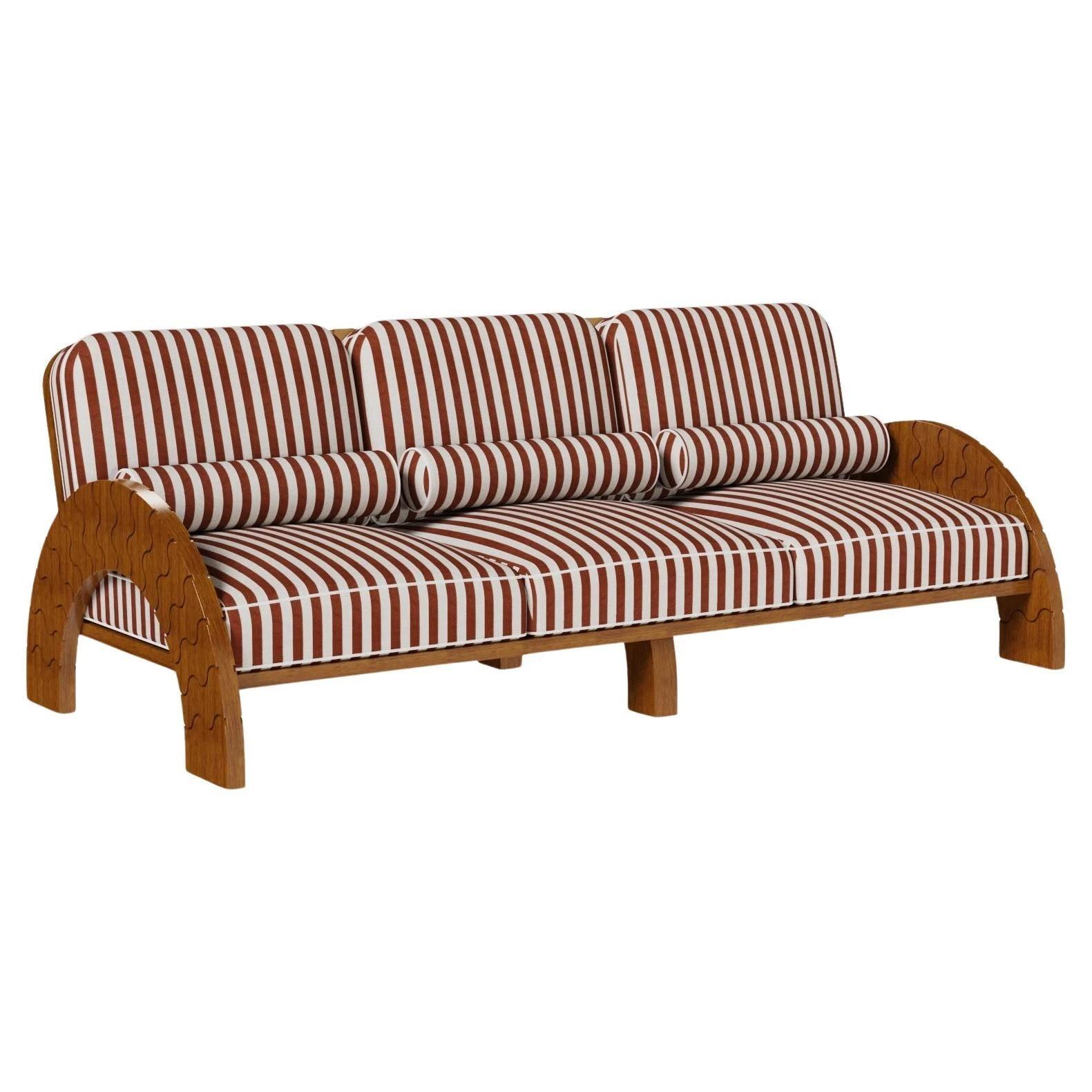
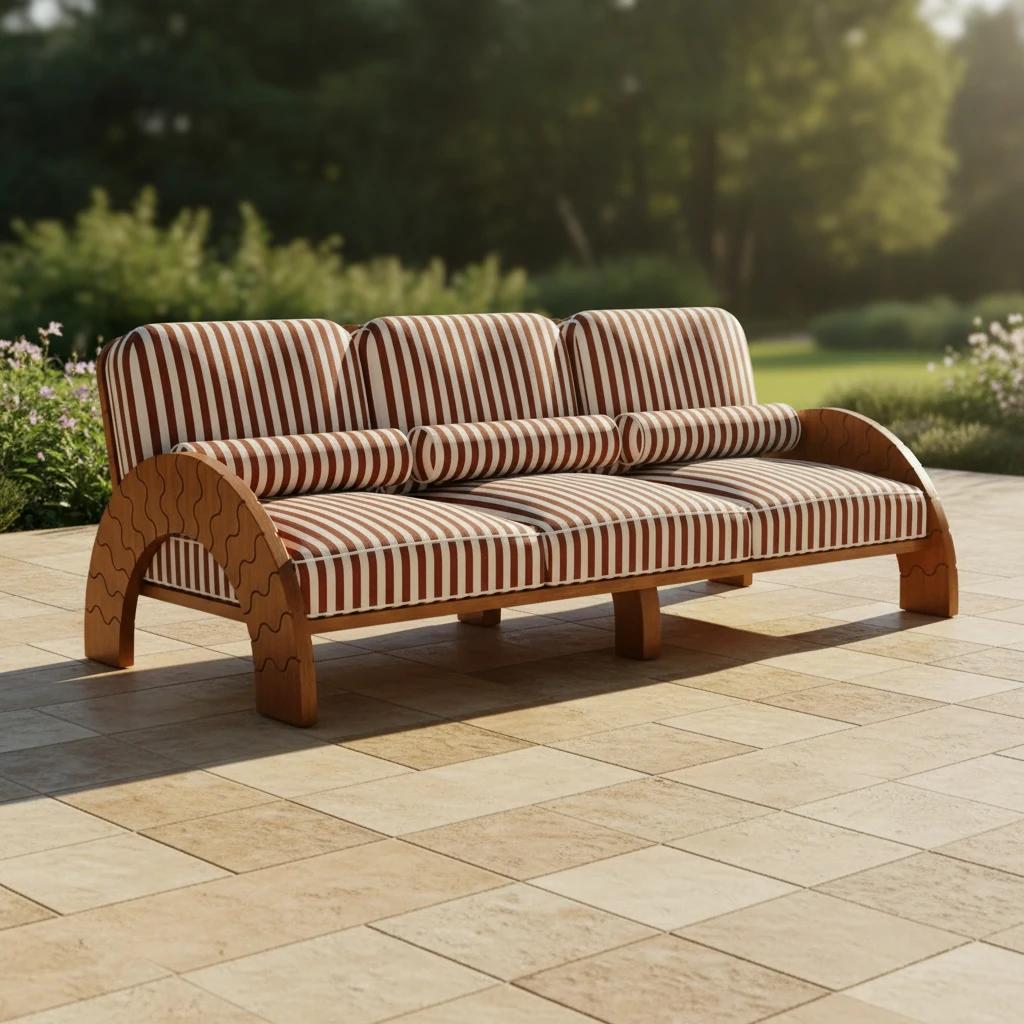
The Solution: LumaBox.ai's "Product Photo Shot"
LumaBox.ai changes the game with its "Product Photo Shot" feature. Unlike simple background replacers, LumaBox uses advanced AI to understand the 3D geometry of your furniture.
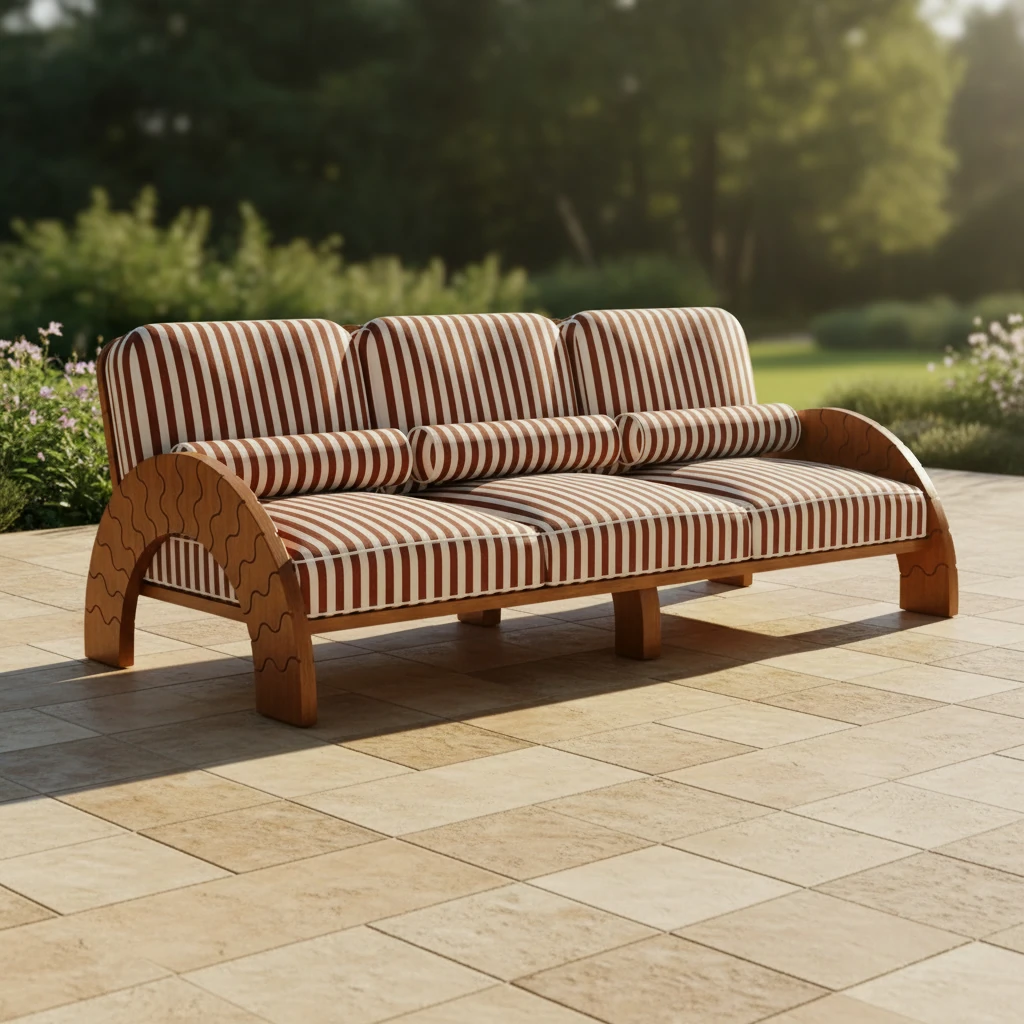
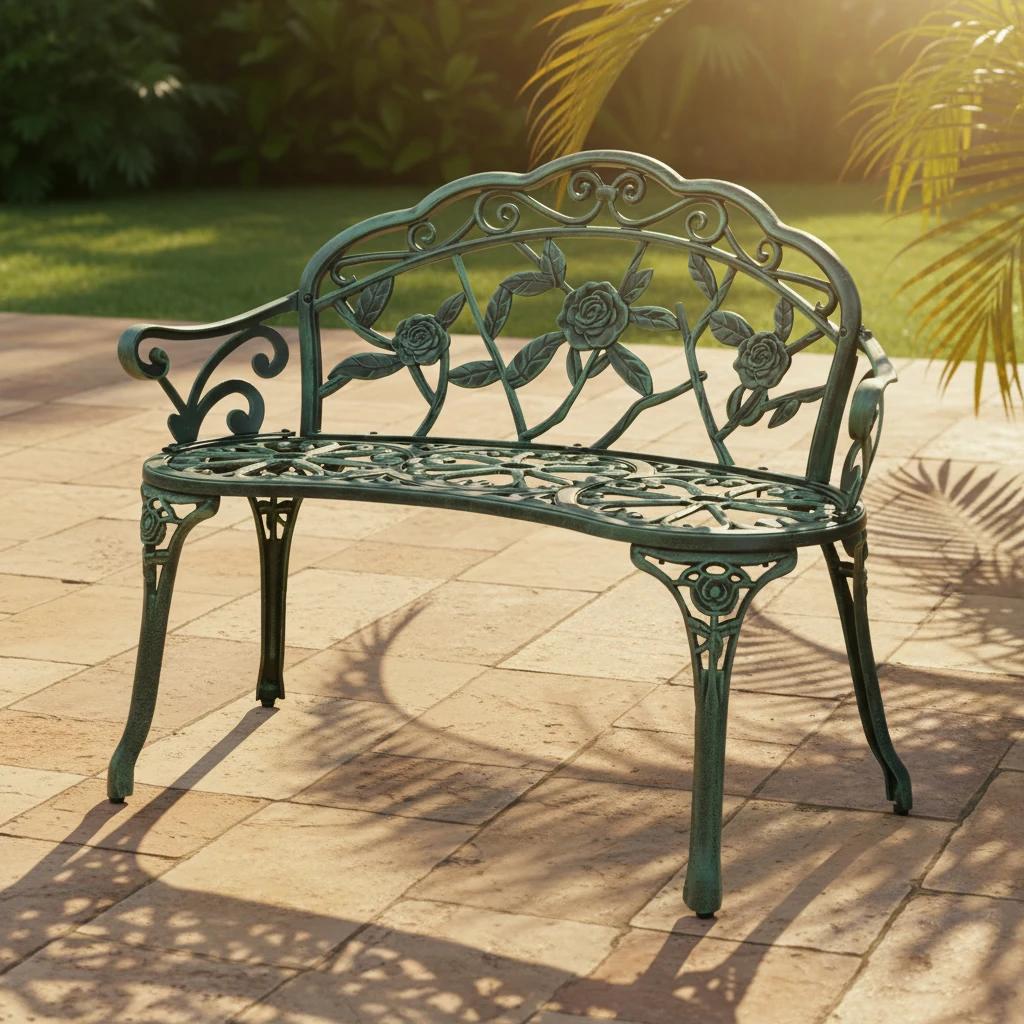
It doesn't just "paste" your item; it re-lights the scene. The AI calculates shadow consistency, ensuring that if you choose a "Sun-drenched Patio" background, the sunlight hits your chair correctly and casts a realistic shadow on the floor. It respects the depth of field, keeping your product sharp while softly blurring the background for that professional DSLR look.
This means you can generate furniture with ai backgrounds that look indistinguishable from a physical location shoot.
How to Generate Realistic Backgrounds: A Step-by-Step Guide
Transforming your catalog is simple. Here is how to create a stunning background for furniture in four steps:
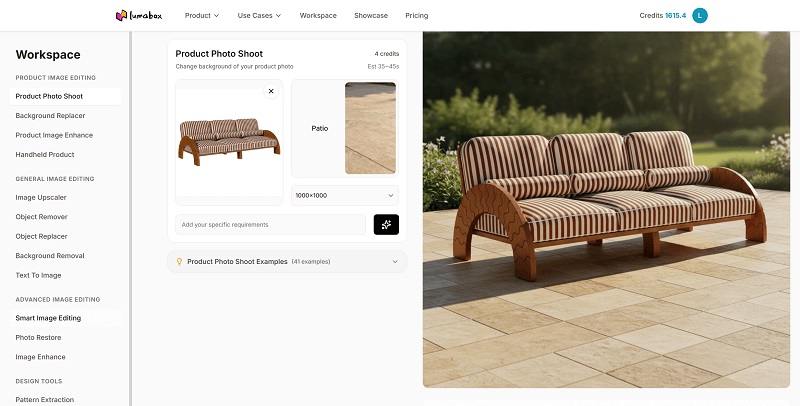
1. Choose "Product Photo Shot"
Select the "Product Photo Shot" mode. This tells the AI that the priority is maintaining the exact look of your product while generating a new environment.
2. Upload Your Product Image
Start with a clean photo of your furniture. It doesn't need to be perfect—even a smartphone photo works if the lighting is decent. LumaBox automatically identifies the subject.
3. Select and Describe Your Scene
You can choose from pre-set templates and type custom prompts to optimize it.
- Prompt Example: "Modern living room with floor-to-ceiling windows, soft morning light, wooden floor, beige rug."
4. Choose the output resolution
You can select resolutions with one click for market places, social media platforms, and more.
5. Generate and Download
Click generate. In seconds, LumaBox analyzes the spatial awareness of the scene and places your furniture perfectly. Download the high-resolution image ready for your e-commerce store.
Top 5 Furniture Background Ideas for 2026
To boost conversion, match the background to the style of your furniture. Here are trending templates you can generate:
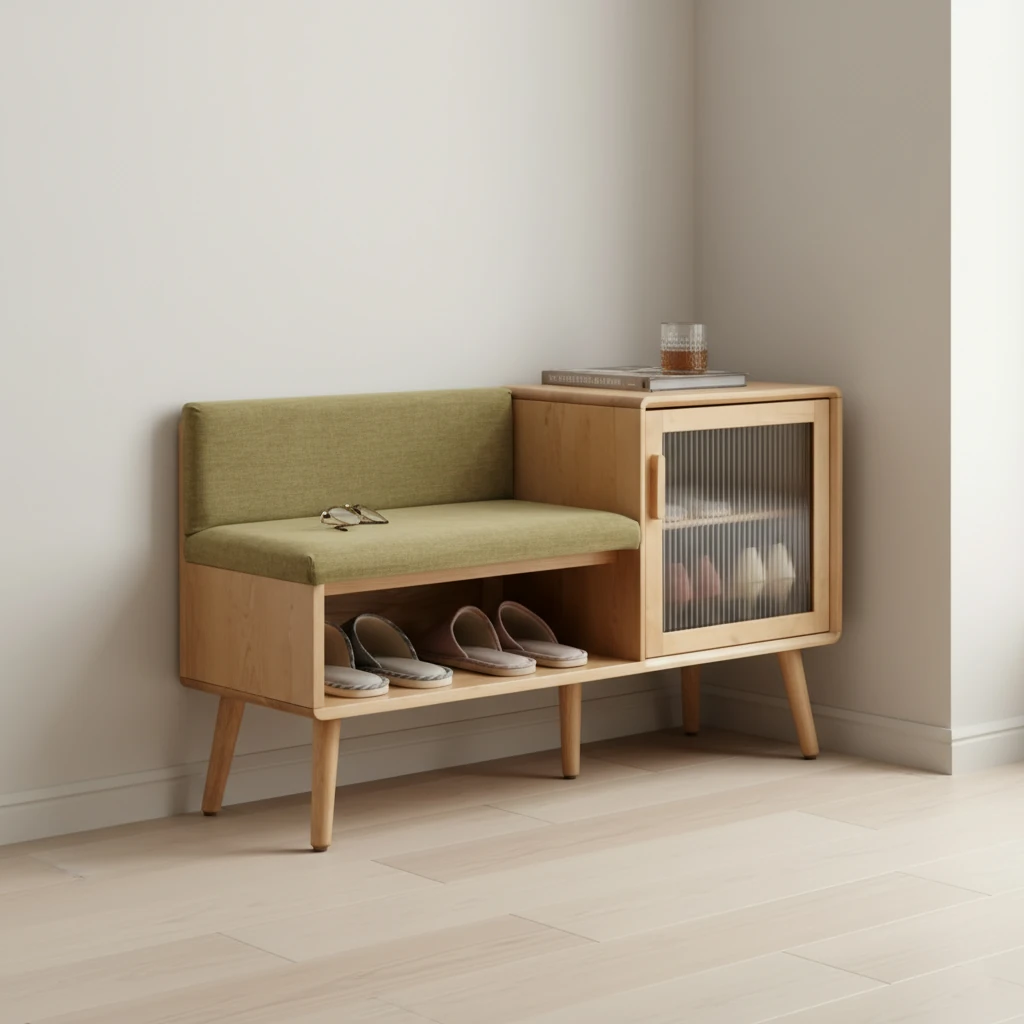
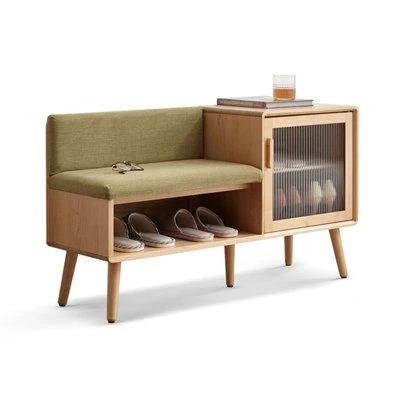
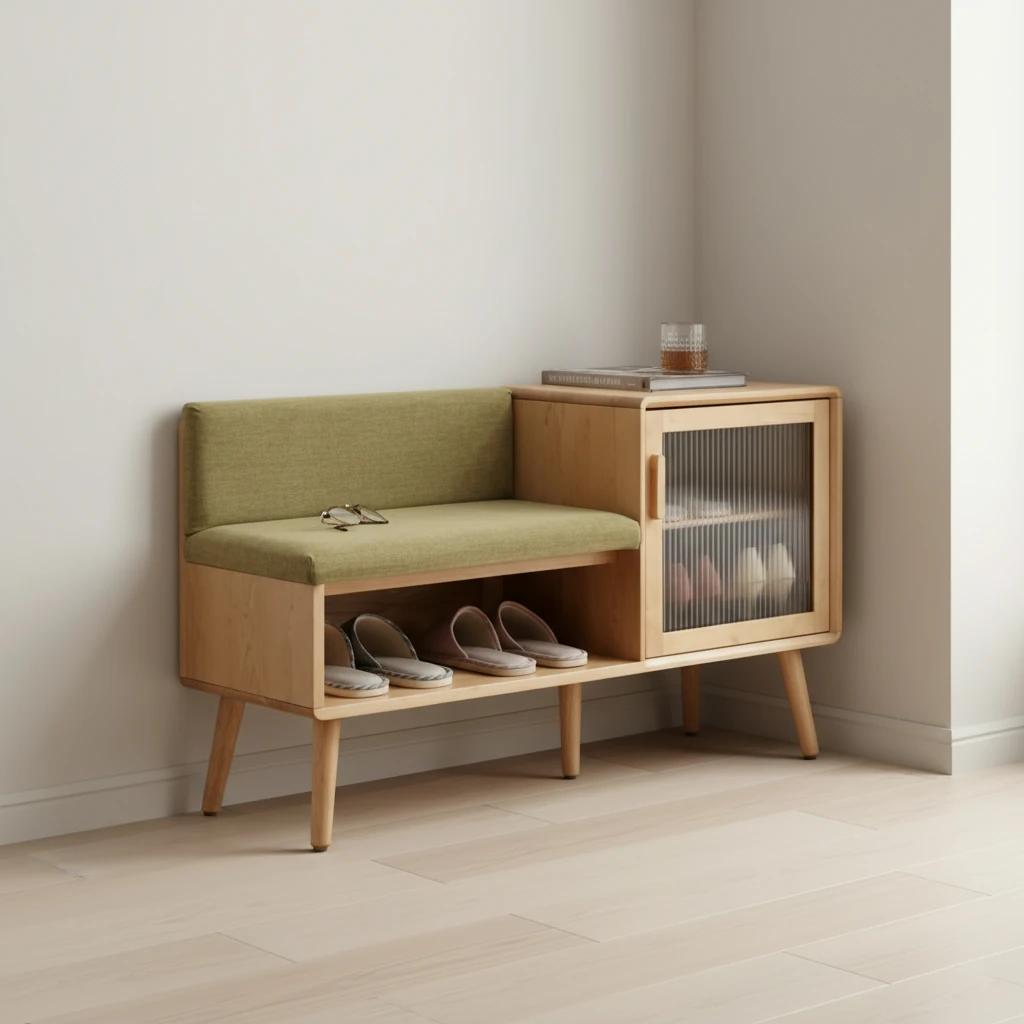
1. Japandi Minimalist
Best for: Modern, sleek sofas and wooden dining tables.
- Prompt keywords: "Zen, warm wood tones, beige walls, bonsai plant, soft diffuse light."
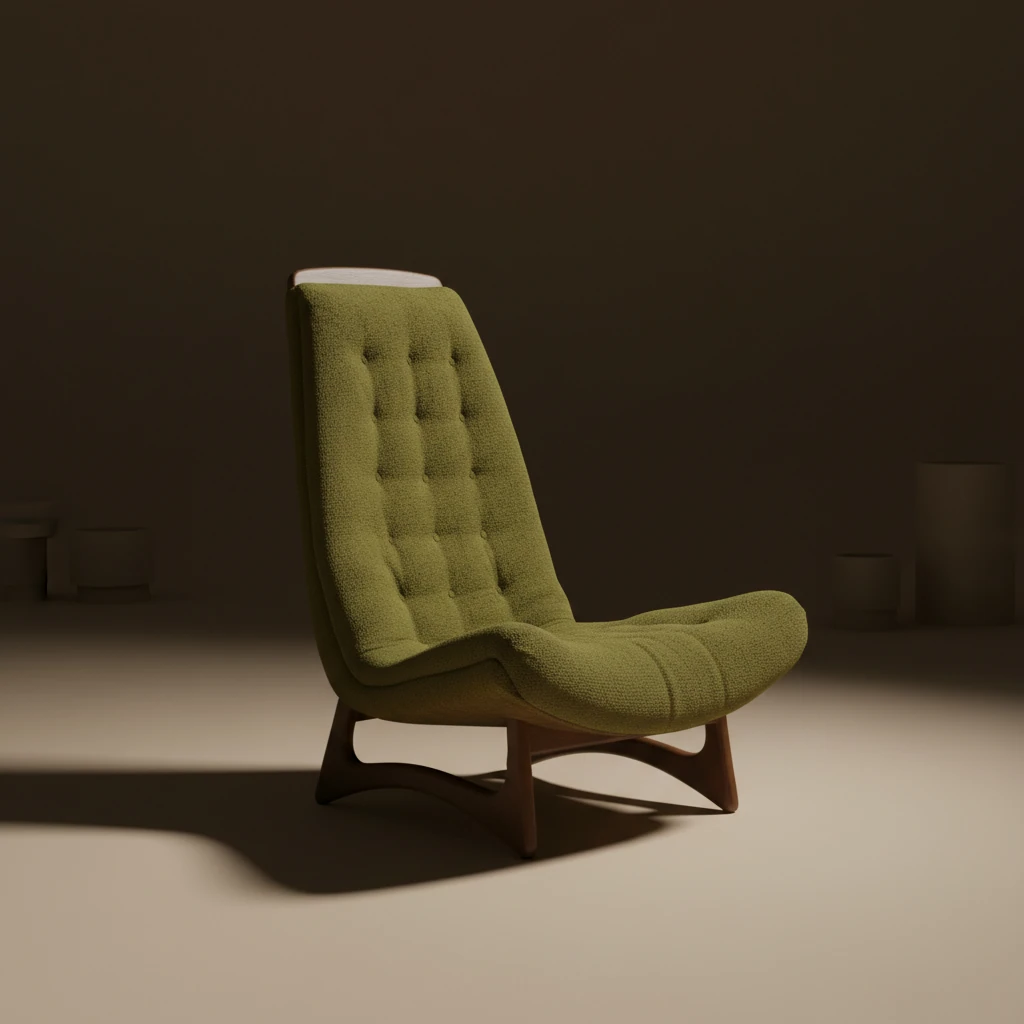
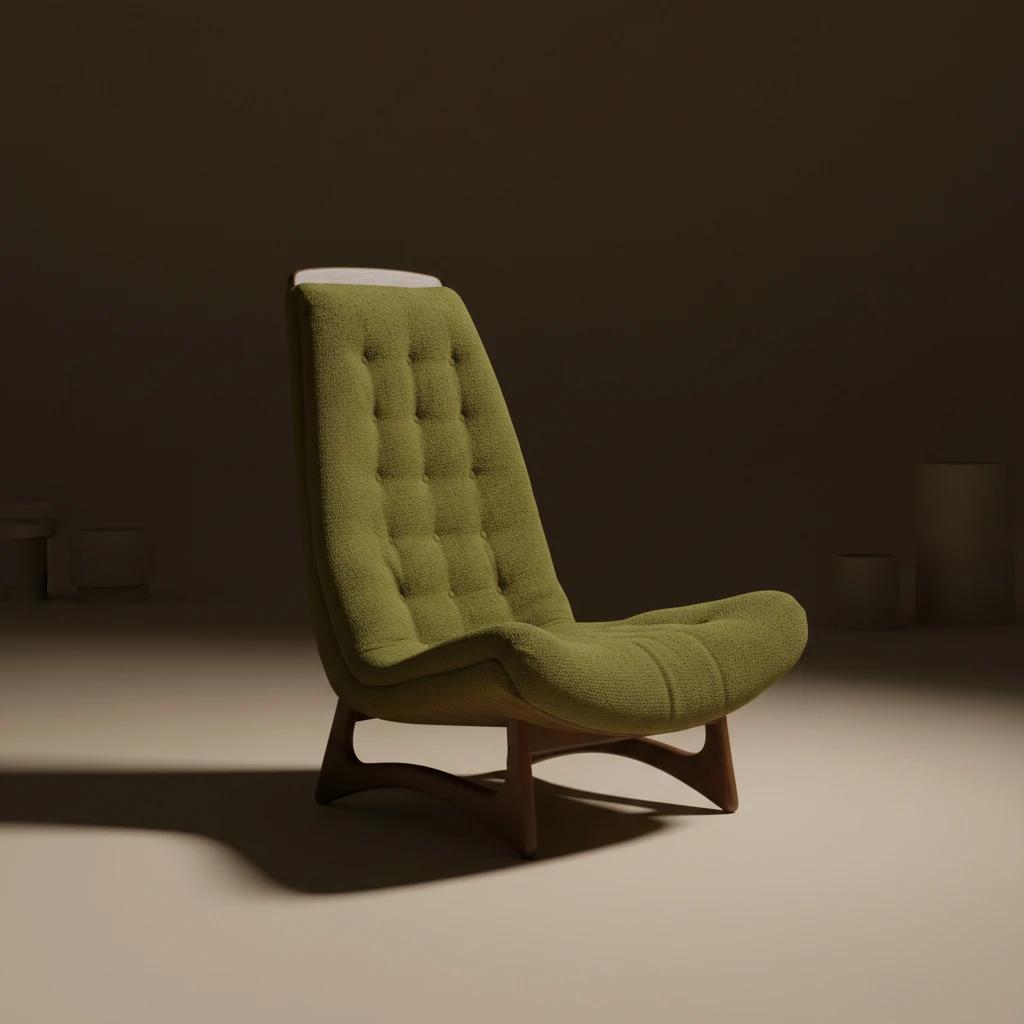
2. Retro / Mid-Century Modern
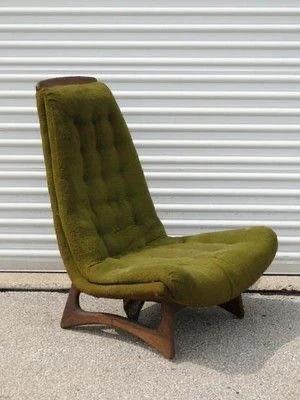
Best for: Velvet armchairs and teak sideboards.
- Prompt keywords: "70s style, geometric rug, warm orange and teal accents, vintage lamp."
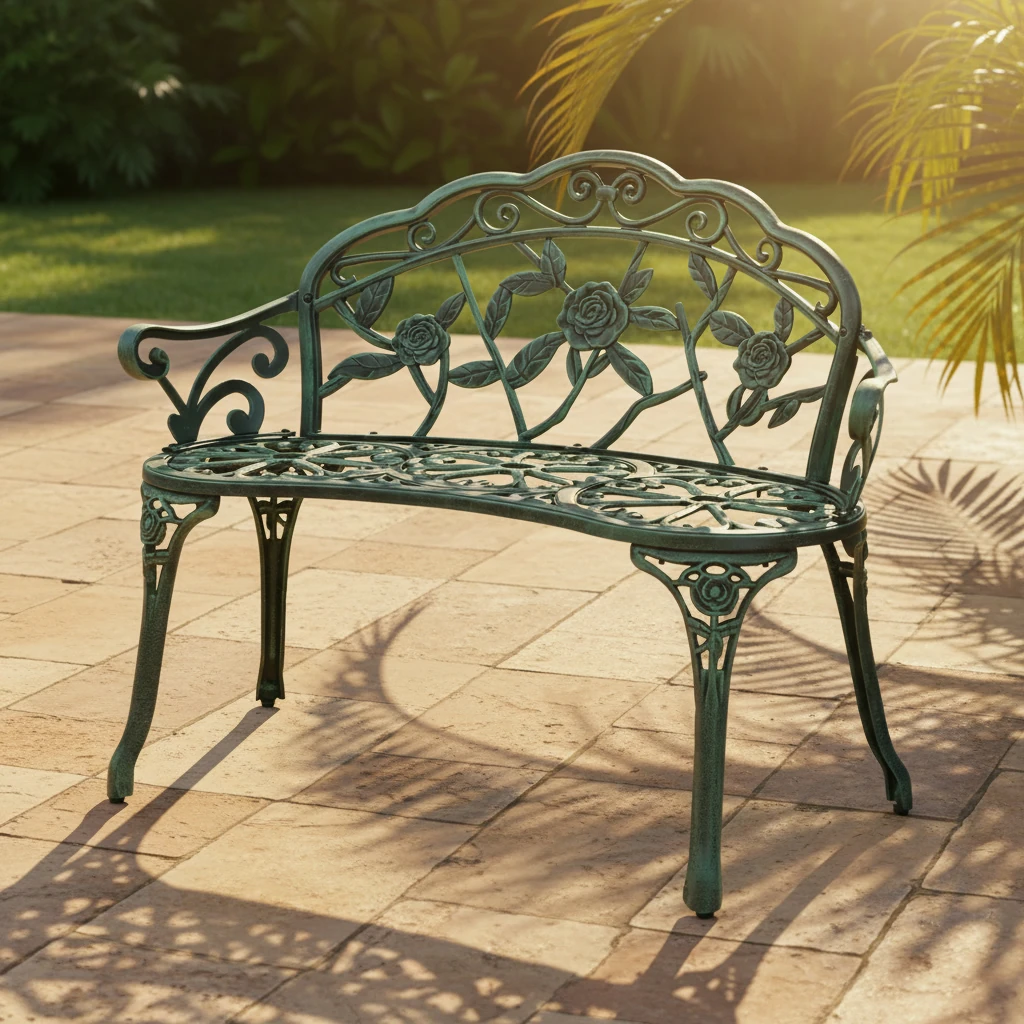
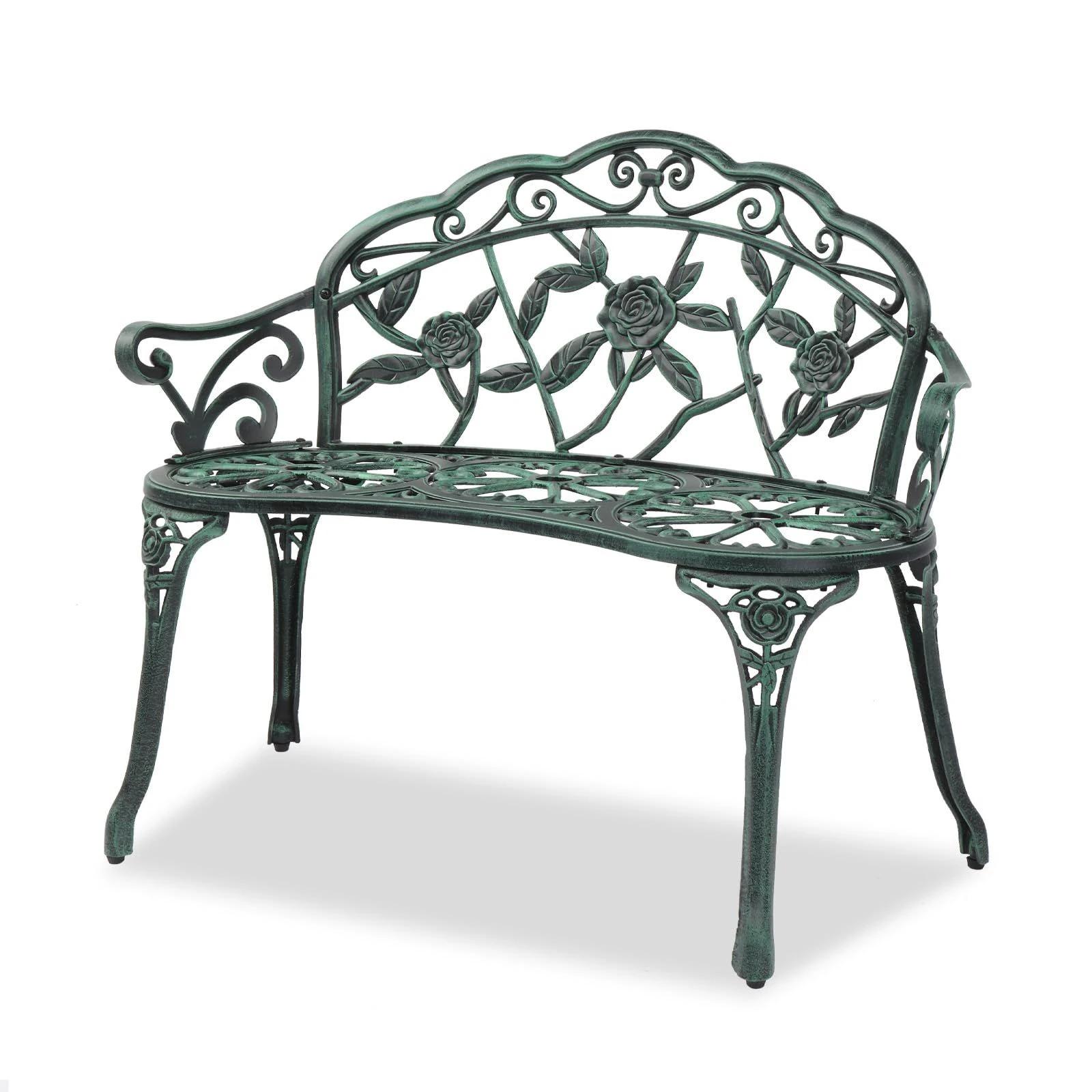
3. Sun-drenched Patio
Best for: Outdoor furniture, rattan chairs, and garden benches.
- Prompt keywords: "Stone floor, harsh sunlight, palm shadows, swimming pool in background."
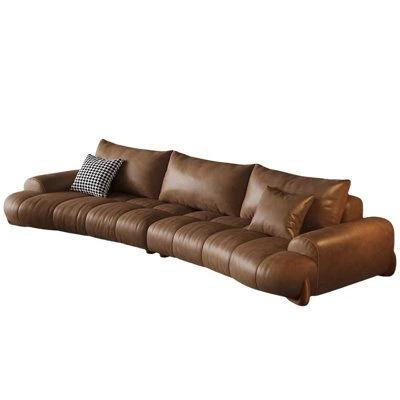
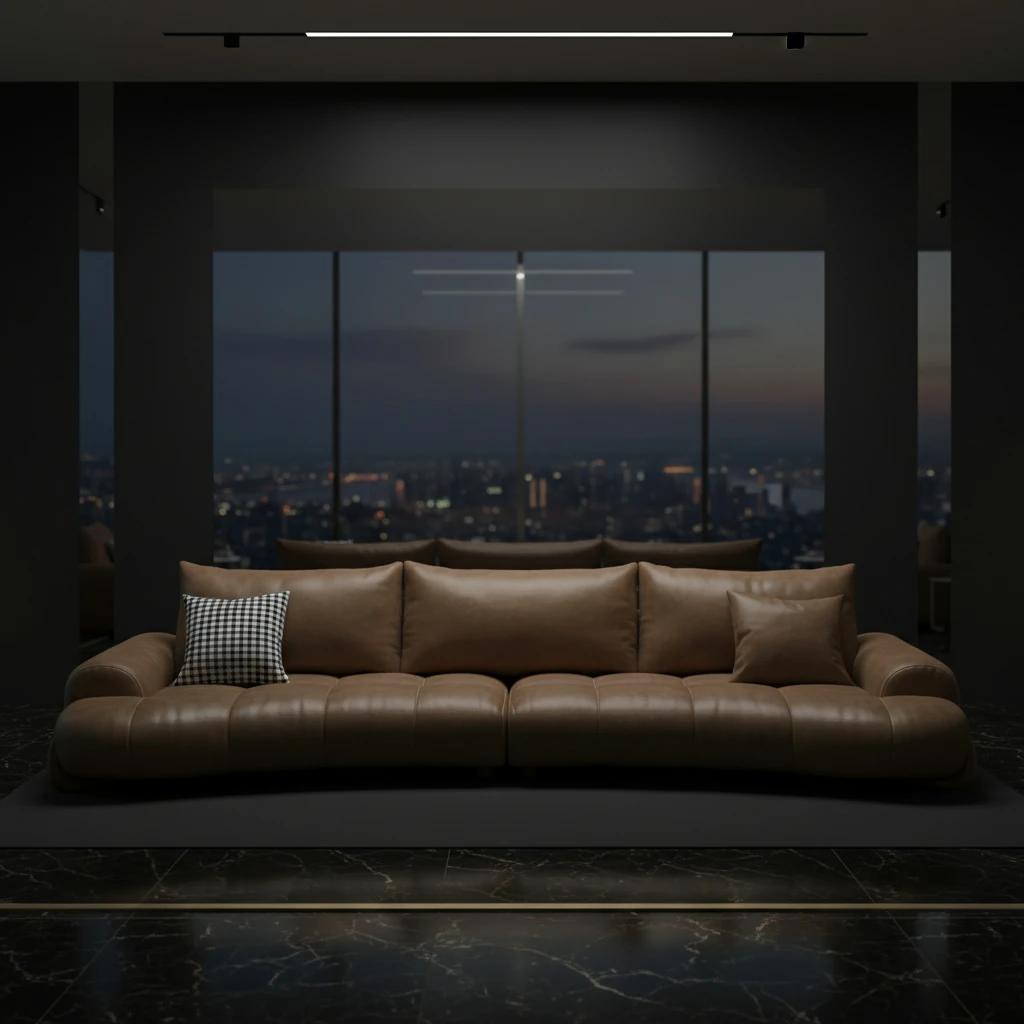
4. Modern Luxury Penthouse
Best for: Italian leather sofas, glass coffee tables, and contemporary statement pieces.
- Prompt keywords: "Marble floors, floor-to-ceiling windows, city skyline at dusk, sleek lighting, high-end interior."
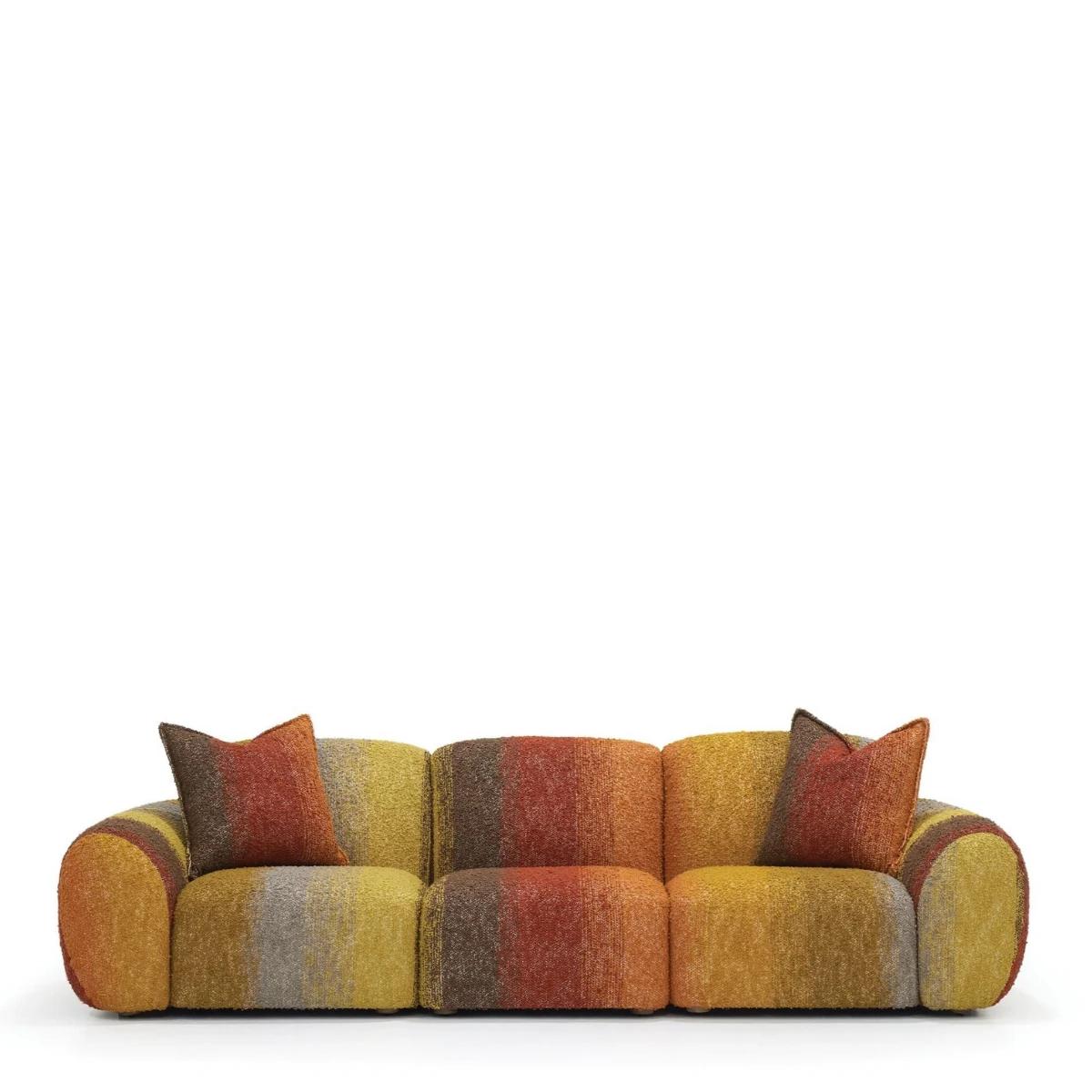
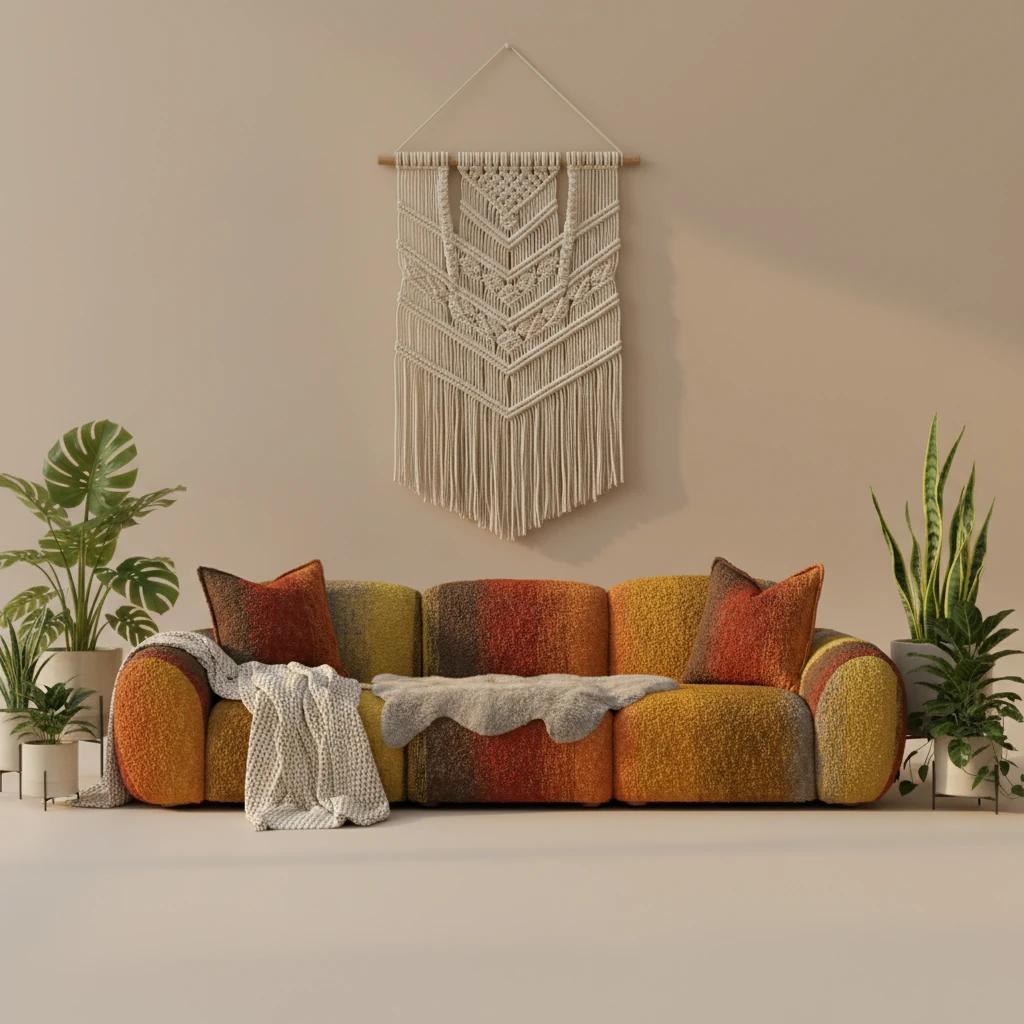
5. Bohemian Living Room
Best for: Woven textures, poufs, and eclectic decor.
- Prompt keywords: "Macrame wall hanging, many plants, cozy textiles, warm sunset light."
Comparison: Traditional Photoshoot vs. LumaBox.ai
| Feature | Traditional Studio Photoshoot | LumaBox.ai AI Generation |
|---|---|---|
| Cost | $2,000+ per day (Studio + Crew) | Fraction of the cost (Credit based) |
| Time | Weeks (Planning + Shoot + Edit) | Minutes |
| Logistics | Heavy lifting, transport damages | Zero physical movement |
| Flexibility | Stuck with one location/set | Infinite locations (Beach, Loft, Garden) |
| Consistency | Hard to replicate lighting later | Perfectly consistent style across SKUs |
FAQ: Generating Furniture Backgrounds
Can I add furniture to photo free?
Yes! LumaBox.ai offers free credits for new users. You can sign up and try the add furniture to photo free capability to see the quality for yourself before committing to a plan.
How realistic is the generated lighting?
Extremely realistic. LumaBox uses ambient occlusion technology to generate contact shadows where the furniture touches the floor. It also matches the color temperature of the background light to your product, ensuring the realistic furniture look is maintained.
Will the AI change my furniture product?
No. The "Product Photo Shot" feature is designed to preserve the original pixels of your product. It focuses on generating the environment around it, not altering the item itself.
Ready to Transform Your Catalog?
Don't let logistics limit your creativity. Experience the power of AI and give your furniture the setting it deserves.
Try LumaBox.ai for Free and generate your first realistic furniture background today.