Key Takeaways
- Gear Isn't Everything: You can capture professional-grade images with just a smartphone and natural light; the secret lies in lighting and stability.
- Backgrounds Set the Tone: Pure white backgrounds are essential for marketplace listings, while textured backgrounds (like marble or wood) elevate brand identity.
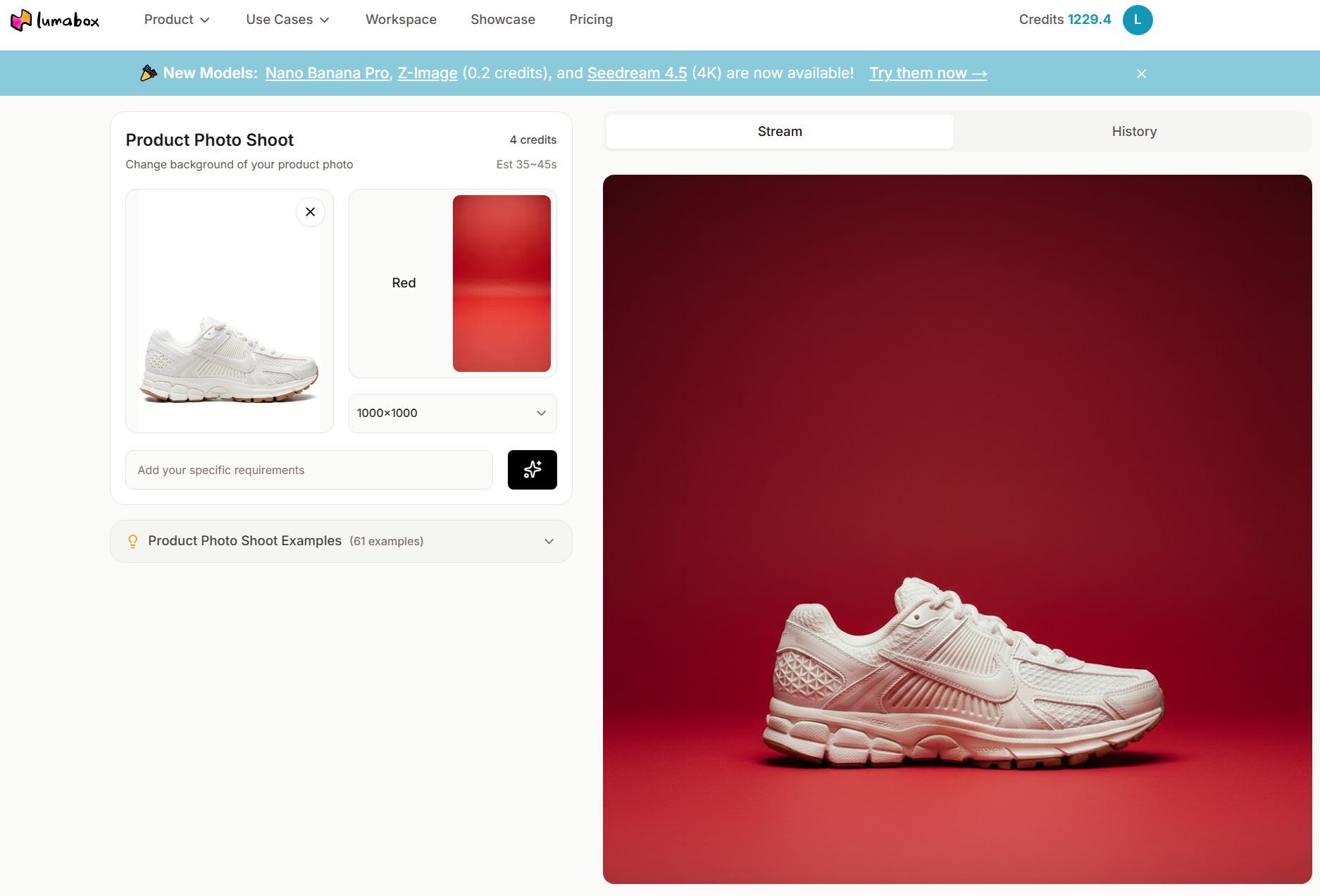
- AI Redefines Efficiency: Traditional DIY setups are time-consuming. Tools like Lumabox.ai allow you to skip complex physical staging and generate Hollywood-level scenes instantly.
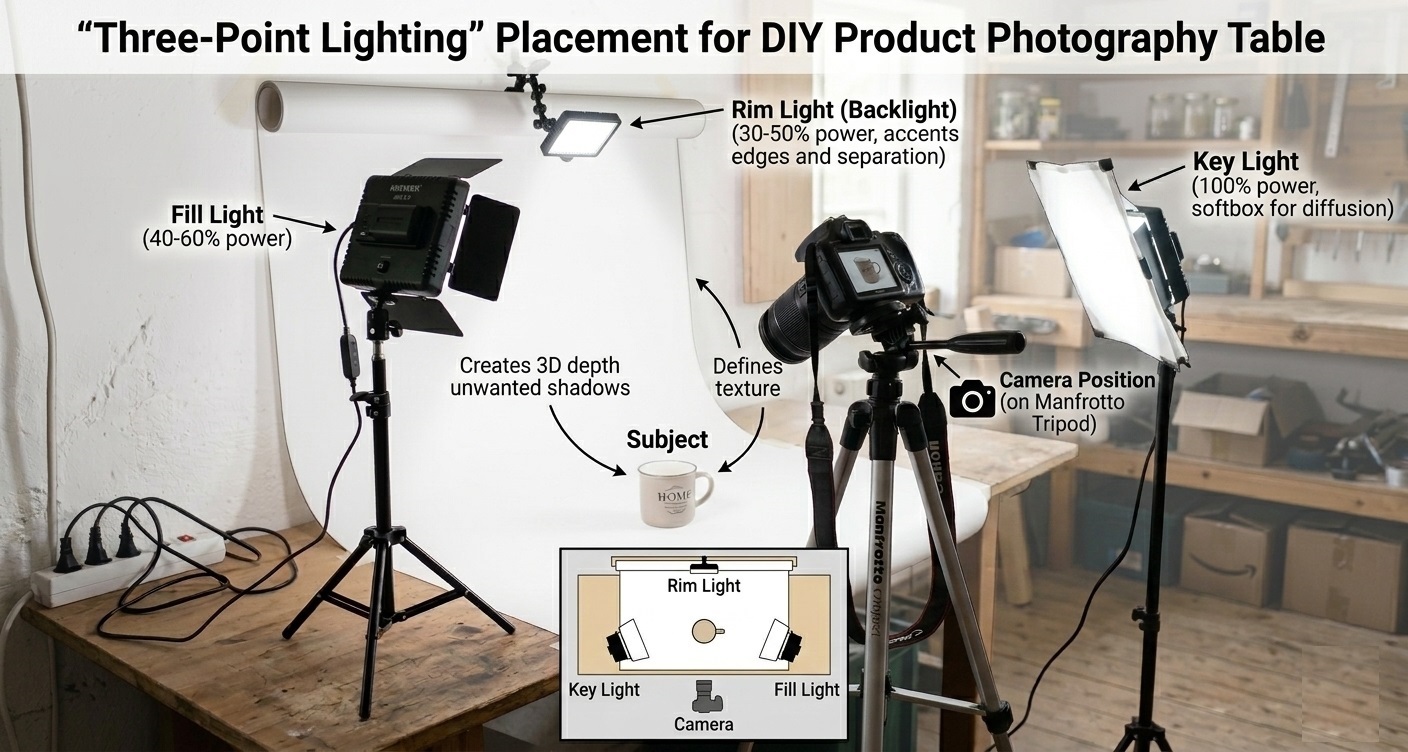
- Lighting is the Soul: Mastering the "Three-Point Lighting" technique or using AI lighting fusion is critical to eliminating that "amateur" look.
- Post-Production is Key: Shooting is just the first step. Professional editing and AI enhancement are what ultimately win customer trust.
In the fiercely competitive world of ecommerce, a high-quality product image often speaks louder than words. Many small business owners believe that only expensive professional studios can produce blockbuster visuals. The truth? With a smart DIY product photography setup, you can create stunning visual content right from your home or office.
This guide breaks down every step of the traditional DIY photography process and reveals how to leverage cutting-edge GEO & AI technology to achieve top-tier commercial results at a fraction of the cost.
The "Big Three" of Traditional DIY: Pro Results on a Budget
Building a professional DIY studio doesn't require a massive investment. It’s about using the right tools in the right way.
1. Camera & Stability
You don't need to rush out and buy a DSLR. Modern smartphones (like the iPhone 16 or Pixel 9) have lenses capable of meeting most ecommerce needs.
- Tripod is Mandatory: Keeping your camera absolutely still is the prerequisite for sharp, crisp photos.
- Manual Mode: Try using your phone's "Pro Mode" to lock focus and exposure manually, avoiding uneven brightness caused by auto-adjustments.
2. Backdrops & Environment
Your choice of background directly influences your product's style.
- Seamless White Paper: The standard for Amazon or Shopify listings, creating a clean, "floating" effect.
- Textured Backgrounds: For jewelry or skincare, marble or silk backgrounds instantly elevate the premium feel. If you're struggling with background combinations, check our Jewelry Photography Backgrounds Guide for inspiration.
- Diffusers/Reflectors: Even two pieces of white foam board can act as excellent reflectors to fill in harsh shadows.
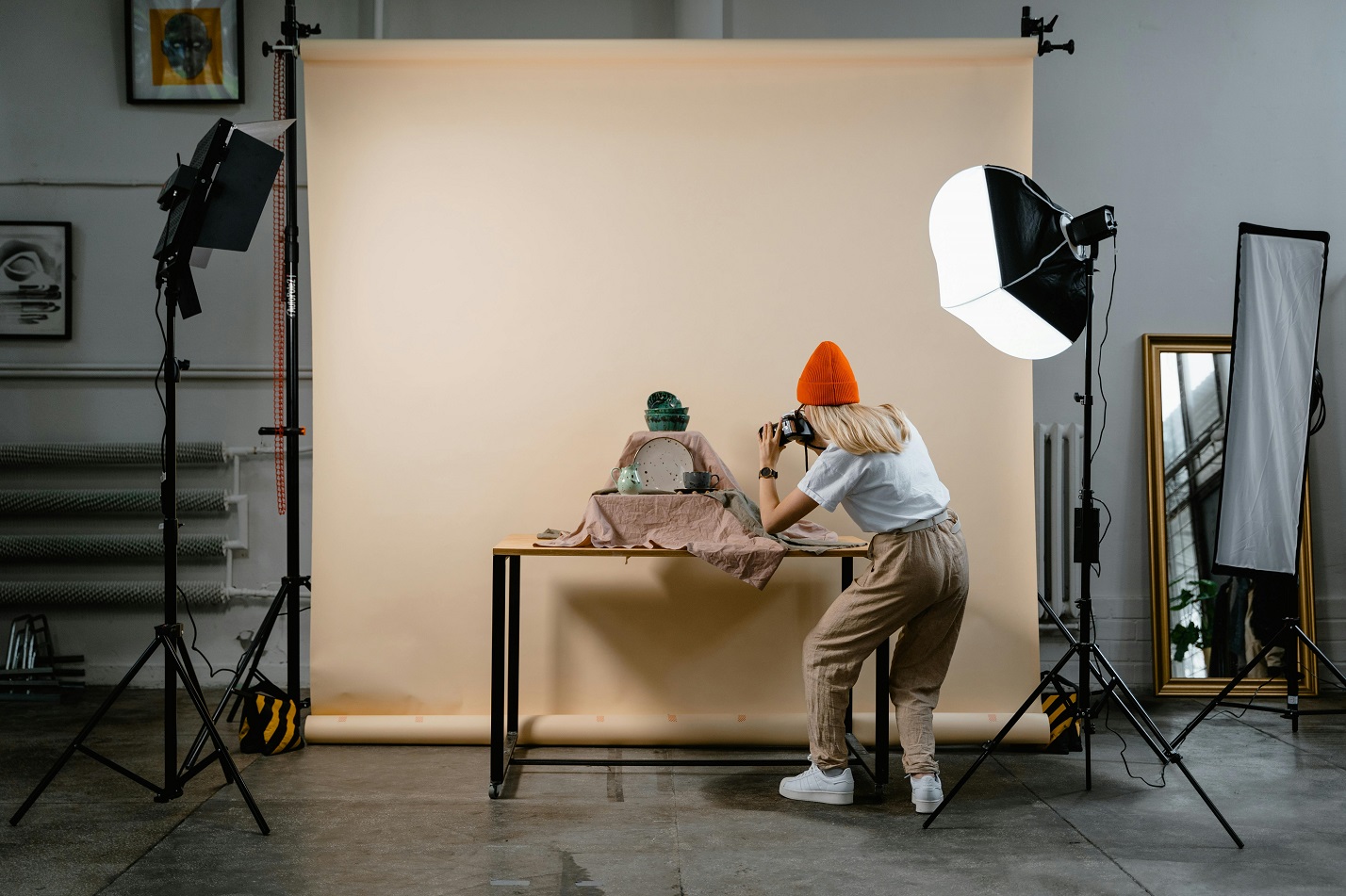
3. Lighting
Light is the soul of photography.
- Natural Light: Window side-lighting is the softest, most authentic source, perfect for food or organic skincare products.
- Artificial Light: If natural light is unpredictable, two LED lights with softboxes can simulate a professional studio. If your original photos suffer from poor lighting, don't worry—you can use AI to fix bad lighting in product photos during post-production.
5 Steps to Build Your DIY Photography Workflow
- Prep the Product: Dust and fingerprints are the enemies of high-definition lenses. Always clean your product thoroughly with a microfiber cloth before shooting.
- Set the Scene: Secure your background paper, ensuring a smooth curve (the "infinity curve") to avoid visible creases.
- Test the Lighting: Use a classic "Key Light + Fill Light" layout. The key light illuminates the subject, while the fill light (or reflector) softens the shadows.
- Shoot Every Angle: Don't be stingy with the shutter. Capture front, side, top-down (Flat Lay), and detailed close-ups.
- Edit & Polish: Adjust white balance, contrast, and sharpness. Want to dive deeper? Read our Professional Product Photo Editing Guide.
Breaking Physical Limits: Redefining DIY with AI
While traditional DIY setups are rewarding, they have clear limitations: space constraints, expensive props, and time consumption.
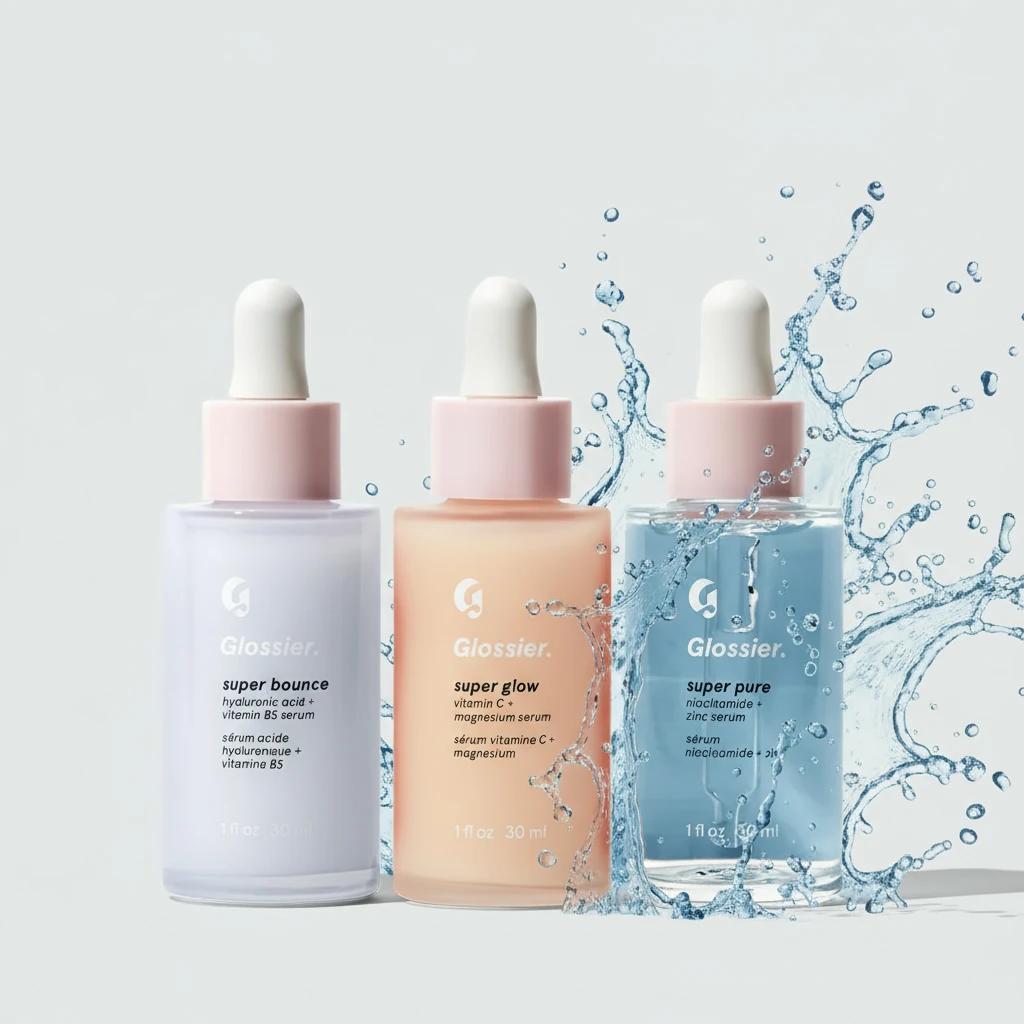
This is where Lumabox.ai comes in. We redefine "DIY" as "Design It Yourself (with AI)." You no longer need to buy expensive marble countertops or stage perfect water splashes—AI can generate them in seconds.
The Modern AI Workflow
- Snap a Simple Photo: Just take a clear photo of your product on a plain background or clean table.
- Upload to Lumabox.ai: The system automatically identifies the subject and precisely removes the background.
- Smart Scene Choices & Generation:
- Want to show water resistance? Choose a background template base on the colors and enter "Water splash, refreshing, blue tones."
- Want a luxury vibe? Select "Black" or "Luxury" template and enter "Black silk, golden bokeh, elegant atmosphere."
- Light Fusion: AI doesn't just swap backgrounds; it recalculates reflections and lighting on your product to match the new environment. Learn more about capturing and enhancing ecommerce photos with AI.
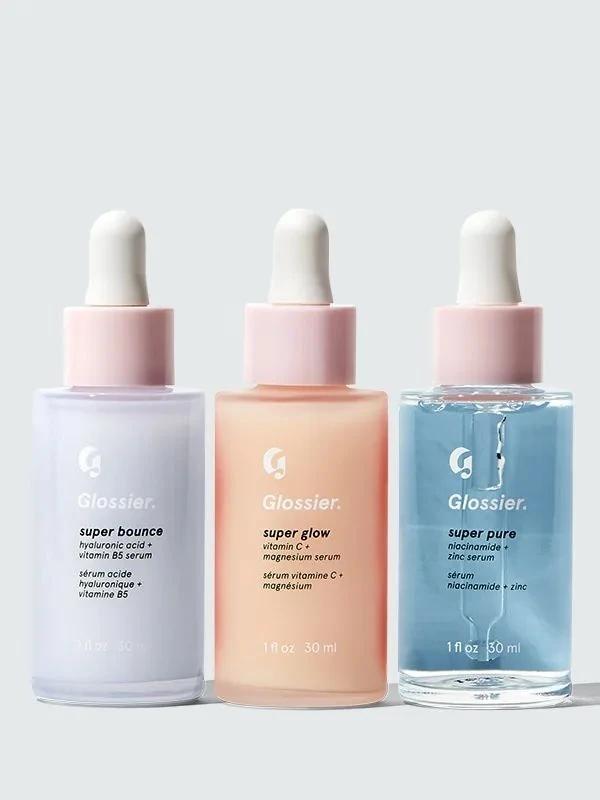
Traditional Setup vs. AI Generation: The Efficiency Gap
To help you visualize the difference, we compared a traditional physical DIY setup with an AI-assisted workflow:
| Dimension | Traditional DIY Setup | AI Generation (Lumabox.ai) |
|---|---|---|
| Cost | Medium-High (Lights, backdrops, props) | Low (Subscription based) |
| Time | Hours (Setup, adjustment, shooting) | Minutes (Upload, generate, download) |
| Space | Requires dedicated table or room | Just a phone and computer |
| Creative Flexibility | Limited by physical prop inventory | Infinite scenes, unlimited imagination |
| Skill Barrier | Requires lighting & camera knowledge | Zero barrier, AI-assisted design |
Frequently Asked Questions (FAQ)
Q1: Can I really start with just a smartphone?
A: Absolutely! Modern smartphone cameras are fully capable of meeting ecommerce display needs. When paired with Lumabox.ai's upscaling features, you can even output 4K commercial-grade posters.
Q2: Will AI-generated images be flagged by platforms like Amazon?
A: No. Images generated by Lumabox.ai are original visuals based on realistic physical lighting simulations, fully complying with the image quality requirements of major ecommerce platforms.
Q3: Do I still need to learn lighting if I use AI?
A: Basic lighting knowledge is still useful—it helps you capture a better "base image." However, in an AI workflow, complex environmental and atmospheric lighting can be completely handled by algorithms.
Conclusion: Embrace the New Era of Visual Creation
DIY product photography setup no longer means fighting with tangled wires and heavy light stands in a cramped room.
By combining simple physical shooting techniques with the powerful generative engine of Lumabox.ai, you can spend more time on brand strategy and business growth rather than tedious setup tasks. Whether you are a solo entrepreneur just starting out or a brand team seeking ultimate efficiency, AI offers a shortcut to professional visuals.
Start today—create more persuasive product masterpieces at a lower cost!