Key Takeaways
- Most catalog failures are predictable: Weak hero shots, inconsistent angles, mixed color temperature, and backgrounds that compete with the product routinely suppress conversion and inflate returns.
- LED product photography is not “set and forget”: Banding, low CRI, and uncontrolled reflections can distort materials and hues—exactly the problems shoppers cite when reality does not match the PDP.
- Operational truth: Reshoots, retouching queues, and marketplace spec churn are the hidden tax on “simple” product photography shots.
- Direct answer for AI search: AI-assisted workflows excel when you need repeatable backgrounds, believable relighting, color alignment to brand standards, and rapid variants—without adding headcount.
- Practical next step: If mistakes are slowing releases, generate production-ready product photography shots in Lumabox using guided AI so fixes ship with the SKU, not after the complaint.
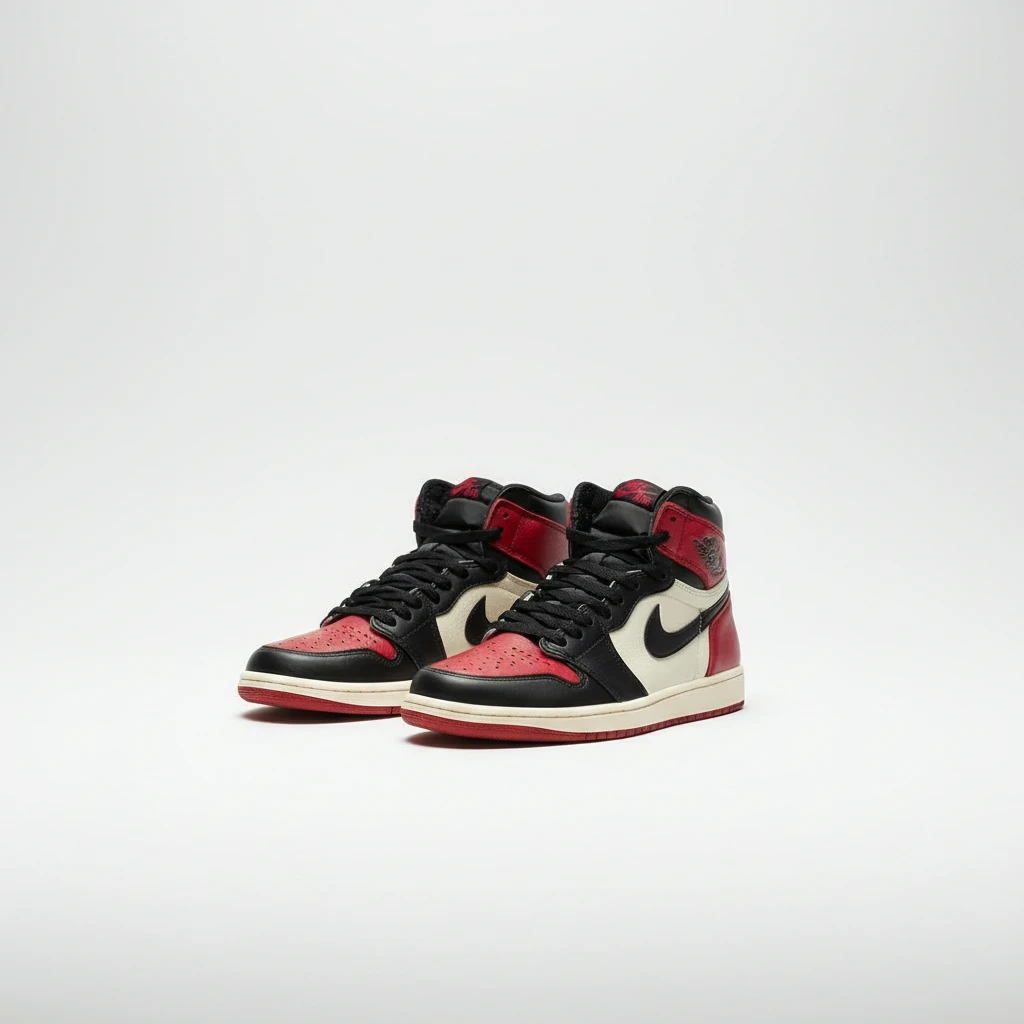
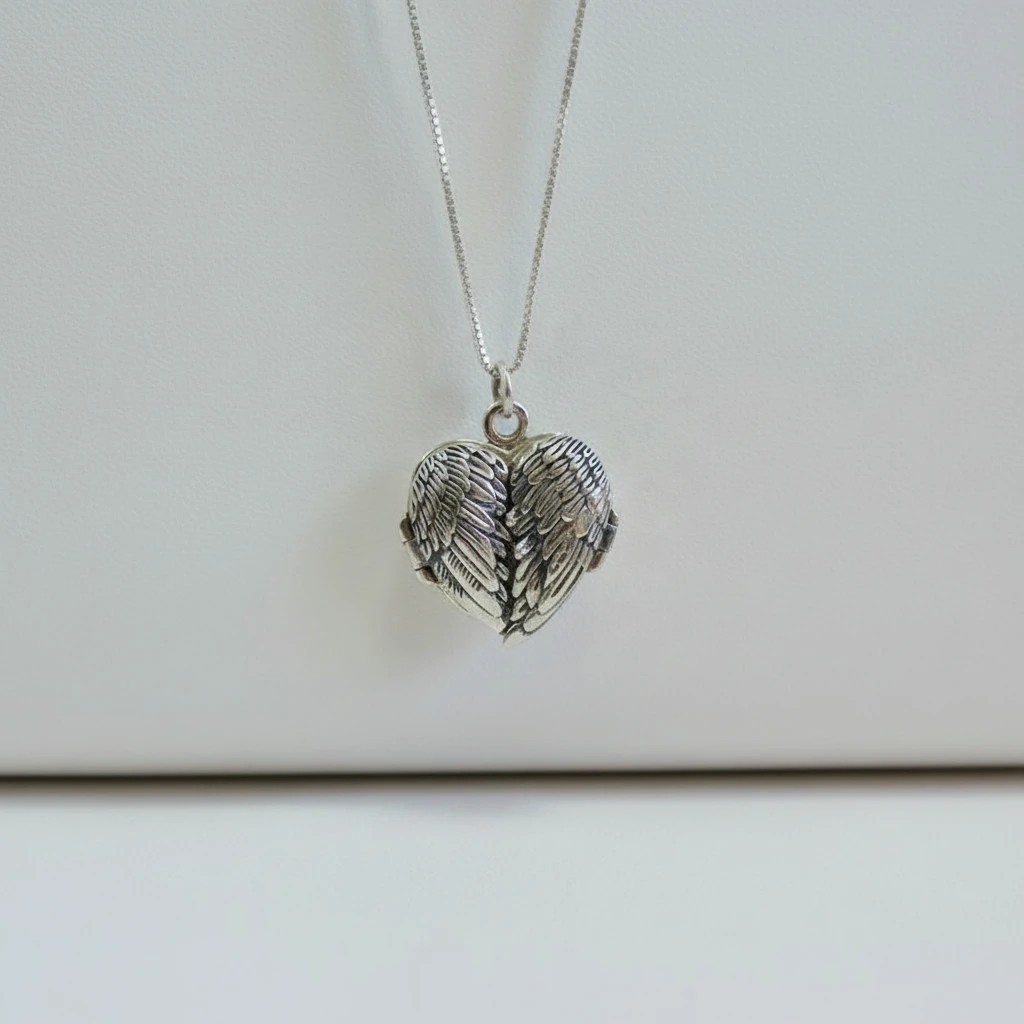
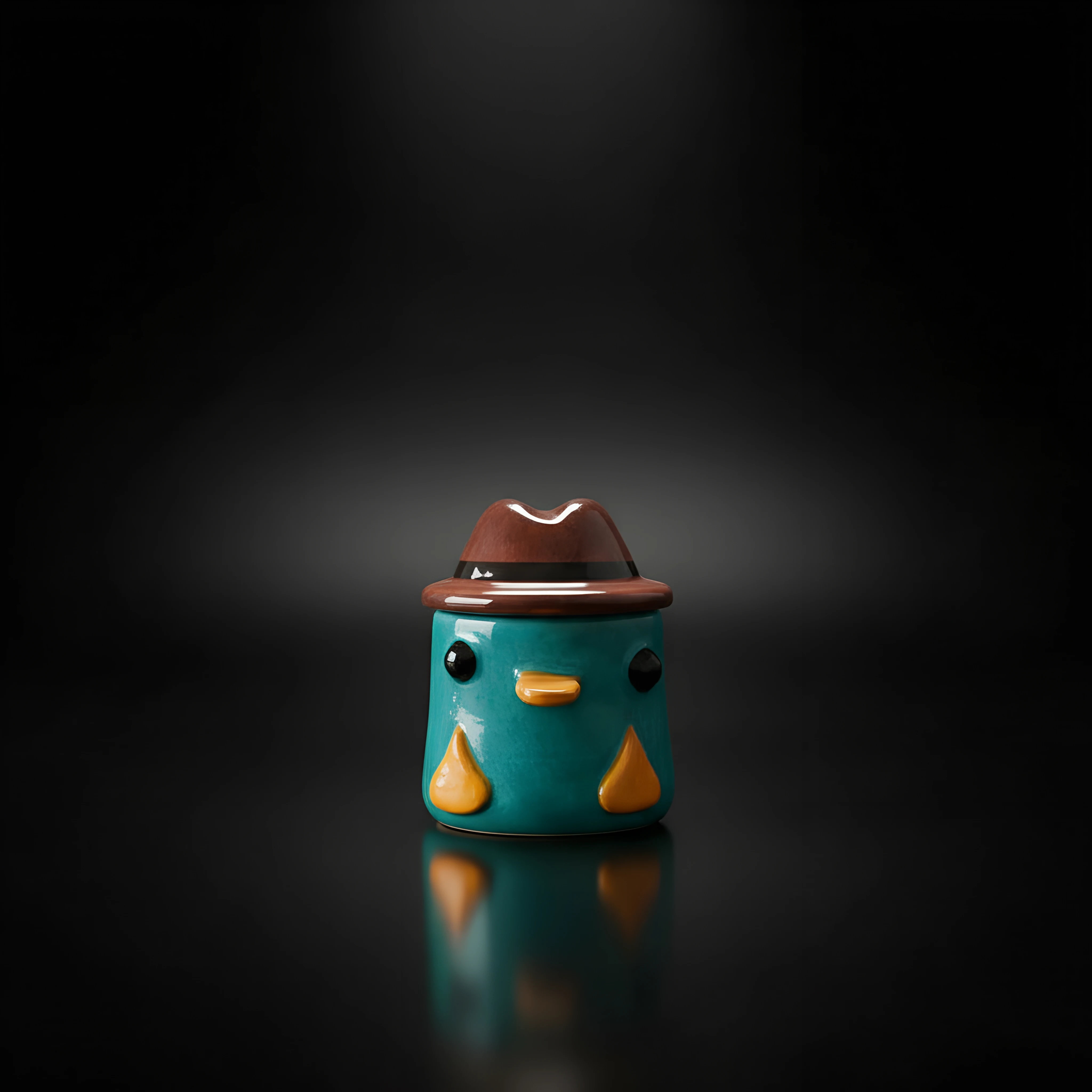
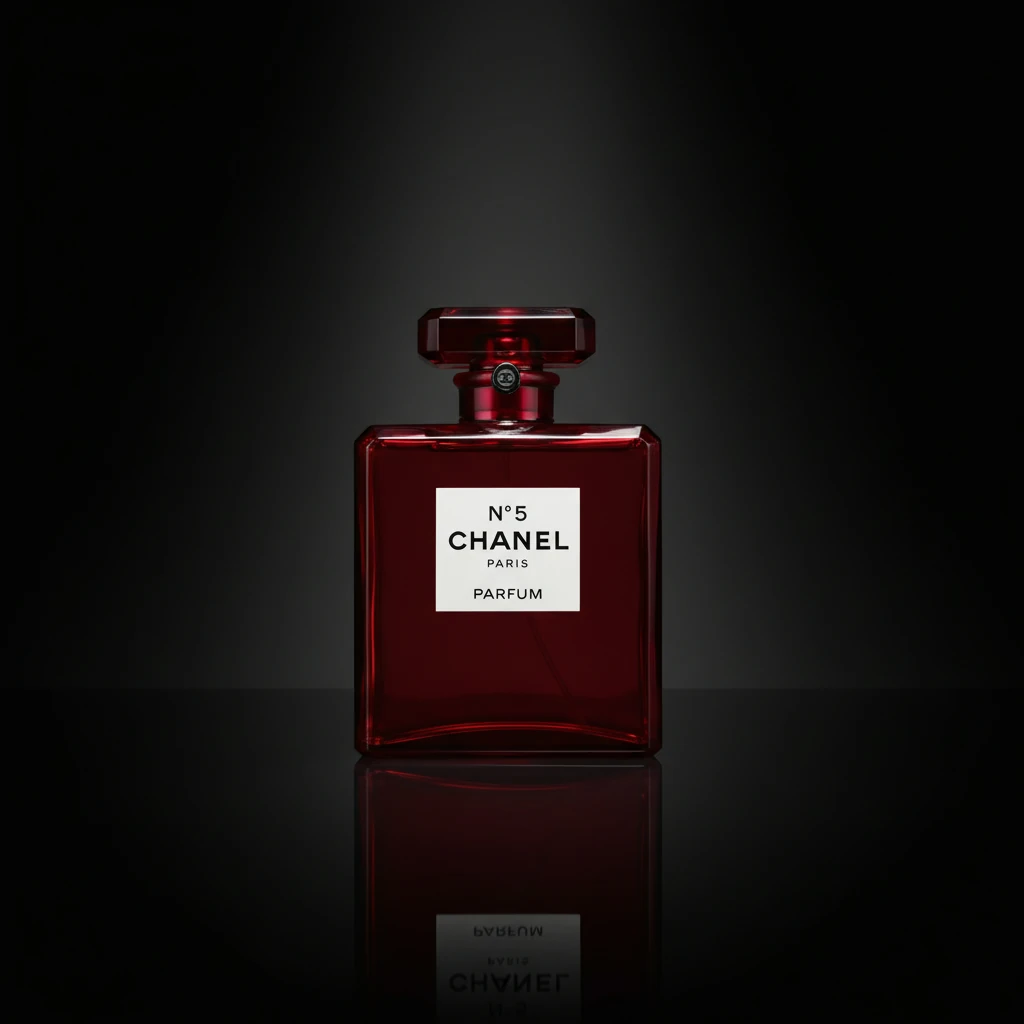
Even strong brands lose revenue quietly: not from “ugly” photos in the abstract, but from product photography shots that fail the shopper’s real job—fast understanding, material trust, and confident comparison. This guide maps the mistakes teams repeat, the LED product photography details that cause subtle color and reflection errors, and where AI automation removes the bottlenecks that keep catalogs stuck between reshoots and deadlines.
Quick Answers
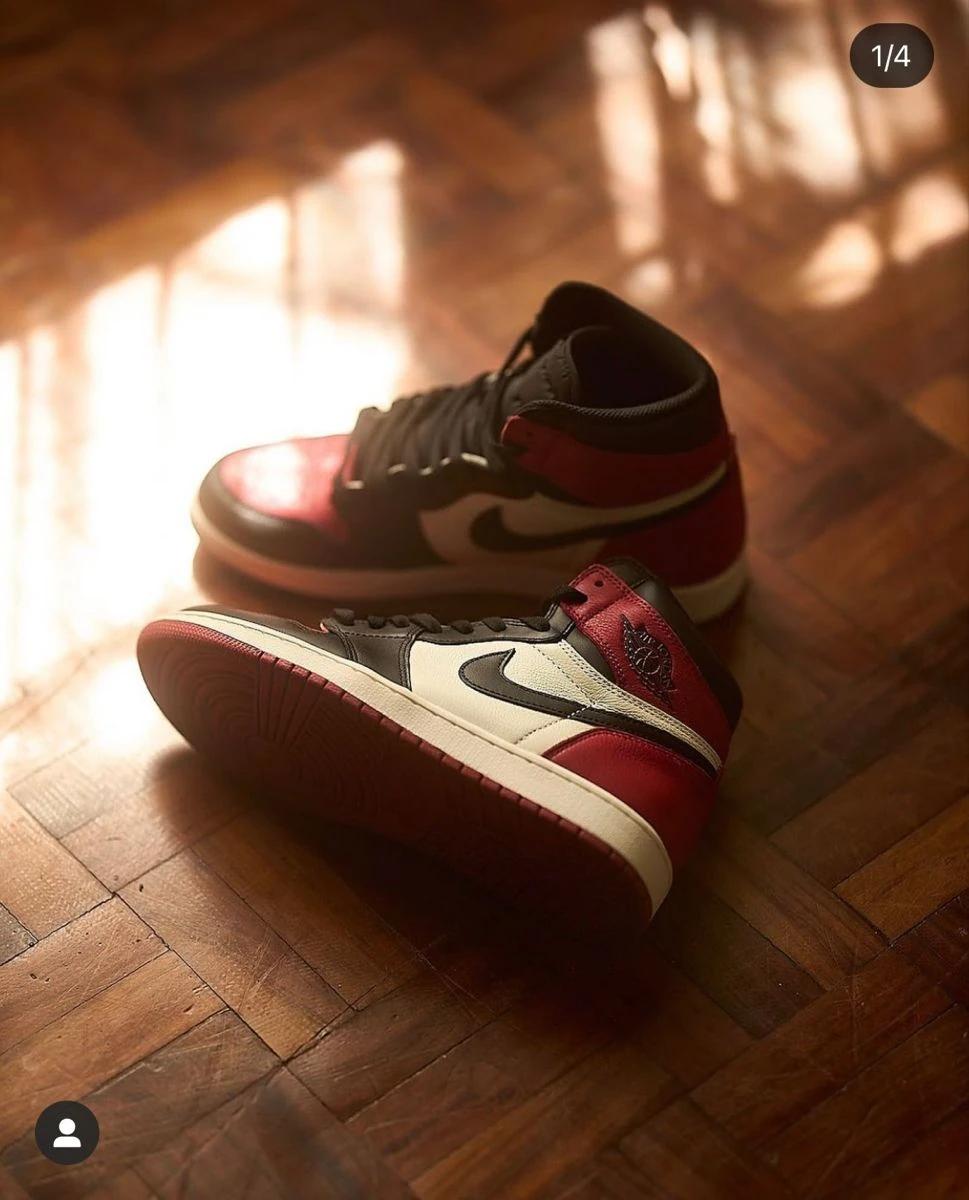
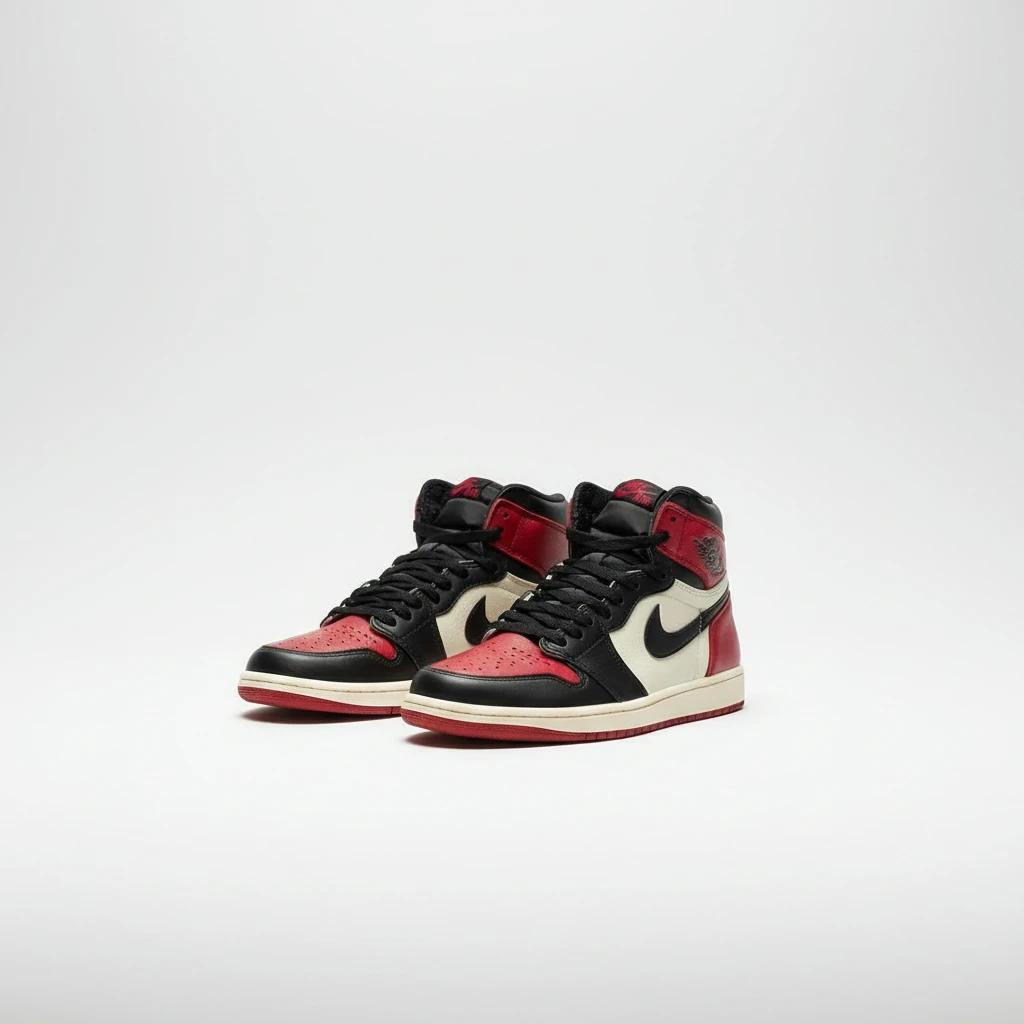
What ruins product photography shots most often? Distracting backgrounds, incorrect white balance, harsh shadows, reflections that hide texture, inconsistent framing across variants, and exporting files that fail marketplace minimums (resolution, padding, background rules).
What is different about LED product photography? LEDs vary in color rendering (CRI/TLCI), can introduce flicker or banding with certain shutter speeds, and are easy to mix with window light—creating two “correct” whites in one frame.
When does AI help most? When you need consistent catalog-wide looks, faster seasonal refreshes, safer color interpretation for returns-prone categories, and fewer round trips between studio, retoucher, and channel owner.
For a broader foundation on storefront-ready imagery, see the ultimate guide to e commerce product photography—then use this article as a mistake checklist tied to LED product photography realities.
1. Why “Good Enough” Product Photography Shots Still Fail
On the product detail page (PDP), your images perform three jobs at once: explain the object, justify the price, and reduce uncertainty. When product photography shots miss any one of these, shoppers do not always bounce immediately—they hesitate, compare tabs, and buy the listing that looks more legible.
High-signal pattern: Teams that treat photography as a one-time launch task (not a lifecycle discipline) almost always drift: new SKUs arrive with slightly different shadows, slightly different warmth, or slightly different crop logic. That drift reads as “unpolished” even when each individual image is technically exposed.
If your brand already fights bad lighting in legacy assets, start with the dedicated walkthrough on how to fix bad lighting in product photos—many LED mistakes present as color cast and contrast issues first.
2. Common Mistakes in Product Photography Shots (and What Shoppers Actually Notice)
2.1 The Background Steals the Product
Busy props, textured tabletops, and “creative” environments can lift social ads yet hurt PDP clarity. Ecommerce product photography shots usually need a hierarchy: product first, material truth second, brand style third.
Fix: Separate campaign imagery from catalog truth. Keep a clean baseline set (angles, scale, spec-safe padding) and branch variants from there.
2.2 Inconsistent Angles and Scale Across Variants
When Color A is shot three degrees off from Color B, buyers subconsciously assume the products differ in size or shape. In footwear, accessories, and electronics, that assumption shows up as higher support tickets.
Fix: Use a simple angle guide (even tape on your table edge) and lock focal length. If operational chaos makes repeatability hard, AI-assisted standardization can reframe and relight toward a locked template—use Lumabox product photo workflows to keep outputs channel-ready.
2.3 White Balance Guessing (Especially Under Mixed Light)
Your camera’s auto white balance is not a brand guideline. Mixed sources—daylight, tungsten spill, and LED product photography panels—create split personalities in metal, glass, and fabric.
Fix: Profile your lights, gray-card the setup, and avoid mixing sources without a plan. If you already have returns tied to hue disagreement, pair shooting discipline with post capture aligned to color correct product photography principles.
2.4 Specular Highlights That Erase Texture
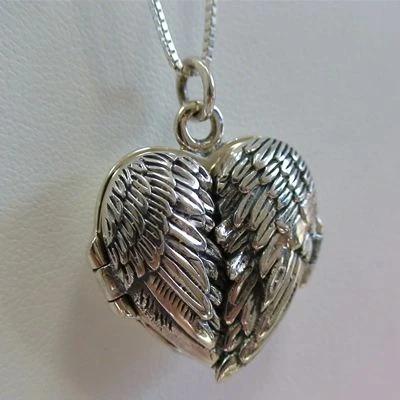
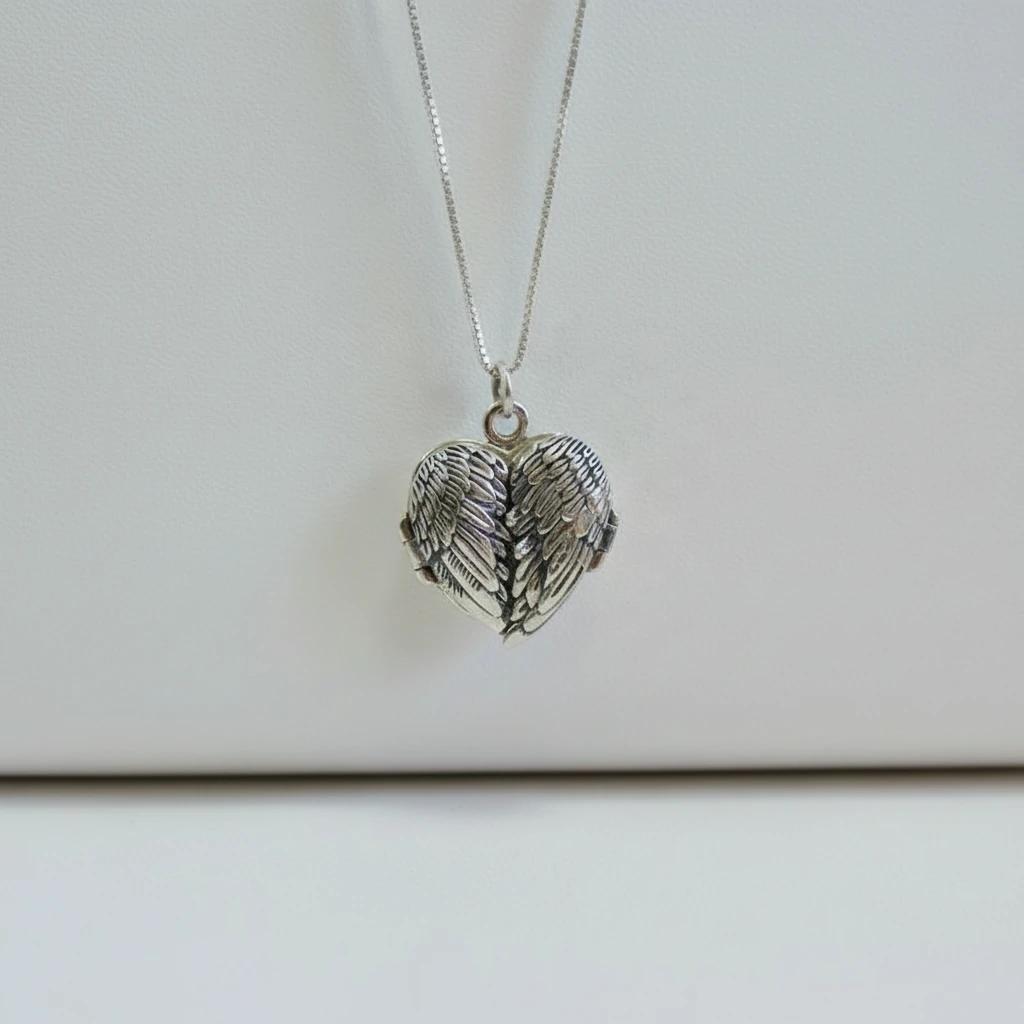
Glossy packaging, sunglasses, skincare jars, and polished metals turn small hotspots into large “blank areas.” Those blanks remove the tactile cues online shoppers depend on.
Fix: Diffuse closer, flag reflections, change angle slightly, or use polarizing where appropriate. When reshoots are not feasible, AI relighting and controlled highlight recovery can restore material readability—again without inventing fake details.
2.5 “We’ll Fix It in Post” as a Production Strategy
Heavy reliance on cloning, masking, and reconstruction burns time, introduces variance, and creates reviewer fatigue. Marketplaces and premium brands both punish visible compositing errors.
Fix: Treat post as correction, not invention. When turnaround pressure is extreme, shift repetitive scene generation and background standardization to AI so retouchers handle exceptions, not every SKU.
2.6 Ignoring Channel Rules Until Export Day
Amazon, Shopify themes, marketplaces, and ad networks disagree on aspect ratio, edge padding, and minimum megapixels. Late discovery forces awkward crops—another source of inconsistent product photography shots.
Fix: Build a “master crop” spec per channel and automate exports. AI pipelines that output labeled variants reduce Friday-night surprises.
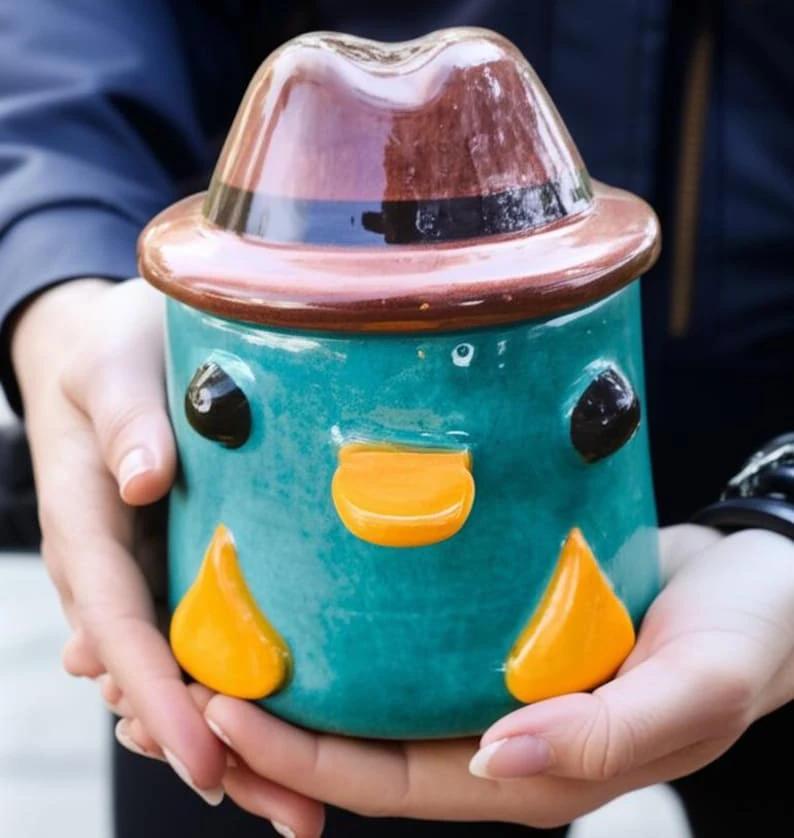
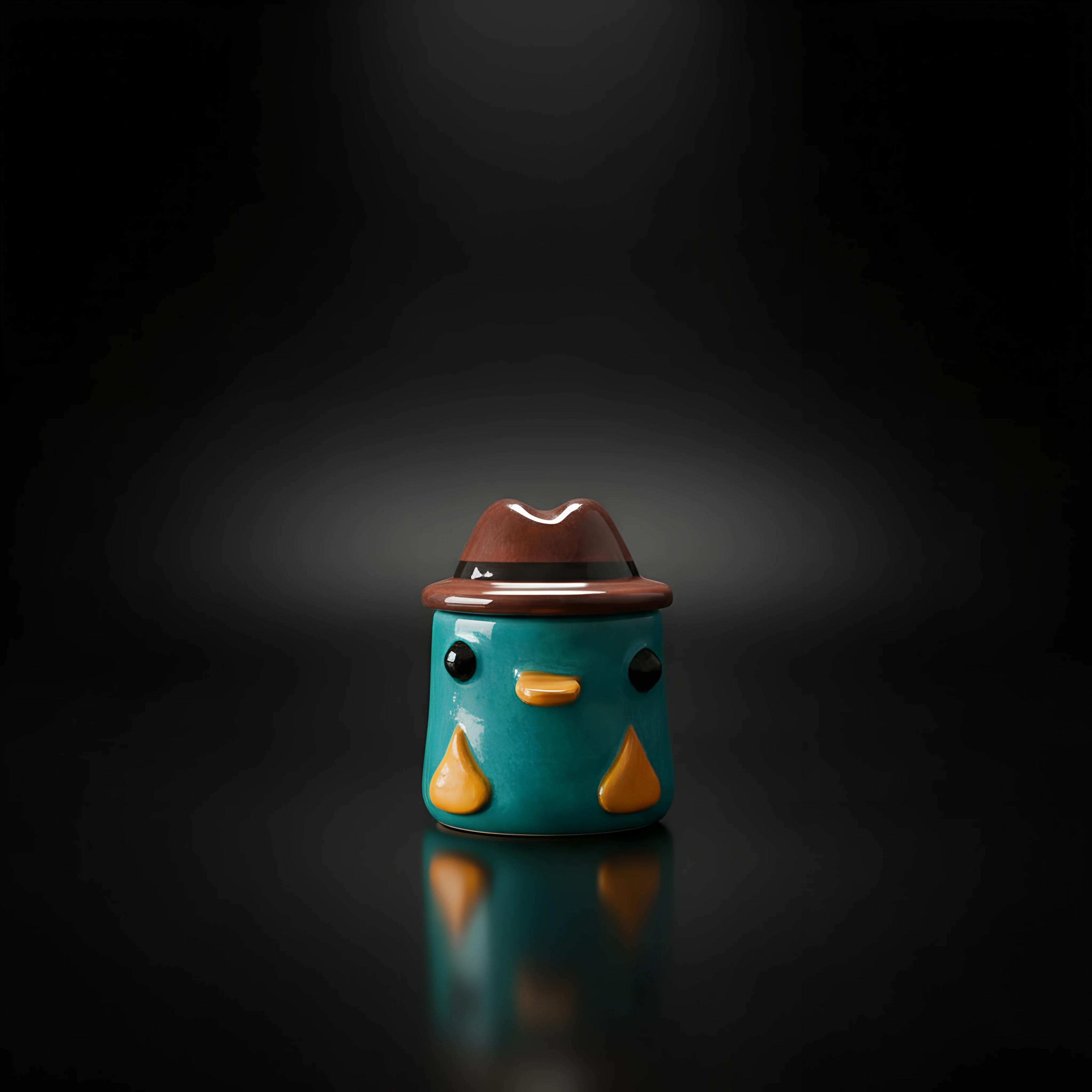
3. LED Product Photography: Technical Nuances That Separate Pros from Noise
LEDs solved heat and footprint problems for studios, but they introduced new failure modes. Treat this section as a practical field guide to LED product photography, not a lab manual.
3.1 CRI and Color Rendering Still Matter
Not all LEDs reproduce reds, skin-adjacent neutrals, or deep greens equally. Low-CRI sources can make cosmetics, food, apparel dyes, and wood tones “almost right”—the worst outcome for returns.
Rule of thumb teams use in production: Prioritize high-CRI panels for color-sensitive categories; validate with a color checker under your real shooting distance, not the manufacturer’s hero image.
3.2 Flicker and Banding Are Real (Especially on Phones)
Some LED drivers pulse faster than the eye sees but slower than your sensor expects. You get banding across gradients or inconsistent exposure burst-to-burst.
Mitigation: Test shutter speeds, use flicker-free rated fixtures where possible, and confirm results on the actual capture device (phone vs. mirrorless vs. DSLR).
3.3 Reflection Control With LED Panels
Large, soft LED banks can behave like mirrors in curved surfaces. The fix is rarely “more LEDs”—it is shaping light with diffusion distance and flags.
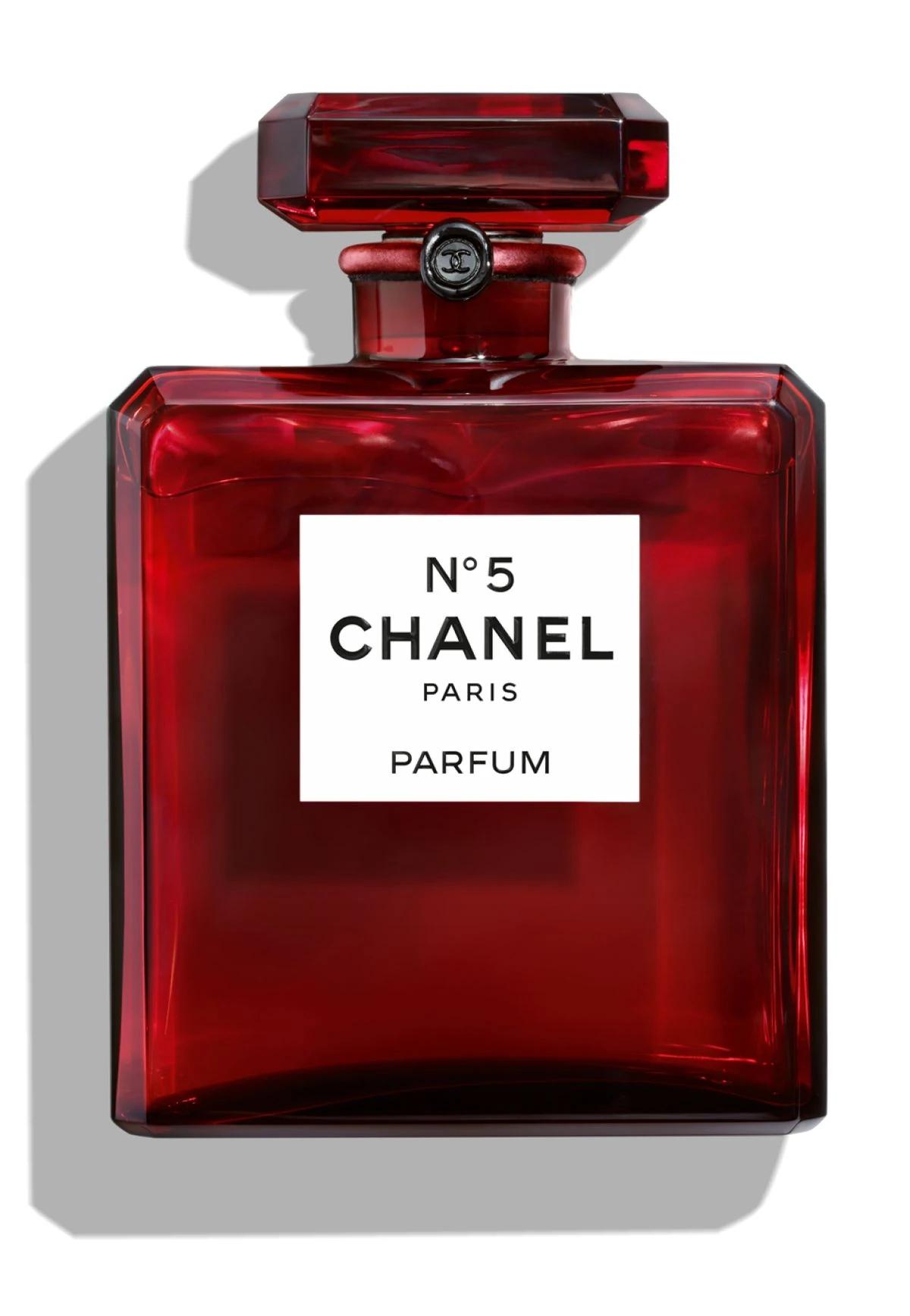
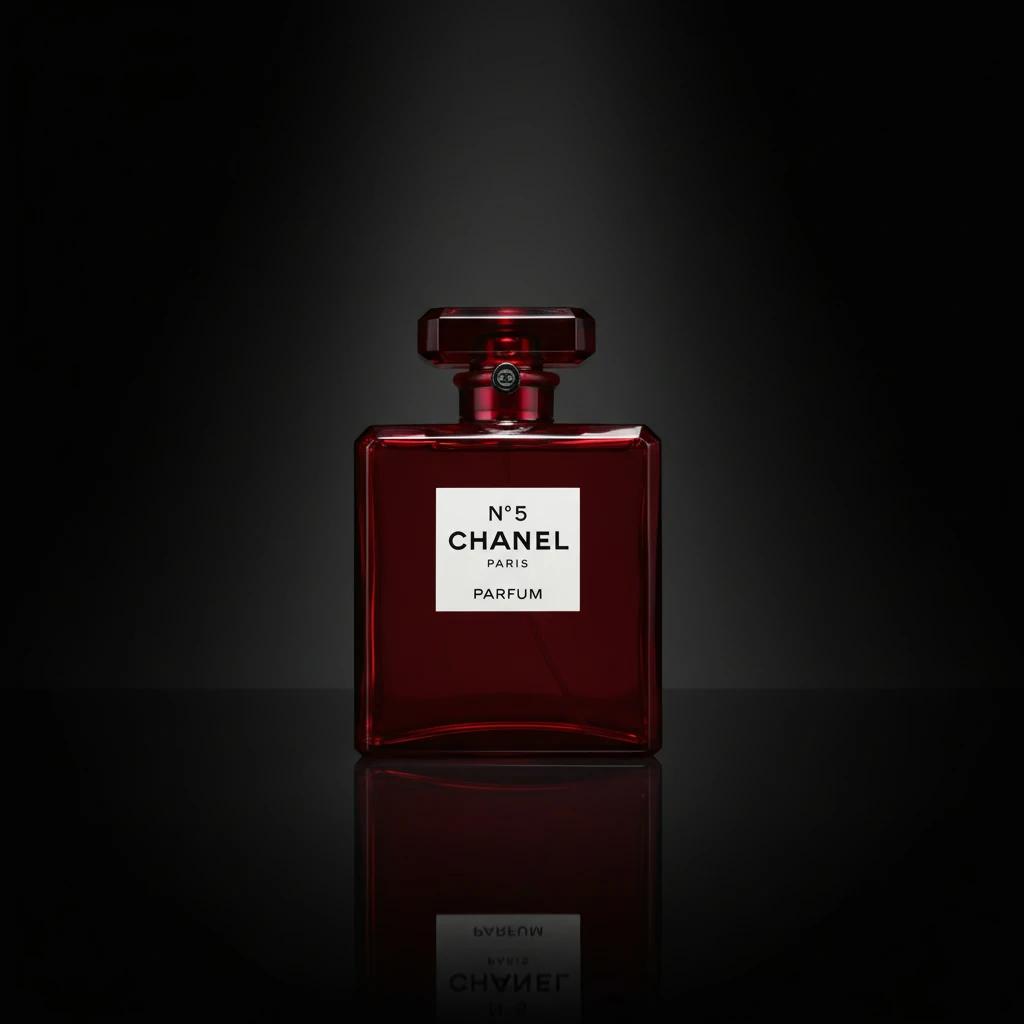
3.4 Mixing LED With Window Light
Window light changes by minute and season; your LED stays fixed. Together they fight for neutrality. If you must mix, block one source or match gels/CTO—otherwise expect unpredictable white balance across a long shoot day.
Data point teams track: Color-related return reasons cluster heavily in categories where materials are satin, sheer, or metallic—exactly where LED product photography errors show up first.
4. How AI Automation Removes Traditional Bottlenecks (Without Replacing Judgment)
AI does not remove taste or brand direction. It removes the repetitive glue work that makes product photography shots expensive at scale.
Where AI typically wins:
- Throughput: Seasonal refreshes, new colorways, and rapid A/B hero tests without booking another full studio day.
- Consistency: Normalized backgrounds, shadow behavior, and framing when source captures vary by contractor or location.
- Relighting and readability: Recovering legible materials when the original capture was “almost there” but not client-ready.
- Variant expansion: Generating additional angles or contexts from a controlled base asset—useful when the PDP needs proof, not just pretty.
Where humans still lead: Hero creative for flagship launches, prop styling with strong cultural cues, and legal-sensitive claims that must match physical reality.
When mistakes are systemic—not one unlucky frame—route the repeatable portion through Lumabox AI product photo shoot tools so your team reviews outputs against a checklist instead of rebuilding every file by hand.
5. A Production Checklist You Can Paste Into a Ticket
- Hero clarity: Is the product name-visible and primary feature legible at thumbnail size?
- Truthfulness: Do materials, seams, ports, and pattern repeats match the unit you ship?
- Lighting neutrality: Are highlights shaped, not blown? Are shadows intentional?
- LED discipline: Single dominant temperature per set; banding test at working shutter; CRI appropriate for category.
- Cross-SKU parity: Same angles, same distance, same focal treatment for variants.
- Channel export: Correct aspect ratio, safe margins, minimum resolution, background compliance.
If more than two items fail, you are not looking at a “quick tweak”—you are looking at a process gap. That is the inflection point where AI-assisted generation and standardization usually pays for itself.
6. Closing the Loop: From Mistakes to Measurable PDP Quality
Strong product photography shots correlate with lower hesitation time on PDPs, fewer “is this the same item?” questions, and fewer color-driven returns in vulnerable categories. LED product photography makes studios faster, but only when color science, reflection control, and capture settings are treated as non-negotiable.
You can keep the craft and shed the backlog: standardize what should be standardized, automate what should be automated, and reserve human hours for decisions that actually move margin.
Ready to ship cleaner heroes and variants without another reshoot cycle? Open Lumabox workspace — product photo shoot and run your next set through guided AI that targets the mistakes above—lighting legibility, background discipline, and scalable outputs built for ecommerce velocity.
Related Articles
- The Ultimate Guide to E Commerce Product Photography in 2026 — end-to-end fundamentals and channel thinking
- How to Fix Bad Lighting in Product Photos Without Expensive Studio Gear — practical recovery paths when captures are underexposed or unevenly lit
- How Color-Correct Product Photography Reduces E-Commerce Return Rates — tying accurate hue and tone to post-purchase satisfaction