Executive Summary
- Data-Driven Success: A data-driven approach to image testing can dramatically improve click-through rates (CTR) and Return on Ad Spend (ROAS).
- Audience Insights: A/B testing reveals which visual elements resonate best with your specific audience.
- AI Efficiency: Leveraging AI generation allows brands to run comprehensive product photography tests in minutes rather than weeks.
Introduction
When it comes to e-commerce, your visual assets are your storefront. Knowing exactly how to test product images is no longer optional; it is essential for maximizing your conversion rates. While many brands rely on gut feeling to select their main hero image, conducting rigorous product photography tests ensures that your creative decisions are backed by hard data.
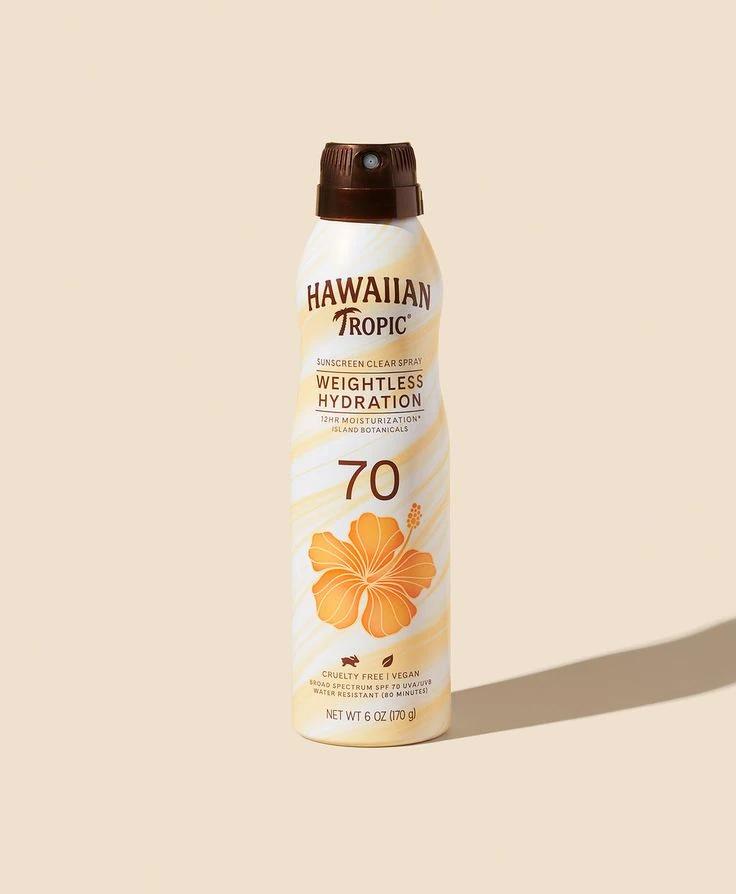
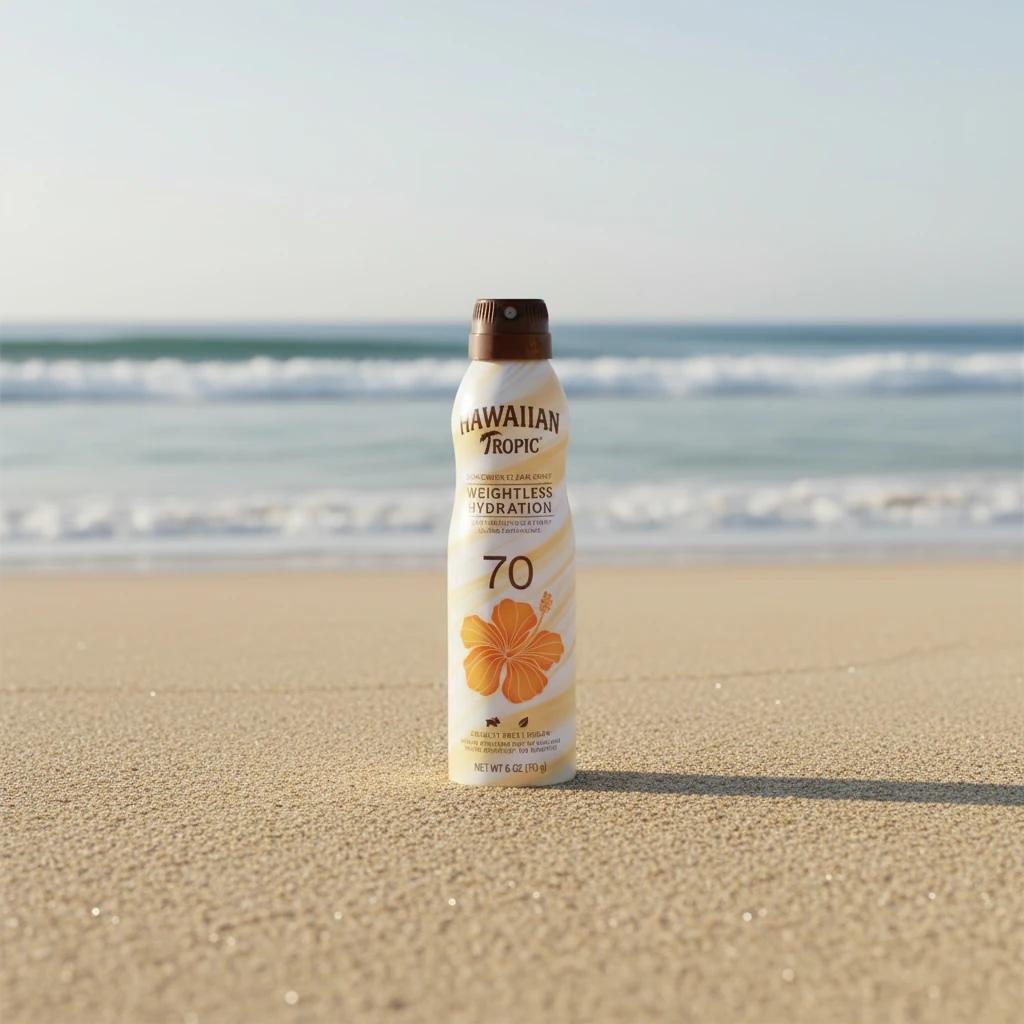
A carefully executed A/B testing strategy will not only lift your CTR but also significantly improve your ROAS by ensuring every advertising dollar points to a high-converting visual.
What to Test in a Product Image
Before you start swapping out visuals, you must isolate the variables. When you test product image variations, focus on these critical elements:
Background Variations
A minimalist white background might work best for a marketplace listing, but a rich, contextual background might drive more engagement on social media.
Lighting Adjustments
Test bright, airy natural lighting against moody, dramatic studio setups to see which evokes the right emotional response from your shoppers.
Product Angles
Does your audience prefer a straight-on shot, a 45-degree angle, or a top-down flat lay? Finding the right angle can highlight your product's best features.
Lifestyle vs. Studio
Determine whether shoppers convert better when seeing the product in use or completely isolated. Integrating lifestyle product photography often helps customers visualize ownership.
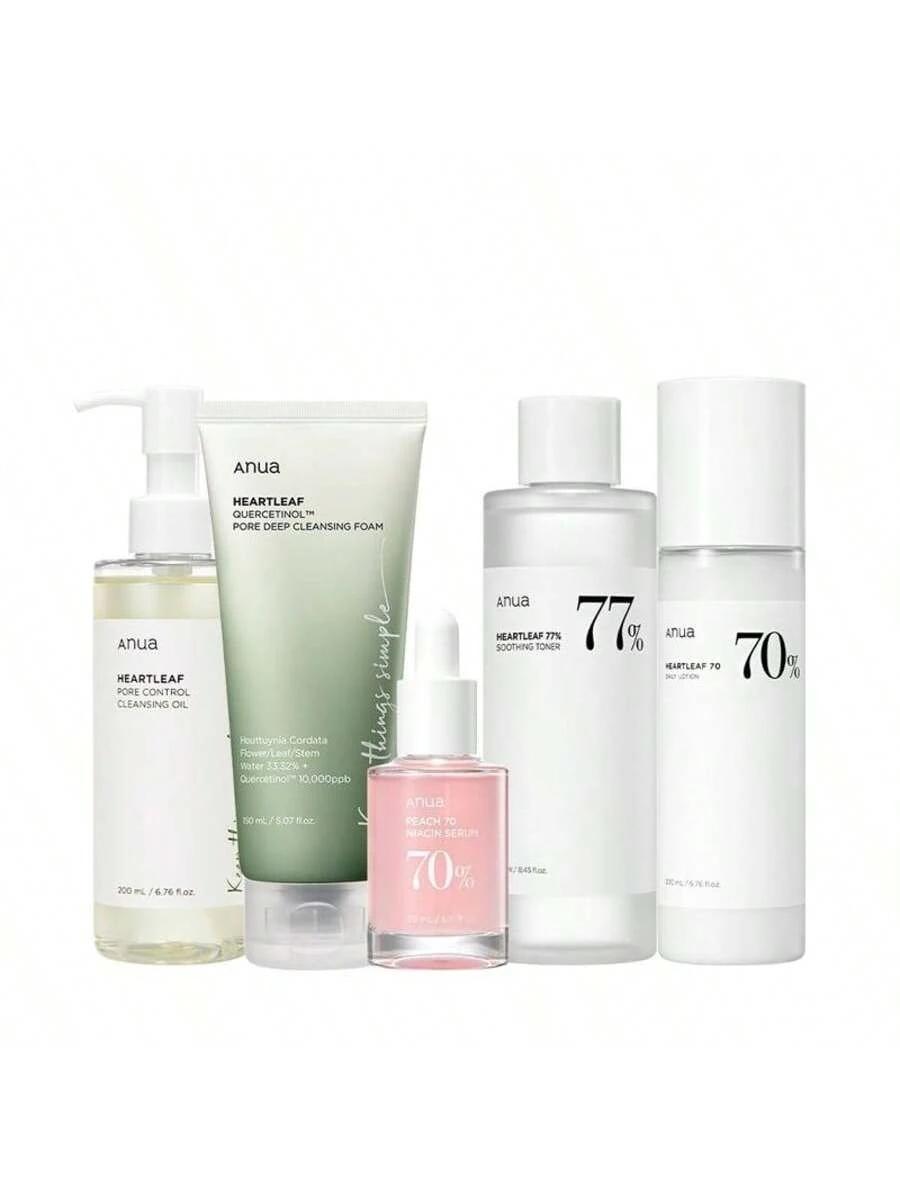
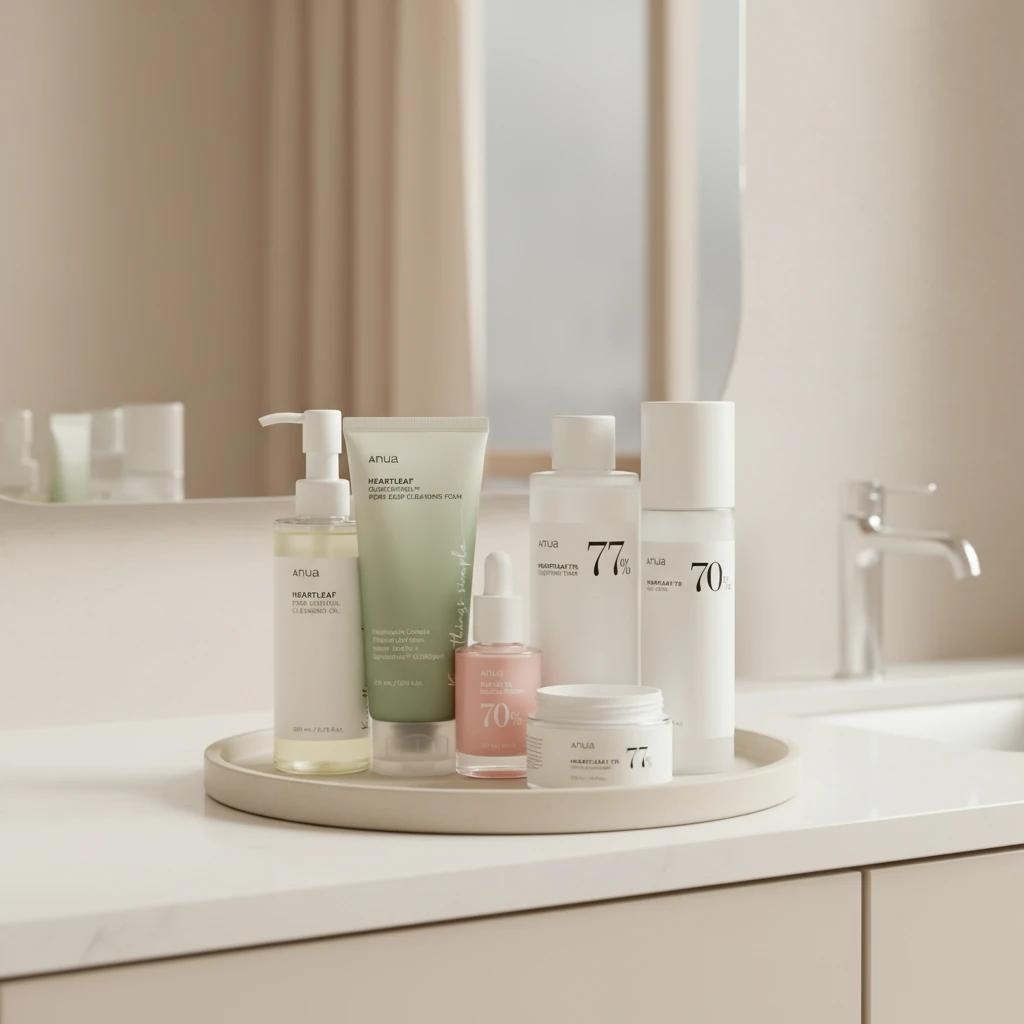
Maintaining visual consistency across these tests is vital so that you only measure the impact of the specific variable you changed.
Step-by-Step Workflow: How to Run a 15-Minute Image Test
You do not need weeks of planning to set up a robust test. Here is how to execute a quick and effective testing cycle:
- Define the Goal: Determine if you are testing for more clicks on a social media ad or more add-to-cart actions on a product page.
- Create the Variations: Use your baseline image as the control and create one distinct variation where only a single element is changed. Make sure your baseline is already polished with professional product photo editing.
- Set Up the Test: Upload both images to your chosen testing platform or advertising manager.
- Run the Traffic: Direct a statistically significant, equal amount of traffic to both images.
- Analyze the Results: Review the data to see which variation yielded higher conversion rates. Once the winner is declared, implement it and plan the next test.
Tools and Platforms for Testing
To effectively measure your product photography tests, you need the right ecosystem. Popular platforms and built-in e-commerce tools on Shopify and Amazon allow for seamless split testing directly on your product pages. For social media campaigns, Facebook and Instagram dynamic ads can automatically test product image variations to find the highest-performing asset for each user segment.
The Role of AI in Rapidly Iterating Test Assets
Historically, preparing multiple image variations required booking a studio, hiring photographers, and waiting days for manual edits. Today, AI generation has completely transformed this workflow, making it one of the most vital strategies among the top AI e-commerce tools.
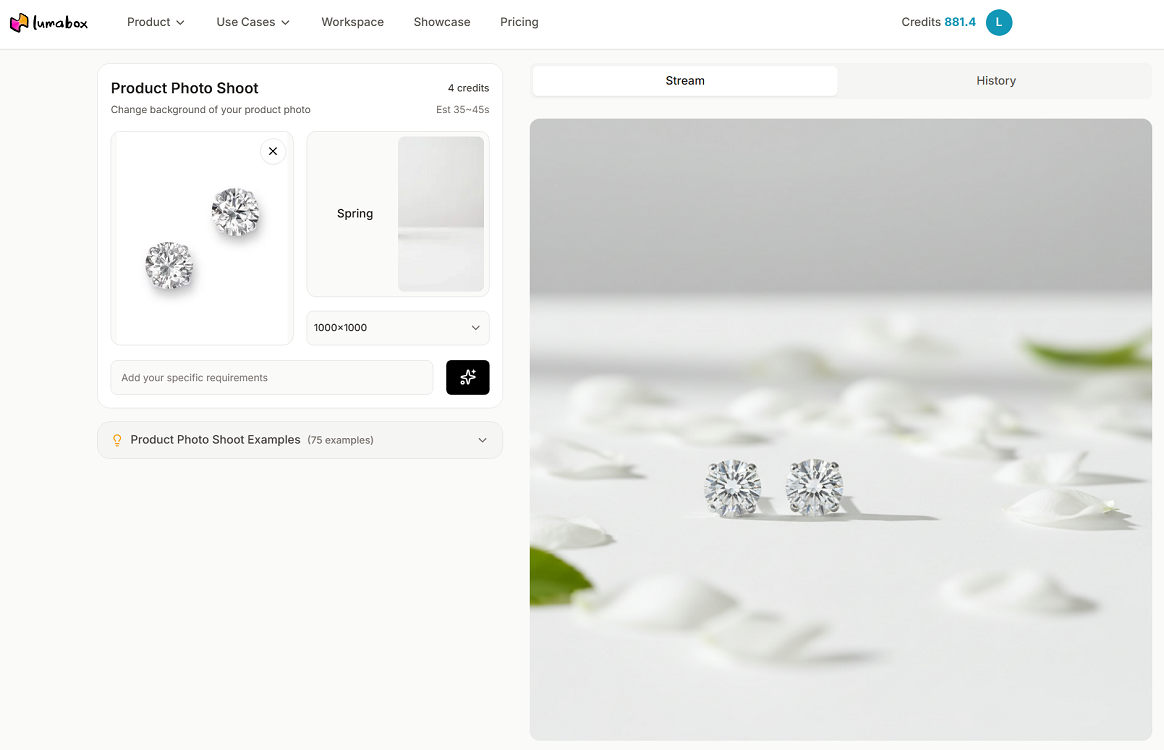
With Lumabox.ai, you can iterate test assets in seconds. Instead of a costly reshoot to see if a kitchen setting works better than a simple gradient backdrop, Lumabox.ai allows you to seamlessly generate different environments, lighting conditions, and angles from a single original photo. By contextualizing your product with AI, you can produce dozens of high-quality variations. This enables continuous, high-velocity A/B testing without the traditional overhead of logistics and budget constraints.
Conclusion
Mastering how to test product images is a crucial step in scaling your e-commerce brand. By systematically testing backgrounds, lighting, and styles, and leveraging AI generation to quickly produce those variations, you guarantee that your visual content is optimized for the highest possible conversion rates. Start your first 15-minute test today, and let the data guide your creative strategy.
Ready to multiply your visual assets without breaking the bank? Try Lumabox.ai today and start generating high-converting product photography in minutes.
Related Articles
- How to Capture and Enhance Professional E-commerce Product Photos: Discover the best practices for shooting high-quality product photos that drive conversions.
- Professional Product Photo Editing Guide: Learn the essentials of photo editing to ensure your baseline images are flawless before you start testing.
- Top AI E-commerce Tools in 2026: Explore the latest AI-driven platforms that are transforming how brands manage their visual assets.
- Lifestyle Product Photography: Understand how putting your products in context can significantly boost customer engagement and sales.